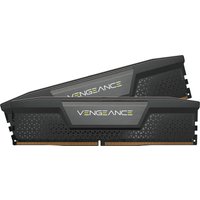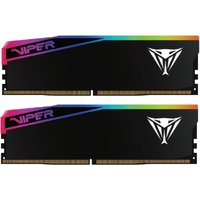
Looking to upgrade the ThinkCentre M80q Gen 4? This guide covers RAM and storage upgrades for the 2024 ThinkCentre M80q Gen 4 (Intel Core i5-14500T).
Supports DDR5 SO-DIMM (up to 64GB, 2 slots) and M.2 2280 NVMe PCIe 4.0 (1 M.2 slot).
ThinkCentre M80q Gen 4 — Quick Specs
| Specification | Details |
|---|---|
| Processor | Intel Core i5-14500T |
| Memory Type | DDR5 SO-DIMM |
| Max RAM | 64GB |
| RAM Slots | 2 SO-DIMM slots |
| Storage | M.2 2280 NVMe PCIe 4.0 |
| M.2 Slots | 1 |
| Year | 2024 |
RAM Upgrade — ThinkCentre M80q Gen 4
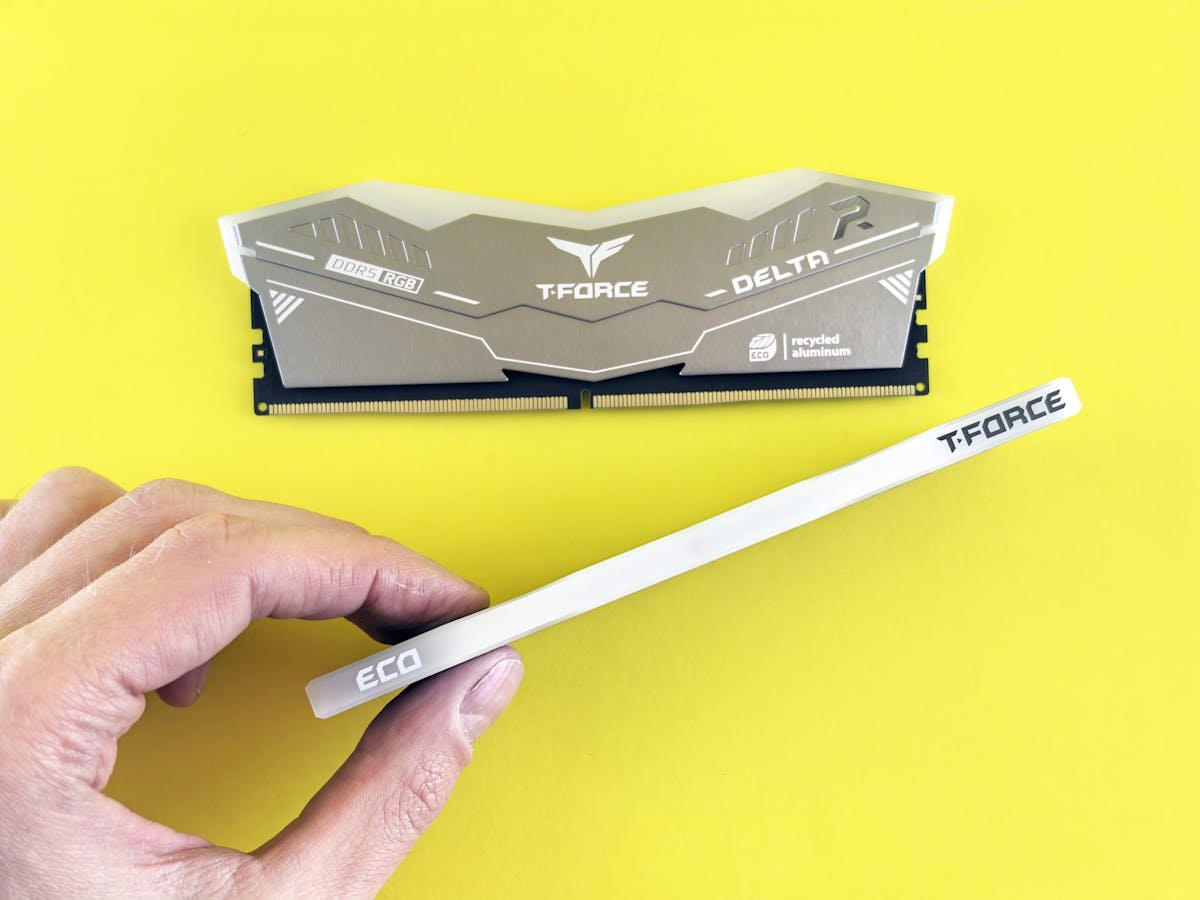
The ThinkCentre M80q Gen 4 has 2 SO-DIMM slots supporting DDR5, max 64GB.
Dual-channel support: For best performance, install matching pairs for dual-channel mode.
Compatible RAM Configurations
| Total | Configuration | Best For | Buy |
|---|---|---|---|
| 16GB | 2x 8GB | Basic multitasking | Check Price |
| 32GB | 2x 16GB | Productivity & light gaming | Check Price |
| 64GB | 2x 32GB | Professional workloads | Check Price |
View Compatible DDR5 SO-DIMM on Amazon UK
SSD Upgrade — ThinkCentre M80q Gen 4

The ThinkCentre M80q Gen 4 supports M.2 2280 NVMe PCIe 4.0 with 1 M.2 slot.
Compatible SSD Options
| Capacity | Interface | Best For | Buy |
|---|---|---|---|
| 256GB | M.2 2280 NVMe | Budget | Check Price |
| 512GB | M.2 2280 NVMe | Standard | Check Price |
| 1TB | M.2 2280 NVMe | Recommended | Check Price |
| 2TB | M.2 2280 NVMe | Power user | Check Price |
View Compatible NVMe SSDs on Amazon UK
Installation Guide — ThinkCentre M80q Gen 4
- Power off and disconnect cables.
- Remove side panel.
- Ground yourself.
- Locate DIMM and M.2 slots.
- RAM: Open clips, align notch, press down.
- SSD: Remove screw, insert at angle, secure.
- Reassemble.
- Power on, verify in BIOS.
Recommended Products
| Product | Type | Why | Buy |
|---|---|---|---|
| DDR5 SO-DIMM Kit | RAM | Compatible for ThinkCentre M80q Gen 4 | View on Amazon |
| M.2 2280 NVMe SSD 1TB | Storage | NVMe upgrade | View on Amazon |
Frequently Asked Questions
What RAM does the ThinkCentre M80q Gen 4 use?
DDR5 SO-DIMM, 2 slots, up to 64GB.
Can I upgrade RAM?
Yes, 2 user-accessible SO-DIMM slots, max 64GB.
What SSD is compatible?
M.2 2280 NVMe PCIe 4.0, 1 M.2 slot.
Maximum storage?
4TB (1x 4TB).
Related Lenovo Upgrade Guides
- Lenovo ThinkStation P3 Ultra RAM & SSD Upgrade Guide (2024)
- Lenovo ThinkCentre M70s Gen 5 RAM & SSD Upgrade Guide (2024)
- Lenovo ThinkCentre M80t Gen 4 RAM & SSD Upgrade Guide (2024)
- Lenovo ThinkCentre M70t Gen 5 RAM & SSD Upgrade Guide (2024)
- Lenovo ThinkCentre M90q Gen 5 RAM & SSD Upgrade Guide (2024)
- Lenovo Upgrade Guide
Not sure what fits? Use our free Compatibility Checker covering 3,195+ models.