Your motherboard determines what CPU, RAM, and expansion cards you can use. Choosing the right one is critical for both current performance and future upgrades. This guide explains every key specification to help you pick the perfect motherboard for your needs.
CPU Socket Compatibility

The most important specification is the CPU socket — your motherboard must match your processor. In 2026, the main options are: AMD AM5 (Ryzen 7000/9000 series, DDR5), Intel LGA 1700 (12th-14th Gen Core, DDR4 or DDR5), and Intel LGA 1851 (15th Gen Core, DDR5). AM5 offers the best long-term upgrade path, as AMD has committed to supporting the socket through at least 2027.
Chipset Tiers Explained
Each platform offers budget, mid-range, and enthusiast chipsets. For AMD AM5: A620 (budget, no overclocking), B650/B650E (mid-range, good feature set), and X670E/X870E (enthusiast, maximum PCIe lanes). For Intel: B760 (mid-range), Z790/Z890 (enthusiast, overclocking). Most gamers should target B650/B650E or B760 — they offer 95% of the features at 60% of the price.
Form Factor — ATX, Micro-ATX, or Mini-ITX
ATX (305x244mm) is the standard size with the most expansion slots and features. Micro-ATX (244x244mm) fits smaller cases while retaining 2-3 expansion slots — excellent value. Mini-ITX (170x170mm) is for compact builds with just one expansion slot. Choose based on your case size and expansion needs.
RAM Support — DDR4 vs DDR5
Check whether the board supports DDR4 or DDR5 — they are not interchangeable. DDR5 boards are the future-proof choice, while some LGA 1700 boards still use DDR4 for budget builds. Also check the maximum RAM capacity (usually 128GB for desktop boards) and number of DIMM slots (2 or 4).
Storage — M.2 Slots and SATA Ports
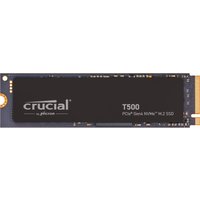
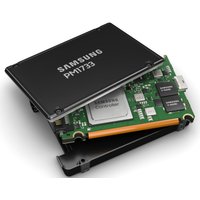
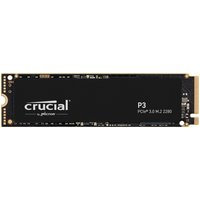
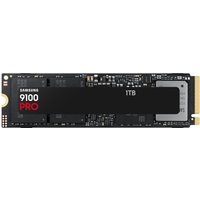
Modern motherboards offer 2-5 M.2 slots for NVMe SSDs plus 4-6 SATA ports. Higher-end boards include PCIe 5.0 M.2 slots for the fastest drives. Ensure the board has enough M.2 slots for your planned SSD configuration.
Frequently Asked Questions
What motherboard should I buy for gaming?
For most gamers, a B650 (AMD) or B760 (Intel) motherboard offers the best balance of features, performance, and price. Step up to X670E or Z790 only if you need overclocking or maximum PCIe lanes.
Does the motherboard affect gaming performance?
Minimally. The motherboard itself doesn’t significantly impact FPS. However, it determines which CPU, RAM speed, and storage options you can use, which do affect performance.
How long do motherboards last?
A quality motherboard typically lasts 5-10 years. The socket determines how many CPU generations you can upgrade to — AM5 currently offers the longest upgrade path.