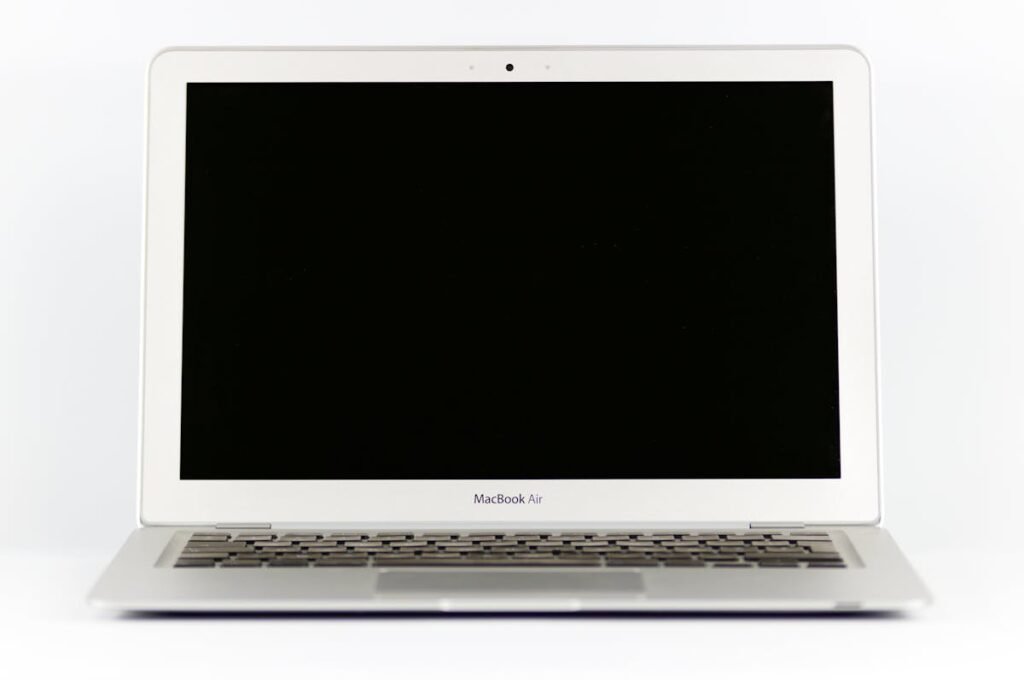
The Acer Spin 3 SP314 (2023) is a popular laptop that many users want to upgrade. This guide covers RAM, SSD, charger compatibility, and upgrade paths for this model. For a comprehensive overview of all Acer upgradeable models, visit the Acer Laptop Upgrades hub.
Spin 3 SP314 Specifications

| Component | Specification |
|---|---|
| Processor | 13th Gen Intel Core i5/i7 (Raptor Lake) |
| RAM Type | DDR4-3200 / DDR5-4800 (model dependent) |
| RAM Slots | 1 SO-DIMM slot (some with soldered base) |
| Max RAM | 16GB (8GB soldered + 8GB SO-DIMM or 16GB soldered) |
| Storage | M.2 2280 NVMe PCIe Gen4 |
| M.2 Slots | 1 M.2 2280 NVMe slot |
| Charger | 65W USB-C Power Delivery |
| Ports | 1x USB-C 3.2 (PD + DP), 2x USB-A 3.2, HDMI, microSD |
| Display | 14″ FHD (1920×1080) IPS touch, 360 hinge |
| Weight | 1.50 kg (3.31 lbs) |
Spin 3 SP314 RAM Upgrade Guide
The Spin 3 SP314 features 1 SO-DIMM slot (some with soldered base) for DDR4-3200 / DDR5-4800 (model dependent) memory, allowing upgrades up to a maximum of 16GB (8GB soldered + 8GB SO-DIMM or 16GB soldered). The upgrade process is straightforward and accessible through the bottom panel.
Recommended RAM Upgrades
- Corsair Vengeance DDR5 SO-DIMM — Premium DDR5 with excellent compatibility across Acer laptops.
- Kingston Fury Impact DDR5 SO-DIMM — Reliable DDR5 with proven performance and solid speeds.
- Crucial DDR5 SO-DIMM — Budget-friendly DDR5 with wide compatibility and reliable performance.
Spin 3 SP314 SSD & Storage Upgrade Guide
The Spin 3 SP314 supports M.2 2280 NVMe PCIe Gen4 storage. The Spin 3 SP314 supports a single M.2 slot. Installation requires removing the bottom panel and is straightforward for most users.
Recommended SSD Upgrades
- Samsung 990 EVO NVMe — Fast, efficient NVMe SSD with excellent endurance and reliability.
- WD Black SN850X NVMe — High-speed NVMe with strong sequential performance for demanding tasks.
- SK Hynix P41 Platinum — Excellent power efficiency and performance — great for laptops.
Spin 3 SP314 Charger Compatibility
The Spin 3 SP314 charges via 65W USB-C Power Delivery. Any USB-C PD charger rated at 65W or above from brands like Anker, Ugreen, or Baseus will work. Higher wattage chargers are also safe — the laptop will only draw the power it needs.
Recommended Chargers
- Anker 100W USB-C PD Charger — Compact GaN charger with multiple ports.
- Ugreen 65W+ USB-C PD Charger — Affordable universal USB-C charger with excellent build quality.
Spin 3 SP314 Dock & Hub Compatibility
The Spin 3 SP314 supports USB-C docking via its USB-C 3.2 port. USB-C hubs and docks from brands like Anker, Ugreen, and Plugable provide excellent expansion for displays, USB peripherals, and Ethernet.
Upgrade Difficulty
The Spin 3 SP314 has a difficulty rating of 3/5 (5 = easiest). The bottom panel is secured with standard Philips screws and can be removed without special tools. Both RAM and SSD upgrades are accessible once the panel is removed.
Tools needed:
- Philips screwdriver (PH1 or PH0)
- Plastic spudger or guitar pick
- ESD wrist strap (recommended)
Frequently Asked Questions
Can I upgrade the RAM in the Acer Spin 3 SP314?
Yes, the Spin 3 SP314 has 1 SO-DIMM slot (some with soldered base) supporting DDR4-3200 / DDR5-4800 (model dependent) memory, upgradeable to 16GB.
What is the maximum RAM for the Acer Spin 3 SP314?
The Spin 3 SP314 supports up to 16GB (8GB soldered + 8GB SO-DIMM or 16GB soldered).
What type of SSD does the Acer Spin 3 SP314 use?
The Spin 3 SP314 uses M.2 2280 NVMe PCIe Gen4. Check the M.2 slot size before purchasing.
Can I use any USB-C charger with the Acer Spin 3 SP314?
Yes, any USB-C PD charger rated at 65W or above will work.
Is upgrading the Acer Spin 3 SP314 difficult?
The upgrade difficulty is rated 3/5. The bottom panel is easily removable with standard Philips screws.
Recommended Products
These are the products we recommend. All links go to Amazon UK.
| Product | Why We Recommend It | Amazon UK |
|---|---|---|
| Corsair Vengeance DDR5 SO-DIMM | Premium DDR5 with excellent compatibility. | View on Amazon UK |
| Kingston Fury Impact DDR5 SO-DIMM | Reliable DDR5 with proven performance. | View on Amazon UK |
| Crucial DDR5 SO-DIMM | Budget-friendly DDR5 with wide compatibility. | View on Amazon UK |
| Samsung 990 EVO NVMe | Fast NVMe SSD with excellent endurance. | View on Amazon UK |
| WD Black SN850X NVMe | High-speed NVMe for demanding tasks. | View on Amazon UK |
| Anker 100W USB-C PD Charger | Compact GaN charger with multiple ports. | View on Amazon UK |
| Anker USB-C Hub 7-in-1 | Compact hub with HDMI, USB-A, SD, Ethernet. | View on Amazon UK |
Prices and availability may vary. As an Amazon Associate, we earn from qualifying purchases.
Related Acer Upgrade Guides
- Best RAM for Acer Laptops 2026
- Acer TravelMate Spin P4 TMP414RN-53 (2023) RAM & SSD Upgrade Guide (2023)
- Acer TravelMate P6 TMP614-53 (2023) RAM & SSD Upgrade Guide (2023)
- Acer TravelMate P4 TMP416-52 (2024) RAM & SSD Upgrade Guide (2024)
- Acer TravelMate P4 TMP414-52 (2023) RAM & SSD Upgrade Guide (2023)
- Acer Upgrade Guide
Not sure what fits? Use our free Compatibility Checker covering 3,195+ models.
Helpful Guides
Shop Compatible Upgrades at PCHub.UK
Prices updated automatically from PCHub.UK — click to view full specs and buy


Prices from PCHub.UK via ComputersDeal. As an affiliate, we may earn from qualifying purchases. Prices updated 2026-04-10 08:16:07.