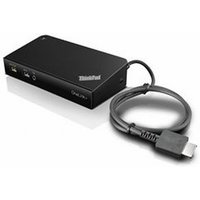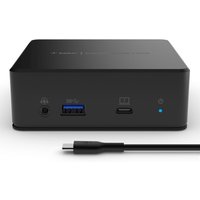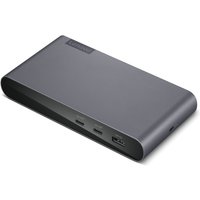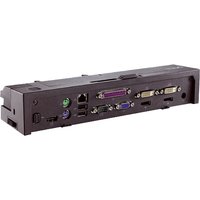
A quality docking station turns your laptop into a full desktop setup with a single cable connection. Modern Thunderbolt 4 and USB-C docks support dual 4K displays, wired ethernet, and charge your laptop simultaneously — essential for productive remote work.
Top Docking Stations for 2026

| Dock | Interface | Displays | Price |
|---|---|---|---|
| CalDigit TS4 | Thunderbolt 4 | Dual 4K@60Hz | ~£350 |
| Dell WD22TB4 | Thunderbolt 4 | Dual 4K@60Hz | ~£280 |
| Anker 577 USB-C | USB-C 3.2 | Dual 4K@60Hz | ~£200 |
Choosing the Right Dock
Check your laptop’s ports — Thunderbolt 4 docks offer the best performance but require a Thunderbolt-equipped laptop. USB-C docks are more universal and often cheaper. DisplayLink docks work with virtually any USB port but add CPU overhead for display rendering. Our Dock Compatibility Guide has detailed recommendations by laptop brand.
Frequently Asked Questions
Do I need Thunderbolt for a docking station?
No — USB-C docks work well for most setups. However, Thunderbolt 4 docks offer higher bandwidth, more reliable dual-display support, and faster data transfer.
Can a docking station charge my laptop?
Most Thunderbolt and USB-C docks provide 60-100W of power delivery, enough to charge most laptops while in use.
Recommended Docking Stations
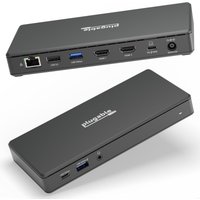
PLUGABLE TECHNOLOGIES
Plugable Technologies USB C Docking Station Dual Monitor 2 HDMI Ports.
£140.22
View Deal