

What Photo Editors Need

Photo editing in Lightroom and Photoshop benefits from fast storage (catalogue browsing), ample RAM (16-32GB for large files), and a colour-accurate display. SSD speed directly impacts how quickly you can import, browse, and export large photo libraries.
RAM Recommendations
16GB minimum for casual photography. 32GB recommended for professional work with large RAW files, HDR merging, and panorama stitching. For Photoshop users working with many layers and large canvas sizes, 32GB prevents slowdowns from disk swapping.
Storage Strategy
Use a fast NVMe SSD (1-2TB) for your active Lightroom catalogue and recent shoots. Archive completed projects to an external SSD or NAS. A 2TB Samsung 990 Pro provides excellent catalogue performance.
| Component | Recommendation | Buy |
|---|---|---|
| RAM 32GB DDR5 | Crucial DDR5-5600 2x16GB SODIMM | Check Price |
| SSD 2TB NVMe | Samsung 990 Pro 2TB | Check Price |
Frequently Asked Questions
Is 16GB RAM enough for Lightroom?
16GB works for casual use but 32GB provides noticeably smoother performance with large catalogues and RAW files.
Recommended DDR5 Laptop RAM

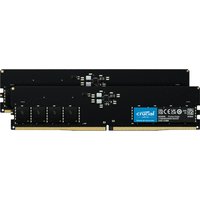

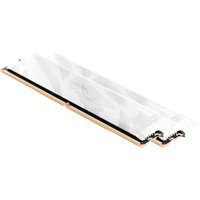
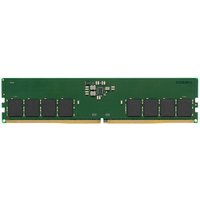
Kingston Technology
Kingston Technology KCP556US8-16 memory module 16 GB 1 x 16 GB DDR5 56
£237.73
View Deal

