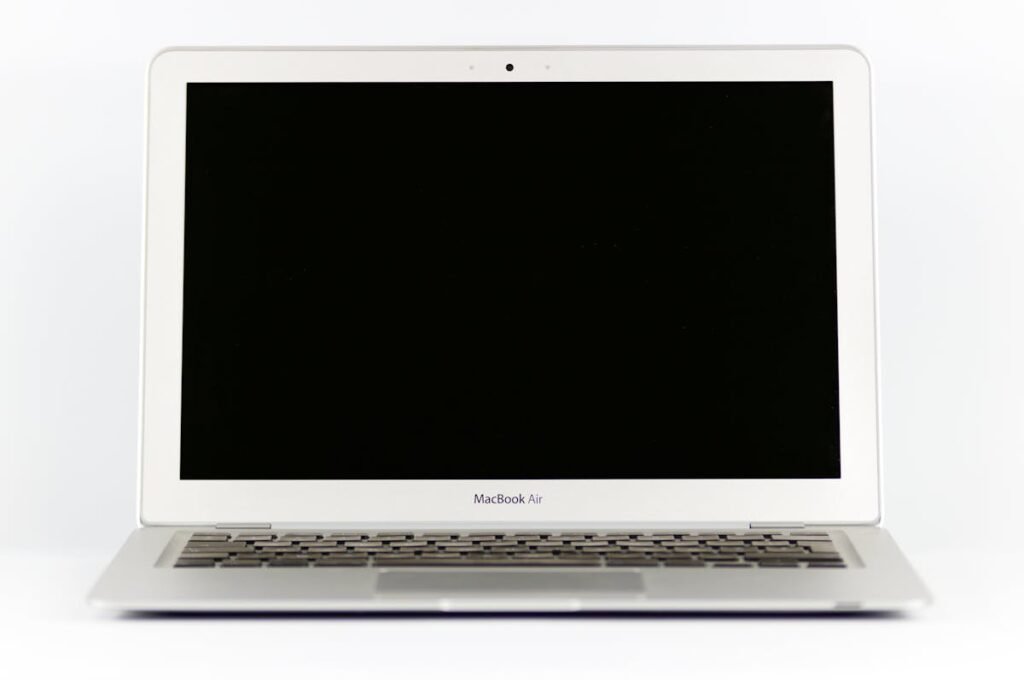
Adobe Photoshop, Illustrator, and InDesign all benefit from more RAM — particularly when working with large canvas sizes, multiple artboards, and complex vector illustrations. A fast SSD also dramatically reduces file save and export times.
Recommended Upgrades for Designers

| Upgrade | Impact | Cost |
|---|---|---|
| RAM: 16GB → 32GB DDR5 | Smoother Photoshop with large files | ~£65 |
| SSD: 512GB → 2TB NVMe | Room for projects + scratch disk | ~£120 |
| External 4K Colour-Accurate Monitor | Accurate colour proofing | ~£300+ |
Photoshop RAM Requirements
Adobe recommends 16GB minimum for Photoshop, but real-world usage with large PSDs (100+ layers, 8000px+ canvas) easily requires 32GB. Set Photoshop’s memory allocation to 70-80% of total RAM for optimal performance.
Frequently Asked Questions
How much RAM does Photoshop actually use?
A typical workflow with multiple large PSDs open can consume 12-20GB. 32GB gives comfortable headroom.
Is a colour-accurate monitor worth it?
If your work is for print or requires precise colours, a monitor covering 100% sRGB and 95%+ DCI-P3 is essential.
Shop Compatible Upgrades at PCHub.UK
Prices updated automatically from PCHub.UK — click to view full specs and buy


Prices from PCHub.UK via ComputersDeal. As an affiliate, we may earn from qualifying purchases. Prices updated 2026-04-10 13:15:58.