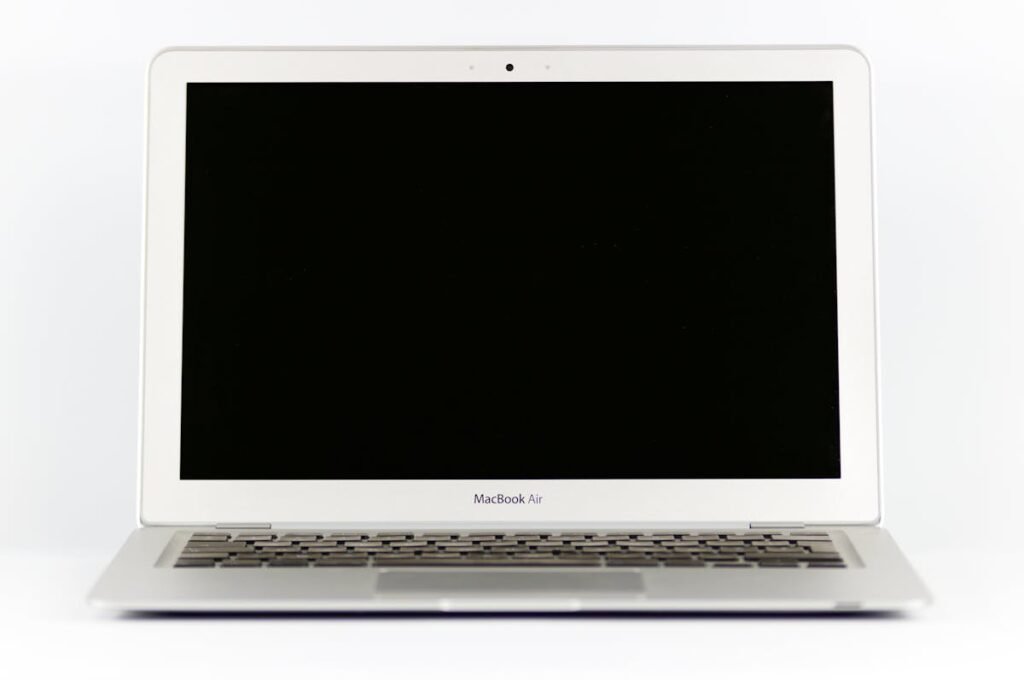
Most student laptops ship with 8GB RAM and a 256GB SSD — fine for basic tasks but frustrating when running multiple apps, browser tabs, and development tools. A simple RAM and SSD upgrade can make your laptop feel brand new for under £80 total.
Recommended Student Upgrades

| Upgrade | Why | Cost |
|---|---|---|
| RAM: 8GB → 16GB DDR4 | Smoother multitasking | ~£18 |
| SSD: 256GB → 1TB NVMe | 4x more storage | ~£50 |
| USB-C Hub with HDMI | Connect to monitors/projectors | ~£20 |
Check Your Laptop’s Upgrade Options
Not all student laptops can be upgraded — some ultrabooks have soldered RAM. Use our brand-specific guides to check: Dell, HP, Lenovo, ASUS, Acer. Many budget laptops like the Acer Aspire and Lenovo IdeaPad have accessible upgrade panels.
Student Discounts on Tech
Many UK retailers offer student discounts: Amazon Prime Student (6 months free), Apple Education Store (up to 10% off), and Dell/Lenovo education stores with significant discounts. Always check UNiDAYS and Student Beans before purchasing components.
Frequently Asked Questions
What’s the cheapest way to speed up my student laptop?
Adding an extra 8GB RAM stick (if your laptop has a free slot) is the cheapest impactful upgrade at around £15-20. This doubles your RAM from 8GB to 16GB.
Can I upgrade my Chromebook?
Most Chromebooks have soldered RAM and storage that cannot be upgraded. Consider using external storage or cloud solutions instead.
Shop Compatible Upgrades at PCHub.UK
Prices updated automatically from PCHub.UK — click to view full specs and buy


Prices from PCHub.UK via ComputersDeal. As an affiliate, we may earn from qualifying purchases. Prices updated 2026-04-10 13:15:58.