The drives you put in your NAS are just as important as the NAS itself. Using the wrong drives leads to premature failures, excessive noise, and poor performance. This guide covers everything you need to know about choosing NAS drives.
Why NAS-Rated Drives Matter
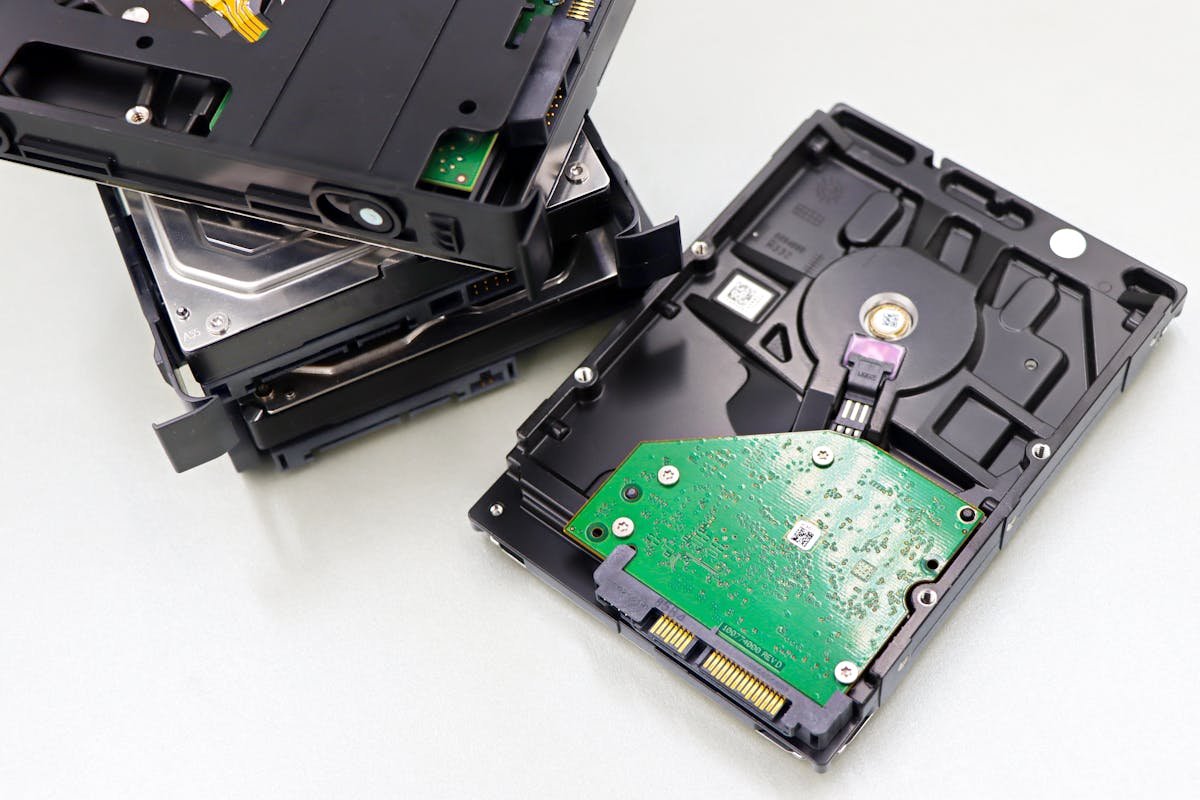
NAS-rated drives are engineered for 24/7 operation in multi-bay enclosures. Key differences from desktop drives include: vibration compensation sensors (critical in multi-bay setups), firmware optimised for RAID arrays, higher workload ratings (180-300TB/year vs 55TB/year), longer warranty periods (3-5 years vs 2 years), and support for TLER (Time-Limited Error Recovery) to prevent RAID rebuilds from timing out.
Seagate IronWolf vs WD Red Plus
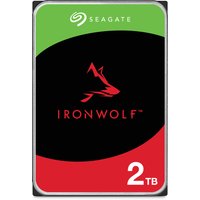
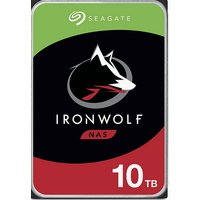
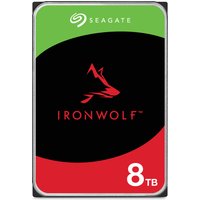
The two leading NAS drive families offer comparable reliability and performance. Seagate IronWolf drives feature AgileArray technology for multi-bay vibration protection and include free Rescue Data Recovery. WD Red Plus drives use CMR (not SMR) recording for better RAID performance and come with a 3-year warranty. Both are excellent choices — pick whichever offers the better price at the time of purchase.
| Drive | Capacity | Buy |
|---|---|---|
| Seagate IronWolf | 4TB / 8TB / 12TB / 16TB | Check Price |
| WD Red Plus | 4TB / 8TB / 12TB / 14TB | Check Price |
Enterprise vs Consumer NAS Drives
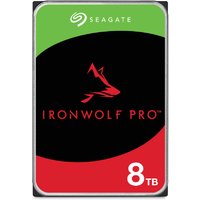
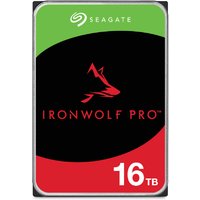
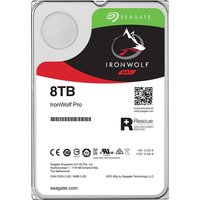
Enterprise drives like Seagate IronWolf Pro and WD Red Pro offer higher workload ratings (300TB/year), 5-year warranties, and more robust vibration resistance. They cost 30-50% more than consumer NAS drives. Choose enterprise drives for 6+ bay setups, business-critical data, or high-workload applications like surveillance or database hosting.
NVMe SSD Cache Drives for NAS
Many modern NAS devices support M.2 NVMe SSDs as read/write cache. A pair of 500GB-1TB NVMe drives in a caching configuration dramatically improves random I/O performance for frequently accessed files. The Samsung 980 Pro and WD Black SN770 are excellent NAS cache choices.
Frequently Asked Questions
Can I use desktop drives in a NAS?
Technically yes, but it is not recommended. Desktop drives lack TLER support, vibration compensation, and 24/7 reliability ratings. They may cause RAID issues and fail prematurely.
How long do NAS drives last?
With proper cooling and vibration management, NAS-rated drives typically last 3-5 years under normal home usage. Monitor drive health using SMART data.
Should I buy all NAS drives at once?
Buying drives from different batches (different serial number ranges) reduces the risk of simultaneous failure from manufacturing defects.