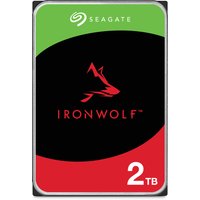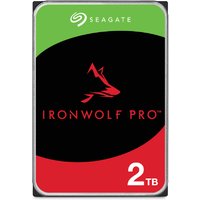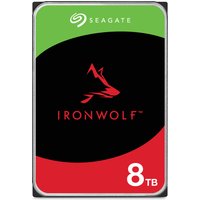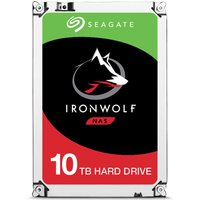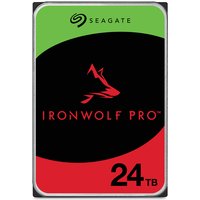
Standard desktop hard drives are not designed for the 24/7 operation and vibration environment inside a NAS enclosure. NAS-rated drives like the Seagate IronWolf and WD Red Plus include firmware optimisations for RAID arrays, vibration sensors, and longer warranty periods.
Top NAS Drives for 2026
| Drive | Capacity | Speed | Warranty | Price |
|---|---|---|---|---|
| Seagate IronWolf 4TB | 4TB | 5,400 RPM | 3 years | ~£90 |
| WD Red Plus 4TB | 4TB | 5,400 RPM | 3 years | ~£85 |
| Seagate IronWolf Pro 8TB | 8TB | 7,200 RPM | 5 years | ~£200 |
SSD Cache Drives for NAS
Adding an NVMe SSD cache to your NAS dramatically improves random read/write performance. The Seagate IronWolf 525 and WD Red SN700 are purpose-built for NAS caching, with high endurance ratings suited to constant write operations.
Frequently Asked Questions
Can I use a regular desktop HDD in my NAS?
You can, but it’s not recommended long-term. Desktop drives lack the vibration tolerance, firmware optimisations, and workload ratings needed for reliable 24/7 NAS operation.
How much storage for a home NAS?
A 2-bay NAS with 2x4TB drives in RAID 1 (mirror) gives 4TB of redundant storage — enough for most home users.