

With Micron exiting the consumer SSD market in 2026, the popular Crucial BX500 SATA SSD is being discontinued. If you relied on the BX500 as an affordable, reliable storage upgrade, you’ll need a worthy replacement. This guide covers the best alternatives that match or exceed the BX500’s performance, reliability, and value.
Why the Crucial BX500 Is Being Discontinued
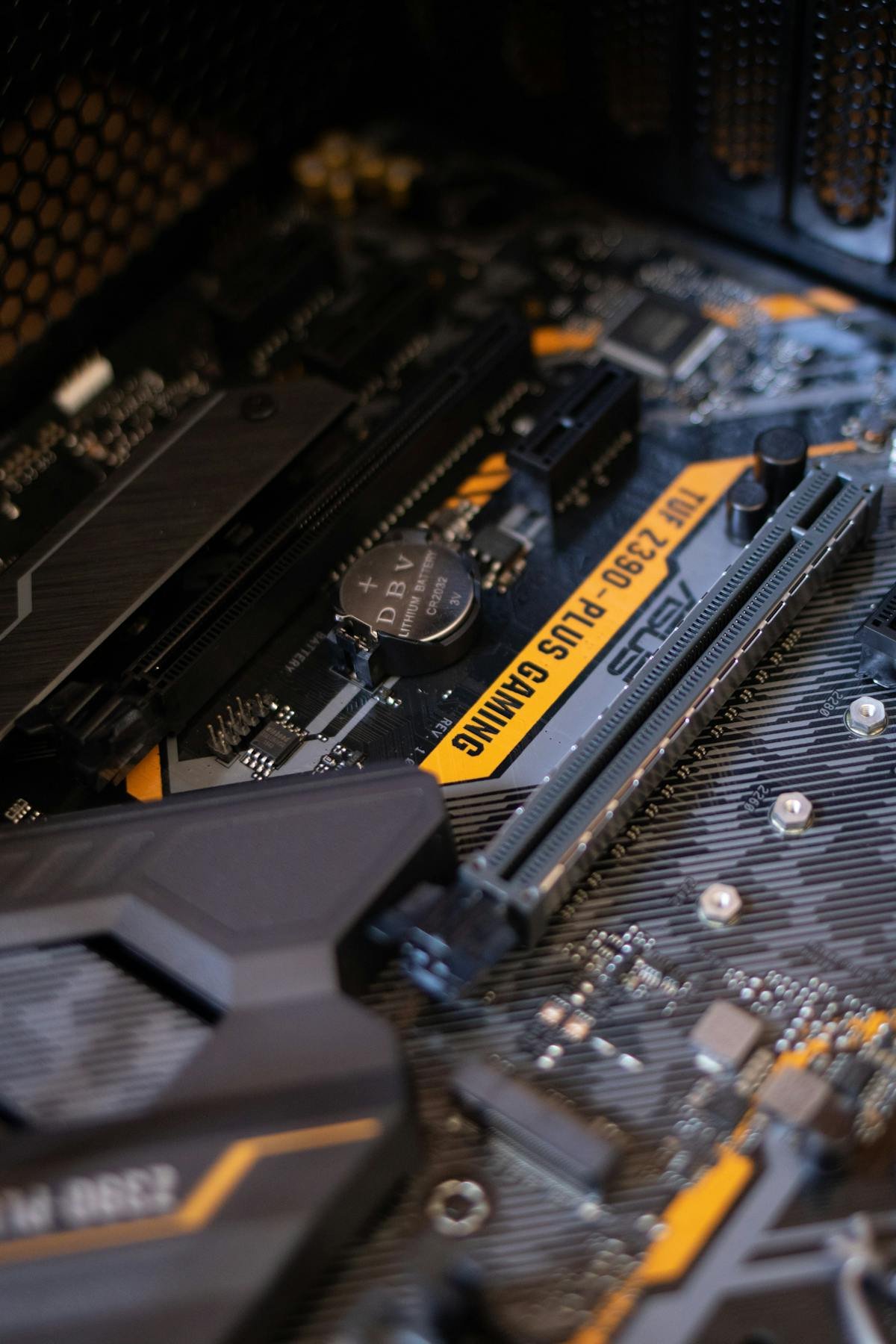
Micron announced in early 2026 that it would be exiting the consumer storage market entirely, discontinuing all Crucial-branded SSDs including the BX500, MX500, P3, and P5 Plus. The company is refocusing on enterprise and data centre storage products. This means the BX500 — long a favourite budget SATA SSD — will no longer be available once current stock runs out.
Crucial BX500 Key Specifications
Before looking at replacements, here are the specs you’re matching against:
| Specification | Crucial BX500 |
|---|---|
| Interface | SATA III (6Gb/s) |
| Form Factor | 2.5-inch |
| Sequential Read | Up to 540 MB/s |
| Sequential Write | Up to 500 MB/s |
| Capacities | 240GB, 480GB, 1TB, 2TB |
| NAND Type | 3D NAND |
| DRAM Cache | No (DRAMless) |
| Endurance (1TB) | 360 TBW |
| Warranty | 3 years |
Best Crucial BX500 Replacements
1. Kingston A400 — Best Direct Alternative
The Kingston A400 is the closest match to the BX500 in terms of positioning and price. It’s a DRAMless SATA SSD with similar read/write speeds and the same budget-friendly approach. Available in 120GB to 1.92TB capacities, it’s widely available and competitively priced.
- Read/Write: Up to 500/450 MB/s
- Capacities: 120GB – 1.92TB
- Warranty: 3 years
- Best for: Like-for-like BX500 replacement on a budget
View Kingston A400 on Amazon UK →
2. Samsung 870 EVO — Best Performance Upgrade
If you want a step up from the BX500, the Samsung 870 EVO is the gold standard SATA SSD. It includes a DRAM cache for consistently fast performance, Samsung’s reliable V-NAND, and a 5-year warranty. It costs more than the BX500 but delivers noticeably better sustained write performance.
- Read/Write: Up to 560/530 MB/s
- Capacities: 250GB – 4TB
- Warranty: 5 years
- Best for: Users wanting the best SATA SSD available
View Samsung 870 EVO on Amazon UK →
3. WD Blue SA510 — Best Balanced Option
The WD Blue SA510 offers a middle ground between budget and premium. It provides consistent performance with good endurance ratings and Western Digital’s 5-year warranty. A solid all-rounder that slightly edges out the BX500 on reliability.
- Read/Write: Up to 560/520 MB/s
- Capacities: 250GB – 4TB
- Warranty: 5 years
- Best for: Everyday computing with better warranty than BX500
View WD Blue SA510 on Amazon UK →
4. TeamGroup CX2 — Best Budget Pick
For those strictly watching costs, the TeamGroup CX2 is one of the cheapest SATA SSDs available. Like the BX500, it’s DRAMless, but delivers decent everyday performance at rock-bottom prices.
- Read/Write: Up to 540/490 MB/s
- Capacities: 256GB – 2TB
- Warranty: 3 years
- Best for: Absolute cheapest BX500 replacement
View TeamGroup CX2 on Amazon UK →
Comparison Table: BX500 vs Alternatives
| SSD | Read | Write | DRAM | Warranty | Best For |
|---|---|---|---|---|---|
| Crucial BX500 | 540 MB/s | 500 MB/s | No | 3 years | Discontinued |
| Kingston A400 | 500 MB/s | 450 MB/s | No | 3 years | Direct swap |
| Samsung 870 EVO | 560 MB/s | 530 MB/s | Yes | 5 years | Performance |
| WD Blue SA510 | 560 MB/s | 520 MB/s | No | 5 years | Balance |
| TeamGroup CX2 | 540 MB/s | 490 MB/s | No | 3 years | Budget |
Should You Switch to NVMe Instead?
If your laptop or desktop has an M.2 NVMe slot available, consider upgrading to an NVMe SSD instead of replacing the BX500 with another SATA drive. NVMe drives offer 5-7x faster speeds at similar prices. Check our SSD Compatibility Guide to see what your system supports.
Frequently Asked Questions
Can I use any SATA SSD to replace my Crucial BX500?
Yes. All 2.5-inch SATA SSDs use the same interface and form factor, so any of the alternatives listed above will work as a direct physical replacement in any system that currently uses a BX500.
Will I lose my data when switching SSDs?
You’ll need to either clone your existing drive to the new SSD using free software like Macrium Reflect or Samsung Data Migration, or perform a fresh installation of your operating system. See our SSD cloning guide for step-by-step instructions.
Is the Crucial MX500 also being discontinued?
Yes. All Crucial consumer SSDs are being discontinued as part of Micron’s exit from the consumer storage market. Check our Crucial warranty and support guide for details on what happens to existing warranties.
Shop Budget SATA SSDs at PCHub.UK
Prices updated automatically from PCHub.UK — click to view full specs and buy

Prices from PCHub.UK via ComputersDeal. As an affiliate, we may earn from qualifying purchases. Prices updated 2026-04-10 13:15:58.

