
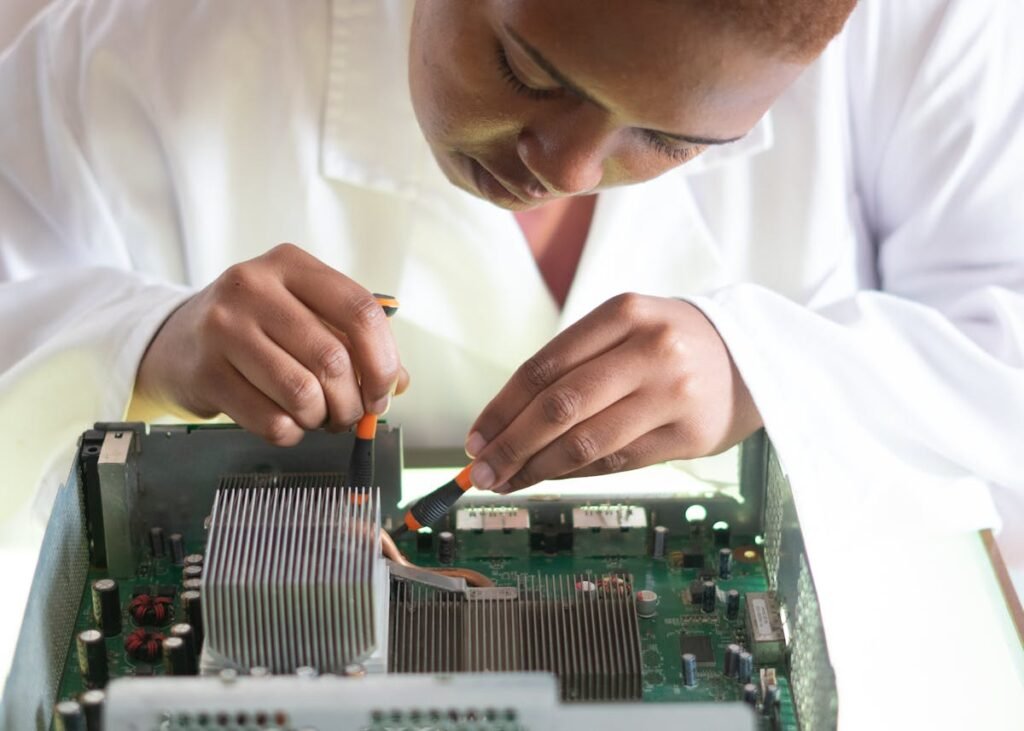
Crucial announced in December 2025 that Micron is exiting the consumer storage market by June 2026. For anyone owning a Crucial SSD or RAM module, the big question is: what happens to my warranty and support? Here’s exactly what Micron has committed to, how to claim warranty coverage after the shutdown, and what you need to know about RMA returns and product support.
Crucial Warranty: What Micron Has Promised

Micron has publicly committed to honouring all existing Crucial consumer product warranties through their full terms — even after exiting the market. This is not a guarantee being rescinded. Your 5-year warranty on a Crucial MX500 remains valid through its full 5 years, regardless of when Crucial closes operations.
Let’s be clear on the timeline: If you bought a Crucial product in January 2026, your warranty runs until January 2031 — and Micron will honour that claim even if they’ve closed their consumer division by June 2026.
Warranty coverage includes:
- Manufacturing defects (failed NAND, controller failure)
- Premature wear (SSD failing before rated endurance)
- Data loss from hardware failure
- RAM modules showing reduced capacity or errors
- Free replacement or repair at Micron’s discretion
Warranty does NOT cover:
- Physical damage (drops, liquid spills, bent pins)
- Improper installation (bent connectors, static damage)
- Use beyond rated specifications
- Accidental data deletion (not a hardware issue)
How to File a Crucial Warranty Claim (2026)
Step 1: Check Your Warranty Status
Before filing a claim, verify your product is still under warranty. Visit support.micron.com or the Crucial product support page. You’ll need:
- Product serial number (printed on the drive or RAM module)
- Purchase date or receipt
- Proof of ownership
For SSDs, the serial number is printed on a label on the bottom. For RAM, it’s on the module itself. If you’ve lost the receipt, Micron may accept bank statements or order confirmations from the retailer.
Step 2: Initiate an RMA (Return Merchandise Authorization)
Contact Micron Support via email at support.crucial.com with:
- Product model and capacity (e.g., “Crucial MX500 1TB”)
- Serial number
- Symptoms (drive not detected, SMART errors, failed health check)
- Date of purchase and proof
Micron will assign you an RMA number. Keep this number — you’ll need it for tracking. The support team typically responds within 2-3 business days with a return address and instructions.
Step 3: Ship and Wait for Replacement
Micron will provide a shipping label (usually pre-paid) or instructions for where to send the faulty product. Pack it carefully in padded packaging to avoid further damage in transit. Include the RMA number on the outside of the box.
Typical RMA timeline:
- Support response: 2-3 days
- Shipping time to Micron: 5-7 days
- Processing and testing: 5-10 days
- Replacement shipping back to you: 5-7 days
- Total: 17-27 days in most cases
If Micron is still operating a repair centre, the process is straightforward. If the facility is in wind-down mode (late 2026), expect delays of 30-45 days as staff are reduced.
Warranty Coverage by Product Type
Crucial SSDs (MX500, BX500, P3, P5, T700, etc.)
Warranty: 5 years (or 10 years for enterprise drives, not covered here)
Endurance: Measured in Total Bytes Written (TBW). Example: MX500 250GB is rated for 110 TBW. This means if your MX500 fails before writing 110TB of data, Micron replaces it. Most consumer workloads (browsing, office work, gaming) never exceed this limit.
What fails and how often: Modern SSDs fail due to NAND wear (very rare under rated TBW) or controller failure (uncommon). Failure rates are under 0.5% per year — lower than hard drives. Your MX500 is more likely to outlast your laptop than fail.
Crucial RAM (DDR4, DDR5, SO-DIMM, DIMM)
Warranty: Lifetime warranty on all Crucial RAM modules (one of the best in the industry)
This is rare. Most RAM is 5-year warranty. Crucial gave lifetime coverage because RAM is extremely reliable — failure is almost always a manufacturing defect. Your Crucial RAM warranty remains lifetime even after Micron shuts down.
Common RAM failures: A single bit error showing up during stress tests, module not recognized by BIOS, reduced capacity detected. If you see these, the module is usually defective and Micron will replace it free.
What Happens to Support After June 2026?
Support Channels During Wind-Down (June 2026 – End 2026)
Micron has committed to maintaining a support centre through end of 2026 specifically to handle warranty claims from the consumer market shutdown. You can still file RMAs during this period. Response times may be slower as the team scales down, but the service will operate.
Expected response SLA (2026 wind-down period):
- June–August 2026: Normal 2-3 day response
- September–October 2026: Extended to 5-7 days (likely delays)
- November–December 2026: May experience 10+ day delays
Recommendation: If you suspect a warranty issue, submit it before October 2026 to avoid end-of-year delays.
Support After December 2026
Micron has not yet detailed what happens to warranty claims filed after consumer operations cease. Best assumption: support transfers to a minimal team or is handled via standard commercial customer service. Claims may take 60-90 days to process.
This is why filing early is crucial. Get your warranty claim submitted by November 2026 if possible, so Micron processes it while the dedicated wind-down team is still in place.
Do You Need an RMA? Troubleshooting Guide
SSD Not Detected by BIOS
First, try: Reseat the drive (remove and reinstall), update BIOS, try another M.2 slot (if applicable). If the drive still isn’t detected after these steps, file an RMA — it’s likely a controller failure.
SMART Errors or Hard Drive Health Warnings
What to check: Run CrystalDiskInfo (free tool) or Crucial Storage Executive to pull full SMART data. If you see “Reallocated Sector Count” or “CRC Errors” rising, the drive is failing. File an RMA immediately.
Random Slowdowns or Freezes
First try: TRIM the drive, update firmware, check for bad sectors. If the drive still has issues after these steps and SMART looks clean, contact support but expect investigation time. May not be warranty-eligible if SMART data shows no errors.
RAM Module Not Fully Recognized
First try: Reseat the RAM, try individual slots, test each module separately. If one module shows errors in Memtest86+ or Windows Memory Diagnostic while the other is fine, the failing module is defective. File an RMA for that module.
Alternative Support: Data Recovery
If a Crucial SSD fails and you need data recovery (beyond what warranty covers), third-party recovery services can retrieve data from failed drives. This is expensive (£300-500+) and not covered by Crucial warranty, but it’s an option if the drive contains critical data you can’t replace.
Recovery success rate: 70-90% if the controller is still functional, 30-50% if the controller failed. If all you need is the warranty replacement, skip recovery.
Should You Buy Crucial Before the Shutdown?
If you’re deciding whether to buy remaining Crucial stock before June 2026, here’s the practical answer: Yes, if the price is right. No, if you have to pay a premium.
Why buy Crucial: Warranty is guaranteed through its full term. Your 5-year coverage is rock-solid.
Why buy alternatives instead: Samsung, Kingston, and WD offer identical performance and arguably better long-term support visibility. You’ll save money and get the same warranty terms.
Price rule: If Crucial is 10% cheaper than alternatives, buy it. If it costs the same or more, buy Samsung 870 EVO or Kingston instead.
Key Takeaways
- Crucial warranties are guaranteed through their full terms — even after Micron exits consumer market
- File RMA claims before November 2026 to avoid end-of-year delays
- Lifetime warranty on RAM, 5-year on SSDs remains valid
- RMA process typically takes 17-27 days (expect delays after October 2026)
- Check SMART data and reseat hardware before filing warranty claims
- Failure rates on Crucial products are very low — most users will never need warranty
Frequently Asked Questions
Will Crucial warranty claims still be accepted after June 2026?
Yes. Micron has committed to honouring all existing product warranties through their full terms. A 5-year warranty purchased in 2025 will be valid through 2030.
How long does an RMA take?
Typically 17-27 days: 2-3 days for support response, 5-7 days to ship to Micron, 5-10 days for testing, 5-7 days for replacement to arrive. Expect longer times after October 2026.
Do I need a receipt to file warranty?
Ideally yes, but if you’ve lost it, Micron may accept bank statements or order confirmations from your retailer. Have the serial number ready — that’s the key identifier.
Is Crucial RAM warranty really lifetime?
Yes. All Crucial RAM carries lifetime warranty. This is one of the best warranties in the RAM industry and remains valid after Micron’s exit.
What if my Crucial product fails in 2027?
If purchased before the exit and still within warranty period, Micron will process the claim. Expect slower response times and possible routing to different support channels, but the warranty obligation stands.
Should I file warranty claims now before the shutdown?
If your product is failing, yes — file immediately. If it’s still working fine, there’s no rush. But if you suspect an issue, don’t wait until after June 2026 to see if it worsens.
Next Steps
If you have a Crucial product that’s failing, visit Crucial Support and initiate an RMA. Have your serial number ready. If you’re looking for a replacement product to avoid warranty uncertainty, see our guide to the best alternatives to Crucial RAM and SSDs — many offer the same or better warranty terms with immediate manufacturer support availability.
Shop Compatible Upgrades at PCHub.UK
Prices updated automatically from PCHub.UK — click to view full specs and buy


Prices from PCHub.UK via ComputersDeal. As an affiliate, we may earn from qualifying purchases. Prices updated 2026-04-10 13:15:58.

