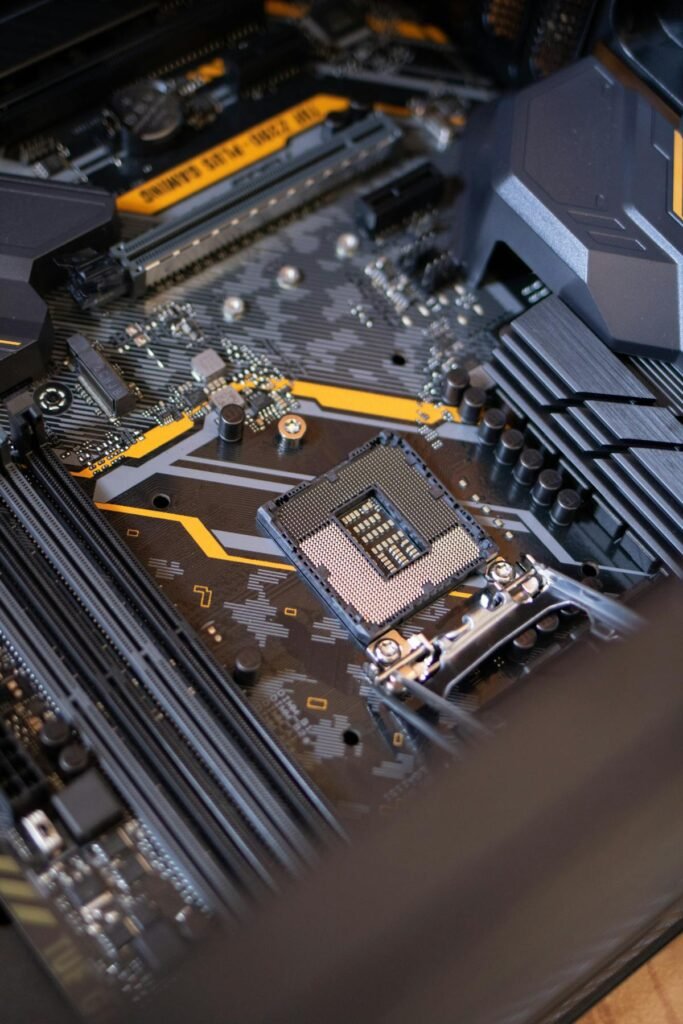
The Gigabyte X570 AORUS Ultra is a ATX motherboard based on the X570 chipset with an AM4 socket. It supports up to 128GB of DDR4 memory across 4 DIMM slots, and offers 2 M.2 slots for NVMe SSD storage. This guide covers compatible RAM and SSD upgrades with our top recommendations.
Gigabyte X570 AORUS Ultra Specifications
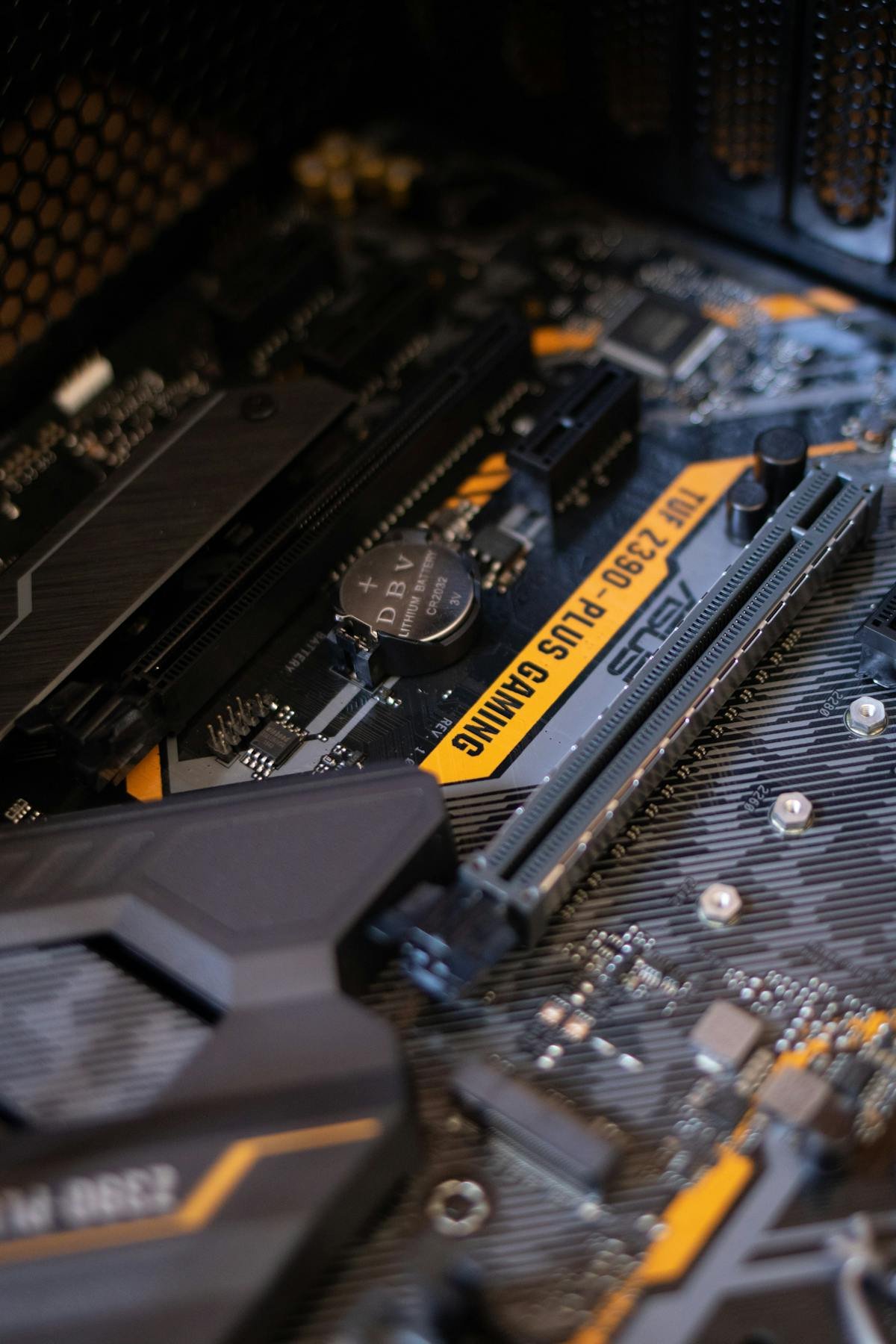
| Motherboard | Gigabyte X570 AORUS Ultra |
| Brand | Gigabyte |
| Chipset | X570 |
| Socket | AM4 |
| Form Factor | ATX |
| Memory Type | DDR4 |
| Max Memory | 128GB |
| DIMM Slots | 4 |
| M.2 Slots | 2 |
| Release Year | 2019 |
Compatible RAM for Gigabyte X570 AORUS Ultra
The Gigabyte X570 AORUS Ultra supports DDR4 memory modules. With 4 DIMM slots, the maximum supported capacity is 128GB. For optimal performance, install memory in matched pairs across the same-coloured slots to enable dual-channel mode.
Recommended RAM Upgrades
| Configuration | Module | Buy |
|---|---|---|
| 16GB (2x8GB) | Corsair Vengeance LPX DDR4-3200 2x8GB | Check Price |
| 32GB (2x16GB) | Corsair Vengeance LPX DDR4-3200 2x16GB | Check Price |
| 64GB (2x32GB) | Corsair Vengeance LPX DDR4-3200 2x32GB | Check Price |
| 128GB (4x32GB) | Corsair Vengeance LPX DDR4-3200 4x32GB | Check Price |
Compatible SSD Storage for Gigabyte X570 AORUS Ultra
The Gigabyte X570 AORUS Ultra features 2 M.2 slots for NVMe SSD storage. These support PCIe 3.0/4.0 x4 NVMe drives.
Recommended SSD Upgrades
| Capacity | Drive | Buy |
|---|---|---|
| 500GB NVMe | Samsung 980 Pro 500GB PCIe 4.0 | Check Price |
| 1TB NVMe | Samsung 980 Pro 1TB PCIe 4.0 | Check Price |
| 2TB NVMe | Samsung 970 EVO Plus 2TB | Check Price |
Upgrade Tips for Gigabyte X570 AORUS Ultra
- Check QVL: Gigabyte publishes a Qualified Vendor List (QVL) for this motherboard — check compatible modules before purchasing.
- Enable XMP/EXPO: After installing new RAM, enter BIOS and enable XMP to run memory at its rated speed.
- Matched pairs: Always install RAM in matched pairs for dual-channel performance.
- M.2 heatsink: Use the included M.2 heatsink or an aftermarket one to prevent thermal throttling on NVMe drives.
- BIOS update: Update to the latest BIOS before installing new memory, especially for newer RAM modules.
Frequently Asked Questions
What RAM is compatible with the Gigabyte X570 AORUS Ultra?
The Gigabyte X570 AORUS Ultra supports DDR4 memory, with a maximum of 128GB across 4 DIMM slots.
How many M.2 slots does the Gigabyte X570 AORUS Ultra have?
The Gigabyte X570 AORUS Ultra has 2 M.2 slots for NVMe SSD storage.
What is the maximum RAM for the Gigabyte X570 AORUS Ultra?
The maximum supported memory is 128GB using 4 DIMM slots.
Does the Gigabyte X570 AORUS Ultra support DDR5?
No, the Gigabyte X570 AORUS Ultra uses DDR4 memory modules.
Related Gigabyte Upgrade Guides
- Gigabyte B460M AORUS Pro
- Gigabyte B460M Gaming HD
- Gigabyte B460M DS3H
- Gigabyte B460 HD3
- Gigabyte Z490 Vision G
- Gigabyte Upgrade Guide
Not sure what fits? Use our free Compatibility Checker covering 3,195+ models.
Helpful Guides
Related Resources
- Laptop Upgrade Compatibility Checker — Check RAM, SSD & charger compatibility for 3,195+ models
- RAM Compatibility Guide — DDR4, DDR5 & LPDDR5 explained
- SSD Compatibility Guide — NVMe, SATA & M.2 sizes
- Charger Compatibility Guide — USB-C, Power Delivery & GaN
- Docking Station Compatibility Guide — Thunderbolt, USB-C & DisplayLink
Popular Brand Upgrade Guides
- Dell Laptop Upgrades
- Lenovo Laptop Upgrades
- HP Laptop Upgrades
- ASUS Laptop Upgrades
- Acer Laptop Upgrades
- MSI Laptop Upgrades
Shop Compatible Upgrades at PCHub.UK
Prices updated automatically from PCHub.UK — click to view full specs and buy


Prices from PCHub.UK via ComputersDeal. As an affiliate, we may earn from qualifying purchases. Prices updated 2026-04-10 13:15:58.