IPS (In-Plane Switching)

IPS panels are the standard for laptops in 2026. They offer good colour accuracy, wide viewing angles, and consistent quality. Most business laptops and mid-range consumer laptops use IPS. Typical brightness is 300-500 nits. IPS is the safe, reliable choice for most users.
OLED — Best for Media and Creativity
OLED panels offer perfect blacks, infinite contrast ratios, and vibrant colours. They excel for media consumption, photo editing, and HDR content. Drawbacks include potential burn-in with static elements (taskbar, desktop icons) and slightly higher power consumption at full brightness. Found in premium ultrabooks and gaming laptops.
Mini-LED — Best of Both Worlds
Mini-LED panels use thousands of local dimming zones to approach OLED-like contrast while maintaining IPS-like longevity and higher sustained brightness (1,000+ nits). Currently found in premium models like the MacBook Pro and select high-end Windows laptops. Mini-LED offers the best balance of image quality and durability.
Frequently Asked Questions
Is OLED bad for laptop productivity?
Burn-in risk is real but manageable with modern OLED panels. Use dark themes and screen savers. Most OLED laptops include pixel refresh features.
Which screen type is best for photo editing?
OLED for absolute colour accuracy and contrast. IPS for consistency and longevity. Both work well with proper calibration.
Recommended RAM Upgrades
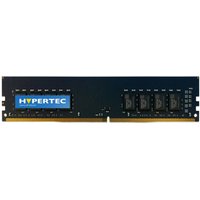
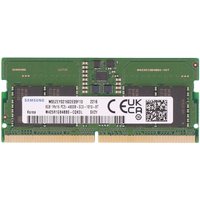
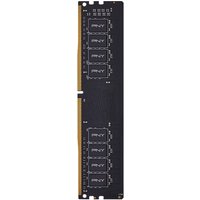

Kingston Technology
Kingston Technology ValueRAM memory module 16 GB 1 x 16 GB DDR5 5600 M
£238.28
View Deal