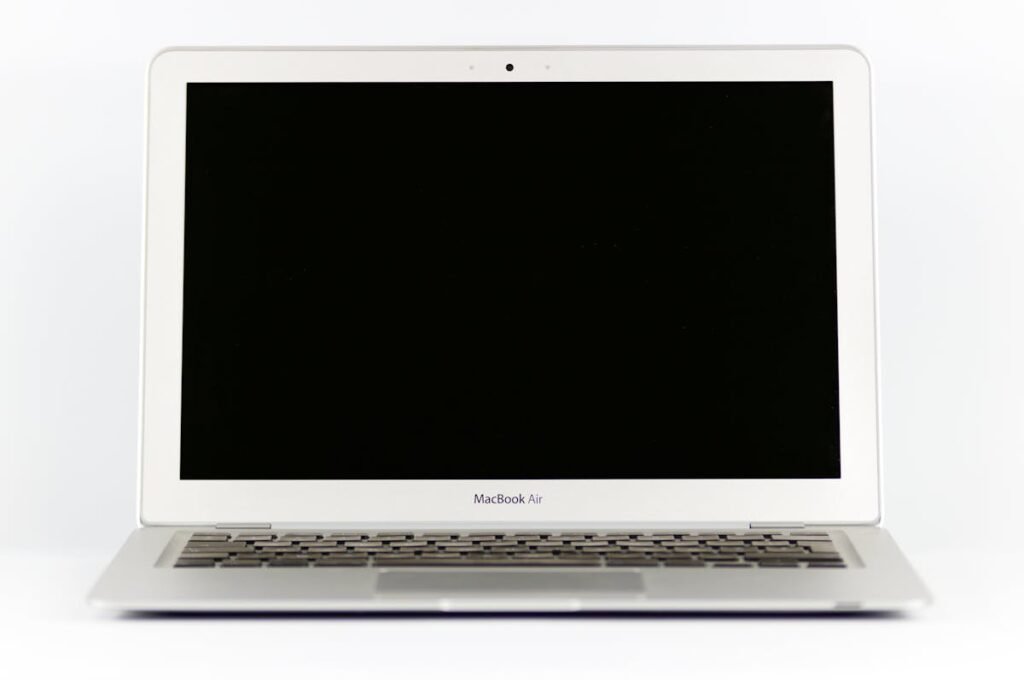
DAWs like Ableton Live, Logic Pro, and FL Studio are increasingly resource-hungry with virtual instruments, plugin chains, and high sample-rate recording. RAM and SSD upgrades directly reduce latency, prevent buffer underruns, and allow larger projects.
Key Upgrades for Producers

| Upgrade | Impact | Cost |
|---|---|---|
| RAM: 16GB → 32GB | More VST instruments | ~£55 |
| SSD: 512GB → 2TB NVMe | Room for sample libraries | ~£85 |
Storage Tips
Keep your OS and DAW on the internal SSD, store sample libraries on a secondary NVMe if available. Libraries like Kontakt and EastWest can exceed 500GB, so 2TB total storage is the practical minimum for serious production.
Frequently Asked Questions
How much RAM for music production?
16GB is workable for small projects, but 32GB is recommended for multiple Kontakt instances, reverb plugins, and virtual instruments without freezing tracks.
Does SSD speed affect audio?
Yes — faster SSDs load sample libraries quicker and reduce the chance of audio dropouts when streaming samples from disk.
Shop Compatible Upgrades at PCHub.UK
Prices updated automatically from PCHub.UK — click to view full specs and buy


Prices from PCHub.UK via ComputersDeal. As an affiliate, we may earn from qualifying purchases. Prices updated 2026-04-10 13:15:58.