
Video editing is one of the most demanding tasks for a laptop. 4K and 8K timelines require fast storage for smooth scrubbing, large amounts of RAM for preview rendering, and a powerful GPU for real-time effects.
Priority Upgrades for Video Editors
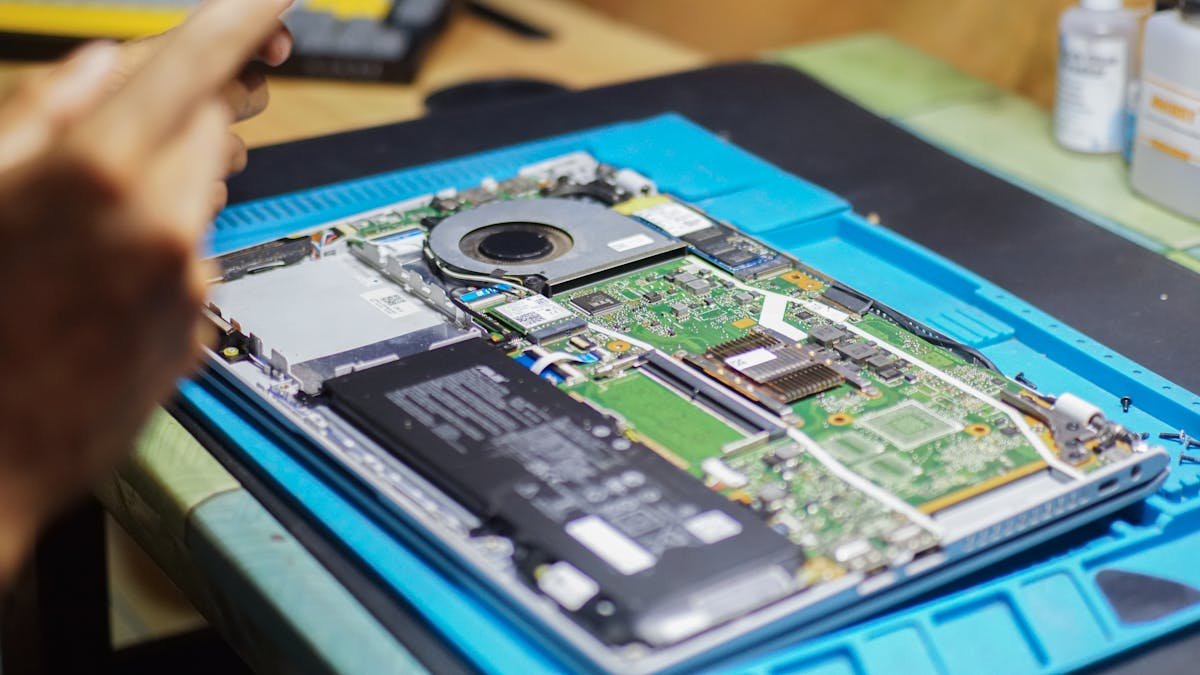
| Upgrade | Impact | Cost |
|---|---|---|
| RAM: 16GB → 32GB | Smoother 4K timelines | ~£65 |
| SSD: 512GB → 2TB NVMe | Room for projects + cache | ~£120 |
| External SSD scratch disk | Dedicated media drive | ~£130 |
Optimal Storage Setup
Use your internal NVMe for OS, applications, and active projects. External SSD or NAS for media libraries and backups. This prevents your project drive filling up and maintains consistent read speeds during editing.
Frequently Asked Questions
Is 16GB enough for video editing?
16GB works for 1080p editing but you’ll hit limits with 4K footage, multicam, or heavy effects. 32GB is the recommended minimum for professional work.
Does SSD speed matter for editing?
Yes — fast NVMe (3,000+ MB/s) significantly reduces timeline stutter when scrubbing through 4K footage.
Shop NVMe SSDs at PCHub.UK
Prices updated automatically from PCHub.UK — click to view full specs and buy

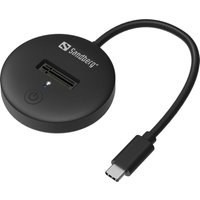
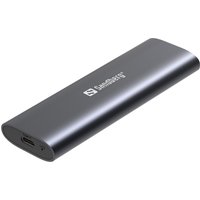
Prices from PCHub.UK via ComputersDeal. As an affiliate, we may earn from qualifying purchases. Prices updated 2026-04-10 13:15:58.