Choosing between a laptop and desktop for remote work depends on mobility needs, performance requirements, and budget. Both options have matured significantly, and the gap in performance has narrowed with modern laptop processors matching desktop chips in many workloads.
Performance Comparison

Modern laptops with Intel 14th Gen or AMD Ryzen 7000 offer excellent multi-core performance. Desktops still hold advantages in sustained workloads due to better cooling, and desktop GPUs significantly outperform mobile counterparts for creative work.
Upgradeability
Desktops are far more upgradeable — swap CPUs, add RAM, install multiple drives, upgrade graphics cards. Most laptops limit you to RAM and SSD, and many ultrabooks have soldered RAM. Check our RAM and SSD guides for your model.
Cost Analysis
A desktop setup (tower + monitor + peripherals) typically costs 15-25% less than equivalent laptop specs. However, factoring in a laptop’s built-in display, keyboard, and portability often makes it better value for hybrid workers.
Frequently Asked Questions
Is a laptop powerful enough for professional work?
Modern business laptops like ThinkPad T14s or Dell Latitude 7440 easily handle office work, video calls, and moderate creative tasks.
Should I get both?
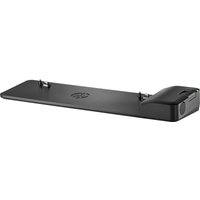
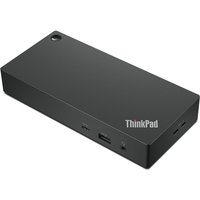
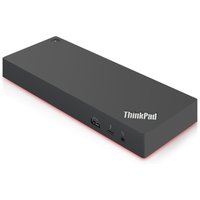
If budget allows, a laptop for mobility plus desktop for heavy workloads is ideal. Alternatively, a powerful laptop with a docking station can serve both roles.
Recommended Docking Stations
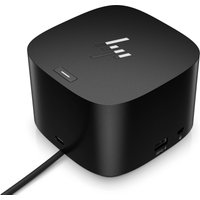

PLUGABLE TECHNOLOGIES
Plugable Technologies 7-in-1 USB C Docking Station Dual Monitor - Dual
£125.45
View Deal