

RAM Compatibility for Lenovo IdeaCentre AIO 3 27IAP7
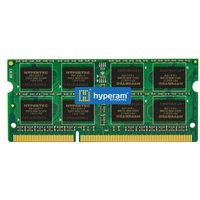
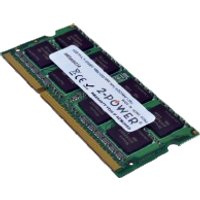
The Lenovo IdeaCentre AIO 3 27IAP7 is a 27″ AIO All-in-One desktop released in 2022. It uses DDR4 memory with 1 DIMM slot, supporting a maximum of 16GB at 3200 MHz. All-in-One PCs combine the monitor and computer into a single unit, making RAM and SSD upgrades the most impactful performance improvements available.
Memory Specifications
| Specification | Details |
|---|---|
| Memory Type | DDR4 SO-DIMM |
| Slots | 1 |
| Max Capacity | 16GB |
| Speed | 3200 MHz |
| Storage | 1x M.2 NVMe |
Recommended RAM
Best Overall: Crucial DDR4-3200 SO-DIMM 16GB
Reliable and fully compatible. Crucial’s Compatibility Guarantee ensures it works or your money back.
SSD Upgrade

The Lenovo IdeaCentre AIO 3 27IAP7 supports 1x M.2 NVMe. Upgrading to a faster NVMe SSD is one of the best improvements you can make to an All-in-One PC.
Best SSD: Samsung 980 Pro 1TB NVMe
Outstanding performance with up to 7,000 MB/s sequential reads. Perfect for AIO systems.
Frequently Asked Questions
Can I upgrade the RAM in the Lenovo IdeaCentre AIO 3 27IAP7?
Yes, the Lenovo IdeaCentre AIO 3 27IAP7 has 1 SO-DIMM slot accessible for upgrades, supporting up to 16GB of DDR4.
Is it difficult to upgrade an All-in-One PC?
Most All-in-One PCs have a rear access panel for RAM and storage upgrades. You typically need a Phillips screwdriver and anti-static precautions. Lenovo models generally have good serviceability.
Shop Compatible Upgrades at PCHub.UK
Prices updated automatically from PCHub.UK — click to view full specs and buy


Prices from PCHub.UK via ComputersDeal. As an affiliate, we may earn from qualifying purchases. Prices updated 2026-04-10 13:15:58.