Choosing the right RAID level for your NAS determines how your data is protected and how much usable storage you get. This guide explains each RAID level in plain English, with recommendations for different NAS configurations.
What Is RAID?
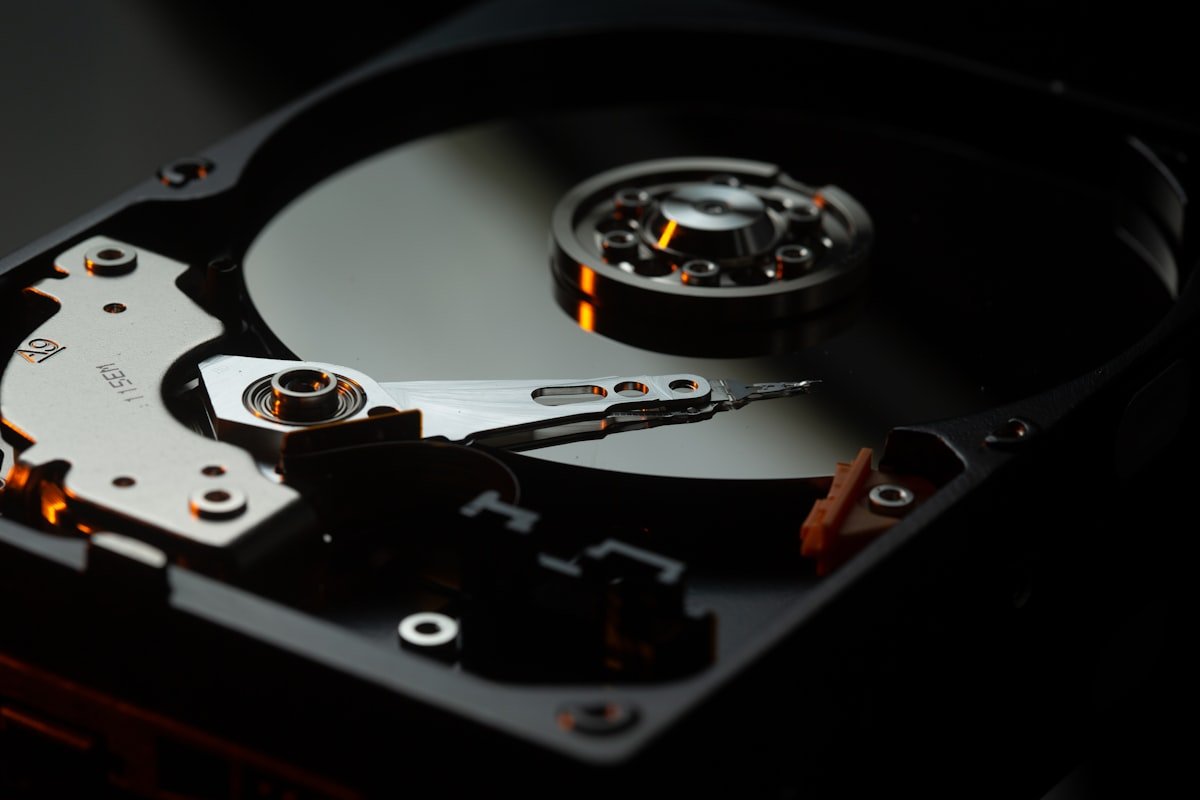
RAID (Redundant Array of Independent Disks) combines multiple hard drives into a single storage pool. Depending on the configuration, RAID can protect against drive failures, improve performance, or both. Most NAS devices configure RAID automatically during setup.
RAID 0 — Speed, No Protection
RAID 0 stripes data across drives for maximum speed and full capacity utilisation. With 2x 8TB drives, you get 16TB of usable space. However, if any drive fails, ALL data is lost. RAID 0 is suitable only for temporary or easily replaceable data, like a video editing scratch disk.
RAID 1 — Mirror (2-Bay NAS)
RAID 1 mirrors data identically across two drives. With 2x 8TB drives, you get 8TB of usable space. If one drive fails, the other contains a perfect copy. RAID 1 is the recommended choice for 2-bay NAS devices. You sacrifice 50% of raw capacity for data protection.
RAID 5 — Balance (3+ Bay NAS)
RAID 5 distributes parity data across all drives, allowing any single drive to fail without data loss. With 4x 8TB drives, you get 24TB of usable space (one drive worth of capacity used for parity). RAID 5 is the sweet spot for most 4-bay NAS setups, offering good capacity with single-drive fault tolerance.
RAID 6 — Extra Safety (4+ Bay NAS)
RAID 6 uses dual parity, surviving up to two simultaneous drive failures. With 4x 8TB drives, you get 16TB usable. RAID 6 is recommended for 6+ bay NAS setups or when using very large drives where rebuild times are long.
Synology SHR — The Smart Choice
Synology Hybrid RAID (SHR) is a flexible RAID system that allows mixing different drive sizes while maximising usable capacity. SHR-1 provides single-drive redundancy (like RAID 5) and SHR-2 provides dual-drive redundancy (like RAID 6). SHR is recommended for all Synology NAS users as it simplifies management and optimises capacity.
Frequently Asked Questions
Which RAID level should I use for a 2-bay NAS?
RAID 1 (or SHR-1 for Synology). This mirrors your data across both drives, protecting against a single drive failure.
Can I change RAID level after setup?
Some NAS devices allow RAID migration (e.g. RAID 1 to RAID 5 when adding drives), but it is slow and not always possible. Plan your RAID level carefully.
Does RAID replace backups?
No. RAID protects against drive failure but not against accidental deletion, ransomware, or NAS hardware failure. Always maintain a separate backup.