
Affiliate disclosure: this page contains affiliate links — if you buy through them we may earn a commission at no extra cost to you. As an Amazon Associate we earn from qualifying purchases.
The OptiPlex 7000 SFF is a premium business desktop featuring Intel Core i5/i7/i9 12th Gen (Alder Lake), DDR4-3200 UDIMM memory, and flexible storage options. This guide covers RAM, SSD, and storage compatibility for all configurations.
OptiPlex 7000 SFF System Specifications
| Specification | Detail |
|---|---|
| Processor | Intel Core i5/i7/i9 12th Gen (Alder Lake) |
| Chipset | Intel Q670 |
| RAM Type | DDR4-3200 UDIMM |
| RAM Slots | 4 DIMM slots |
| Max RAM | 128 GB (4x 32GB) |
| Storage | 3x M.2 NVMe + 2.5-inch and 3.5-inch bays |
| Form Factor | Small Form Factor (SFF) / Tower |
| Release Year | 2022 |
RAM Compatibility & Upgrades
Memory Specifications
| Parameter | Value |
|---|---|
| Type | DDR4-3200 UDIMM |
| Voltage | 1.1V |
| Max Capacity | 128 GB (4x 32GB) |
Recommended RAM Upgrades
| Current | Upgrade To | Modules | Price* | Amazon Link |
|---|---|---|---|---|
| 8 GB | 16 GB | 1x 8GB DDR4-3200 | £25-40 | View |
| 16 GB | 32 GB | 2x 8GB DDR4-3200 kit | £45-75 | View |
| 32 GB | 64 GB | 2x 32GB DDR4-3200 | £120-200 | View |
Storage Compatibility
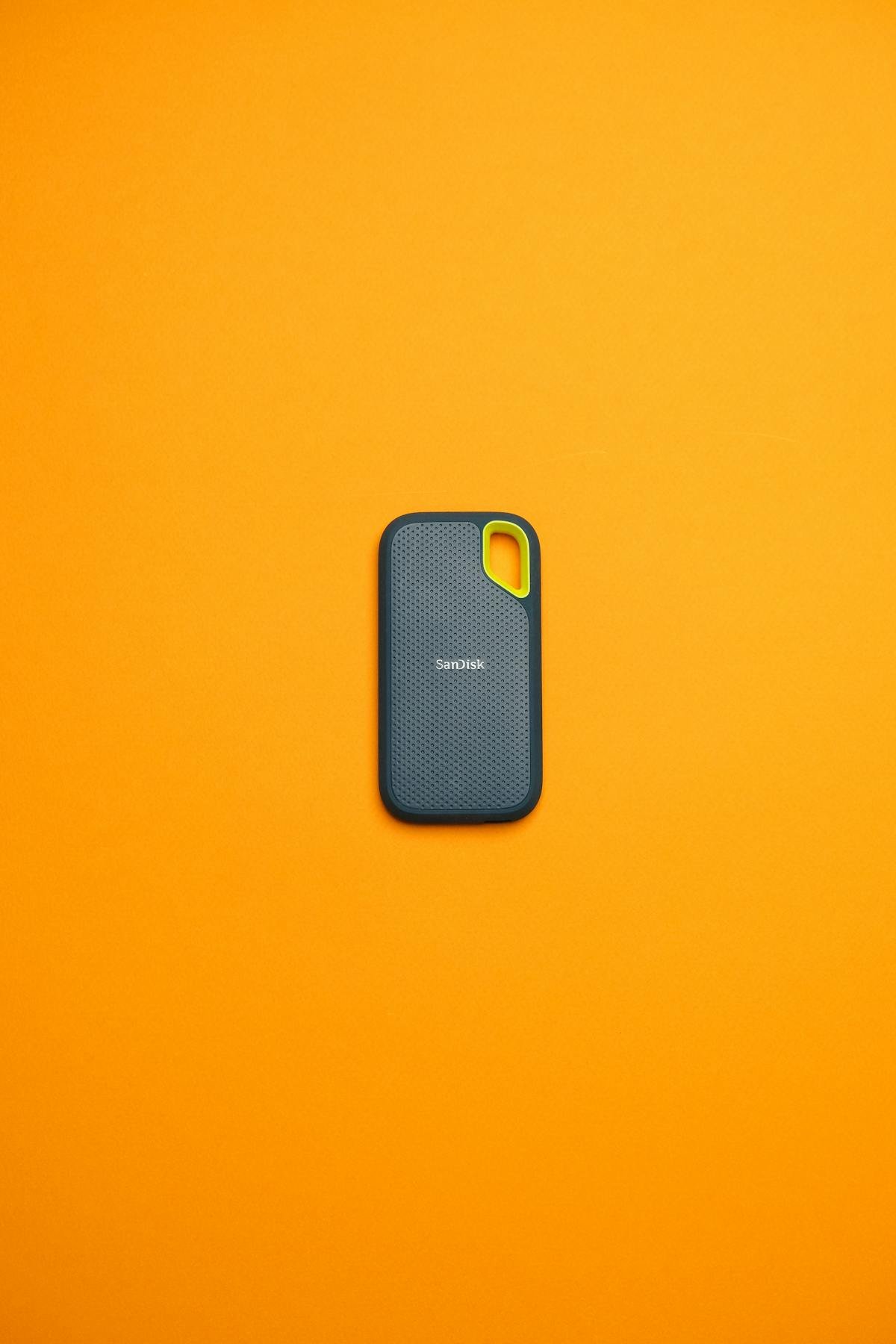
M.2 NVMe Storage
OptiPlex 7000 SFF supports 3 M.2 NVMe sockets for fast primary storage.
| Specification | Detail |
|---|---|
| Interface | NVMe PCIe 4.0 |
| Supported Sizes | 2230, 2242, 2280 |
| Max Capacity | 4 TB |
Recommended NVMe SSDs
| Model | Capacity | Speed | Amazon Link |
|---|---|---|---|
| Samsung 970 EVO Plus | 500GB – 2TB | 3,500 MB/s | View |
| Crucial P3 | 500GB – 2TB | 3,500 MB/s | View |
| WD Blue SN580 | 500GB – 2TB | 4,150 MB/s | View |
SATA Storage Options
OptiPlex 7000 SFF includes SATA drive bays for additional storage. SATA SSDs offer cost-effective secondary storage at up to 550 MB/s.
| Model | Capacity | Amazon Link |
|---|---|---|
| Crucial MX500 | 500GB – 2TB | View |
| Samsung 870 EVO | 500GB – 4TB | View |
Upgrade Installation Guide
Before You Start
- Power off and unplug the system completely
- Wait 30 seconds before opening the chassis
- Use an anti-static wristband to prevent ESD damage
- Note the Small Form Factor (SFF) / Tower form factor dimensions when selecting components
RAM Installation
- Open the side panel or chassis cover
- Locate the DIMM slots on the motherboard
- Press retention clips outward on both ends of the slot
- Align the RAM module notch with the slot key
- Press down firmly until retention clips snap into place
M.2 NVMe Installation
- Locate the M.2 slot on the motherboard
- Remove the mounting screw if present
- Insert the NVMe drive at a 30-degree angle
- Press down and secure with the mounting screw
Frequently Asked Questions
Q: What is the maximum RAM for OptiPlex 7000 SFF?
A: 128 GB (4x 32GB) using 4 DIMM slots.
Q: Does OptiPlex 7000 SFF support NVMe SSDs?
A: Yes, it has 3 M.2 NVMe sockets.
Q: Can I mix RAM speeds in OptiPlex 7000 SFF?
A: Yes, but all modules will run at the slower speed. Match speeds for best performance.
Q: What form factor is the OptiPlex 7000 SFF?
A: Small Form Factor (SFF) / Tower. Check physical dimensions before purchasing components.
Recommended Upgrade Kits
| Kit | Components | Price* | Amazon Link |
|---|---|---|---|
| Budget RAM | 8GB DDR4-3200 | £20-30 | View |
| Performance RAM | 16GB DDR4-3200 Kit | £40-60 | View |
| NVMe SSD | 500GB NVMe | £35-55 | View |
| Bundle | 16GB DDR4-3200 + 500GB NVMe | £70-110 | View |
Prices and availability may vary. As an Amazon Associate, we earn from qualifying purchases.
Related Dell Upgrade Guides
- Dell Alienware Aurora R16 RAM & SSD Upgrade Guide (2024)
- Dell OptiPlex 5000 SFF RAM & SSD Upgrade Guide (2023)
- Dell OptiPlex 5000 Tower RAM & SSD Upgrade Guide (2023)
- Dell OptiPlex 7020 SFF RAM & SSD Upgrade Guide (2024)
- Dell OptiPlex 7020 Micro RAM & SSD Upgrade Guide (2024)
- Dell Upgrade Guide
Not sure what fits? Use our free Compatibility Checker covering 3,195+ models.
Helpful Guides
Upgrades that fit the Dell OptiPlex 7000 Small Form Factor
What fits: Memory: DDR4-3200 UDIMM, 4 user slots, up to 128GB · Storage: M.2 2230 or 2280 NVMe PCIe 4.0; M.2 2230 NVMe PCIe 3.0 or 4.0 (per-socket gen not confirmed); M.2 2280 NVMe PCIe 3.0 or 4.0 (per-socket gen not confirmed); 2.5in SATA drive supported
Spec source: dell.com (checked 26 Sep 2026).
As an Amazon Associate we earn from qualifying purchases. Prices & availability shown on Amazon.
DDR4 desktop memory that fits
M.2 2280 NVMe SSDs that fit
2.5in SATA SSDs for the drive bay
*Indicative UK street prices, shown for guidance only. These are not live Amazon prices and change frequently — check the current price on Amazon before buying.