Affiliate disclosure: this page contains affiliate links — if you buy through them we may earn a commission at no extra cost to you. As an Amazon Associate we earn from qualifying purchases.
Dynabook Portege X40-K (2022) Specifications
The Dynabook Portege X40-K (2022) is a professional-grade business laptop for enterprise users. This guide covers RAM, SSD, charger compatibility, and upgrade paths for this model. For a comprehensive overview of all Dynabook upgradeable models, visit the Dynabook Laptop Upgrades hub.
| Component | Specification |
|---|---|
| Processor | i5-1245U / i7-1265U |
| RAM | DDR4-3200, 2 SO-DIMM slots (upgradeable) |
| Max RAM | 64GB (2 × 32GB) |
| Storage | M.2 2280 NVMe PCIe Gen4, 1 slot |
| Charger | 65W USB-C |
| Ports | 1x USB-C 3.2, 2x USB 3.2, 1x HDMI, 1x RJ45 |
| Display | 14.0″ FHD IPS |
| Weight | 1.05 kg (2.32 lbs) |
Memory Upgrade Path
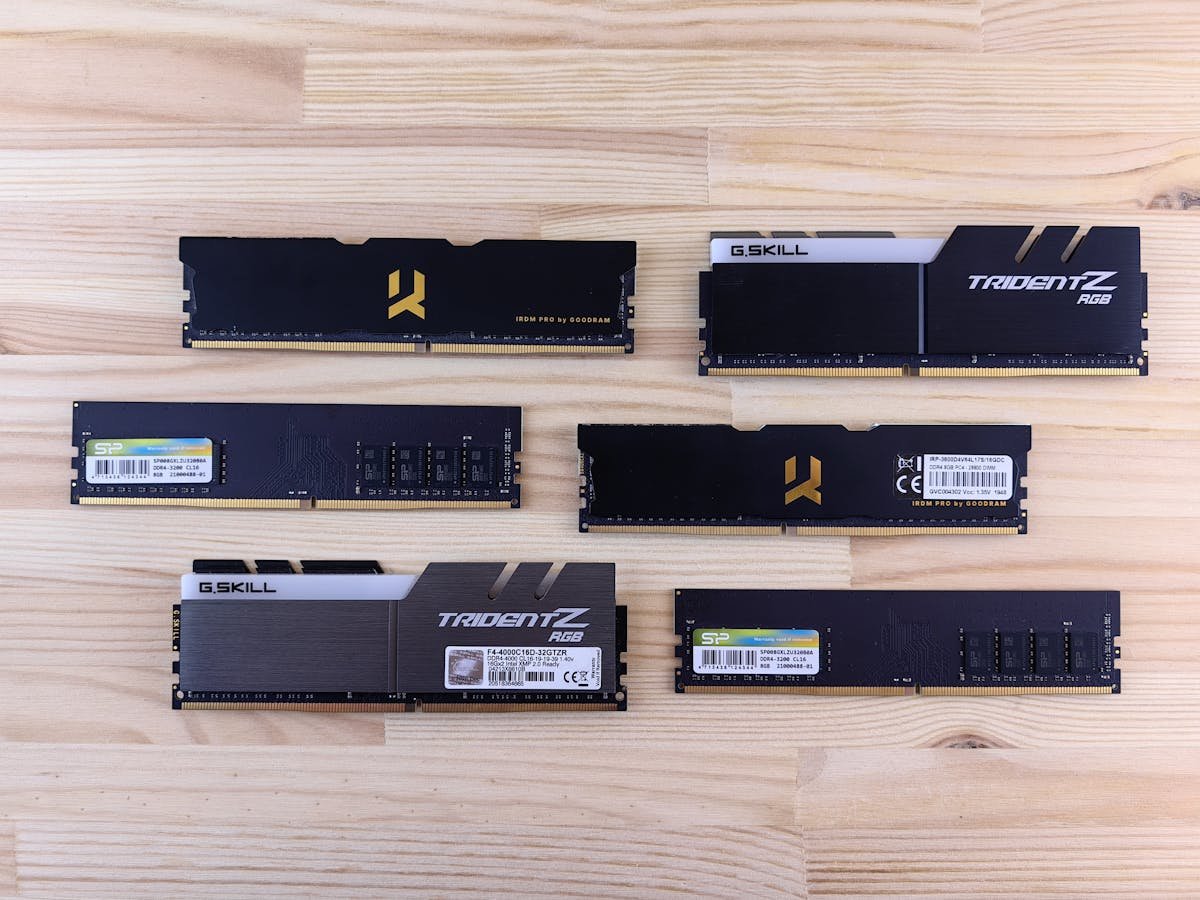
The Dynabook Portege X40-K features 2 SO-DIMM slots for DDR4-3200 RAM, allowing upgrades up to 32GB. Both slots are user-accessible, and the upgrade process is straightforward.
Recommended DDR5 RAM Upgrades:
- Corsair Vengeance DDR5 SO-DIMM — Premium DDR5 laptop memory with excellent compatibility.
- Kingston Fury Impact DDR5 SO-DIMM — High-performance DDR5 with solid heat dissipation.
- Crucial DDR5 SO-DIMM — Budget-friendly DDR5 with proven stability.
Storage Expansion
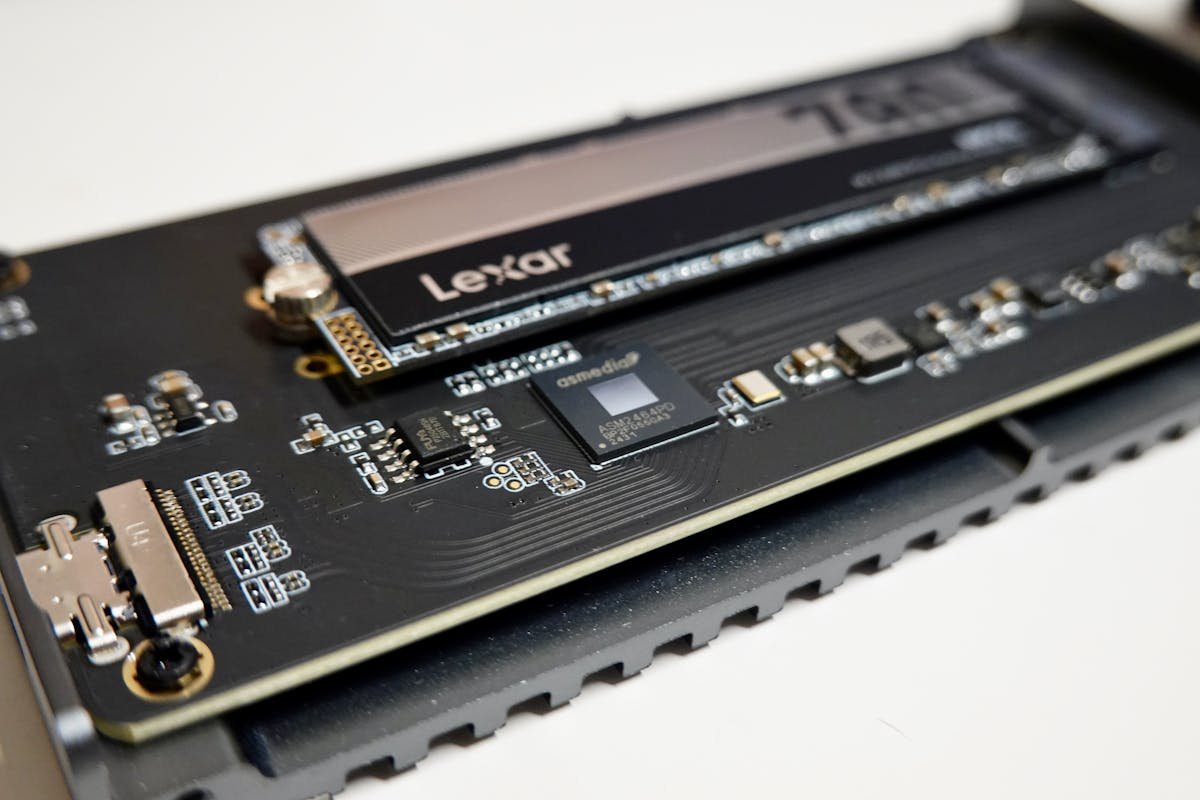
The Dynabook Portege X40-K uses a standard M.2 2280 NVMe SSD with a NVMe PCIe Gen4 interface. The single M.2 slot supports drives up to 2TB.
Recommended M.2 2280 SSDs:
- Samsung 990 Pro NVMe 2280 — Flagship NVMe SSD with exceptional speeds.
- WD Black SN850X 2280 — High-performance NVMe with excellent sustained writes.
- Crucial P5 Plus NVMe 2280 — Excellent value NVMe with strong real-world performance.
Power Delivery & Charging
The Dynabook Portege X40-K uses a 65W USB-C charger. This is compatible with any USB-C PD charger of equal or higher wattage from brands like Anker, Ugreen, or the original Dynabook charger.
Compatible USB-C PD Chargers:
- Anker 65W USB-C PD Charger — Compact GaN charger with multiple ports.
- Ugreen USB-C PD Charger (65W+) — Affordable universal charger with fast charging.
- INIU USB-C PD Fast Charger — Budget option with reliable performance.
Port & Docking Capabilities
Connectivity: 1x USB-C 3.2, 2x USB 3.2, 1x HDMI, 1x RJ45
A USB-C docking station like the Anker 577 USB-C Hub provides additional ports including HDMI, Ethernet, and USB-A.
Upgrade Difficulty & Tools Required
The Dynabook Portege X40-K has a difficulty rating of 3/5 for upgrades (5 = easiest). The upgrade process is moderate — requires careful handling of bottom panel clips.
Tools needed:
- Phillips screwdriver (M2.5 or similar)
- Plastic spudger or pry tool (for bottom panel clips)
- ESD wrist strap (optional but recommended)
We recommend backing up your data and consulting the official service manual before opening the chassis.
Frequently Asked Questions
Can I upgrade the RAM in the Dynabook Portege X40-K?
Yes, the Dynabook Portege X40-K has 2 SO-DIMM slots for user-upgradeable DDR5 memory, supporting up to 32GB.
What is the maximum RAM for the Dynabook Portege X40-K?
The Dynabook Portege X40-K supports up to 32GB of DDR5 memory.
Can I add a second SSD to the Dynabook Portege X40-K?
The Dynabook Portege X40-K has 1 M.2 slot. You can replace the existing SSD with a larger drive.
Can I use any USB-C charger with the Dynabook Portege X40-K?
Yes, any USB-C Power Delivery charger rated for 65W or higher will work with the Dynabook Portege X40-K.
Is the Dynabook Portege X40-K easy to upgrade?
The Dynabook Portege X40-K has a difficulty rating of 3/5. Some care needed with bottom panel clips.
Recommended Products
These are the products we recommend based on this guide. Note: this machine takes DDR4 SO-DIMM, so the DDR5 kits listed here won’t fit it. All links go to Amazon where you can check current prices and availability.
| Product | Why We Recommend It | Amazon |
|---|---|---|
| Corsair Vengeance DDR5 SO-DIMM | Premium DDR5 laptop memory with excellent compatibility. | View on Amazon |
| Kingston Fury Impact DDR5 SO-DIMM | High-performance DDR5 with solid heat dissipation. | View on Amazon |
| Crucial DDR5 SO-DIMM | Budget-friendly DDR5 with proven stability. | View on Amazon |
| Samsung 990 Pro NVMe 2280 | Flagship NVMe SSD with exceptional speeds. | View on Amazon |
| WD Black SN850X 2280 | High-performance NVMe with excellent sustained writes. | View on Amazon |
| Crucial P5 Plus NVMe 2280 | Excellent value NVMe with strong real-world performance. | View on Amazon |
| Anker 65W USB-C PD Charger | Compact GaN charger for USB-C laptops. | View on Amazon |
| Ugreen 65W USB-C PD Charger | Affordable universal USB-C charger. | View on Amazon |
Prices and availability may vary. As an Amazon Associate, we earn from qualifying purchases.
Related Framework Upgrade Guides
- Dynabook Satellite Pro C50-J RAM & SSD Upgrade Guide
- Dynabook Portege X30L-K RAM & SSD Upgrade Guide
- Dynabook Tecra A50-K RAM & SSD Upgrade Guide
- Dynabook Tecra A40-K RAM & SSD Upgrade Guide
- How to Upgrade Framework Laptop
- Framework Upgrade Guide
Not sure what fits? Use our free Compatibility Checker covering 3,195+ models.
Helpful Guides
Upgrades that fit the Dynabook Portege X40-K
What fits: Memory: DDR4-3200 SO-DIMM, 2 user slots, up to 64GB · Storage: M.2 2280 NVMe PCIe 4.0 · Charger: USB-C PD 65W
Spec source: asia.dynabook.com (checked 26 Sep 2026).
As an Amazon Associate we earn from qualifying purchases. Prices & availability shown on Amazon.
DDR4 SO-DIMM memory that fits
M.2 2280 NVMe SSDs that fit
USB-C charger (65W)
Correction note: this page previously listed the Portégé X40-K as a DDR5 machine. It is DDR4-3200. DDR4 and DDR5 SO-DIMMs are keyed differently and will not interchange.