Affiliate disclosure: this page contains affiliate links — if you buy through them we may earn a commission at no extra cost to you. As an Amazon Associate we earn from qualifying purchases.
Can You Use Desktop RAM in a NAS?
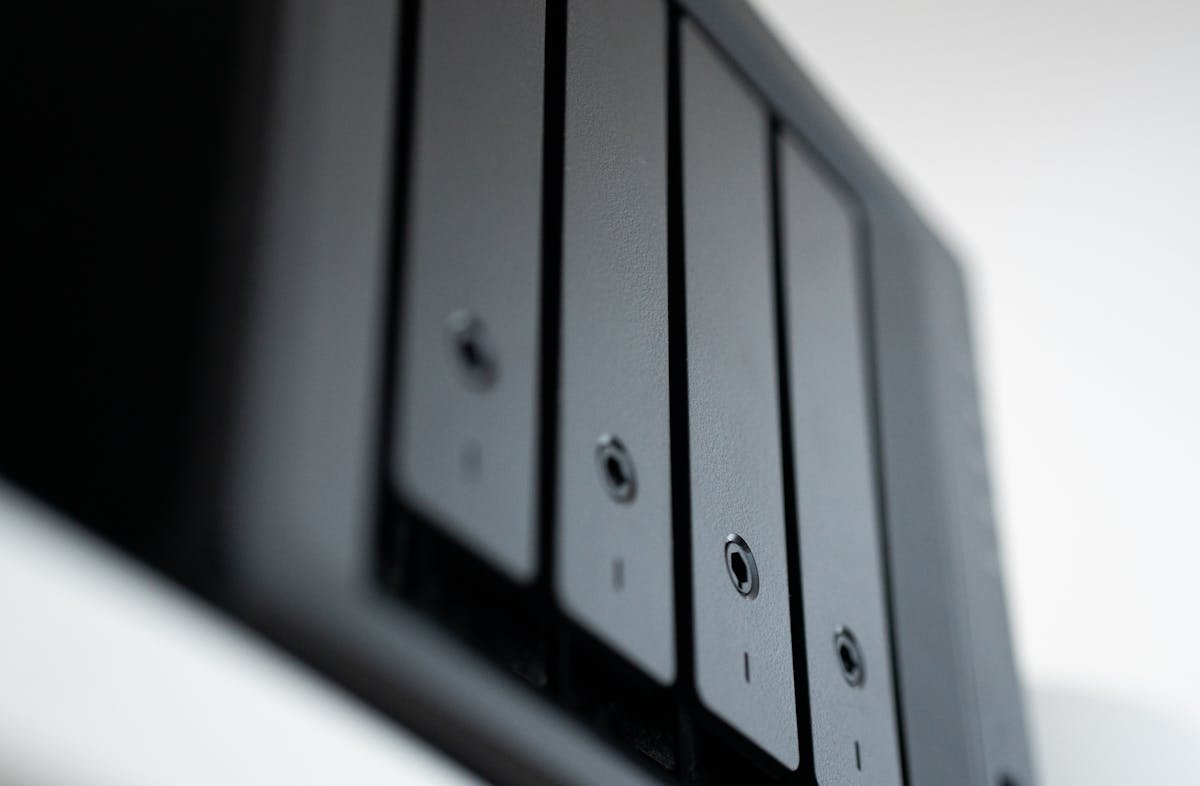
A common question from upgraders: “Can I use this desktop RAM in my NAS?” The answer depends on what type of RAM you have. This guide explains the differences and compatibility issues.
The Short Answer
Usually NO. Most desktop RAM (UDIMM form factor) won’t fit NAS computers, which typically use SO-DIMM (laptop-style) modules or full DIMM in larger units.
Exception: Larger NAS models with full DIMM or UDIMM slots CAN use desktop RAM, as long as the type and speed match.
Understanding RAM Form Factors
SO-DIMM (Small Outline DIMM) — NAS Compact Models
Size: 67.6mm long (half-size of desktop RAM)
Used in: Synology DS224+, DS723+; QNAP TS-264, TS-453E; Asustor AS6704T; TerraMaster F4-423
Desktop equivalent: Laptop RAM
Compatible desktop RAM? NO — different physical size
UDIMM (Unbuffered DIMM) — Desktop Standard
Size: 133.35mm long (full-size desktop RAM)
Used in: Desktop computers, some tower NAS (TS-873A, T6-423)
Compatible with NAS UDIMM slots? YES — same form factor and protocol
RDIMM (Registered/Buffered DIMM) — Server RAM
Size: Full-size with additional buffer chip
Used in: High-end NAS (TVS-h874, TS-h973AX, Synology RS series rackmounts)
Compatible with desktop UDIMM? NO — RDIMM has buffer chip that desktop motherboards don’t support
Compatibility Matrix
| NAS Slot Type | Can Use Desktop UDIMM? | Reason |
|---|---|---|
| SO-DIMM (compact NAS) | NO | Different physical size; won’t fit |
| UDIMM (tower NAS) | YES | Same form factor and protocol as desktop |
| RDIMM (rackmount NAS) | NO | Buffer chip incompatible with NAS firmware |
What Happens If You Try?
Desktop UDIMM in SO-DIMM Slot
Result: It won’t fit. The slot is too narrow and the notch doesn’t align. You can’t force it without damaging the slot or RAM.
Don’t try: Bending or filing the module to make it fit. You’ll destroy the RAM and possibly the motherboard.
Desktop UDIMM in NAS UDIMM Slot
Result: It will fit and work, assuming the DDR4 speed (2666/3200 MHz) matches.
Important: Verify the RAM is DDR4, not DDR5 or DDR3. Most NAS systems use DDR4 exclusively.
Desktop UDIMM in NAS RDIMM Slot
Result: It will physically fit, but the system won’t recognize it properly or may not boot. RDIMM has a buffer chip that enables special features for high-capacity systems.
Solution: Use RDIMM in RDIMM slots only.
ECC Compatibility
Can I use ECC desktop RAM in non-ECC NAS?
Yes. ECC RAM will work in non-ECC slots (just run as non-ECC), but you’re paying extra for error correction that’s disabled. Not recommended.
Can I use non-ECC desktop RAM in ECC NAS?
Yes, but without error correction. If your NAS supports ECC, it’s recommended to use ECC RAM for data integrity.
Speed Compatibility
Can I use DDR4-3200 desktop RAM in a DDR4-2666 NAS?
Yes, but it will run at 2666 MHz (the slower speed). Not a problem, just slower than the RAM’s maximum.
Can I use DDR4-2666 RAM in a DDR4-3200 NAS?
Yes, but it will limit the other RAM slot to 2666 MHz as well. Both modules default to the slowest speed.
Which NAS Models Accept Desktop UDIMM?
Synology: DS1522+, DS1621+, DS1821+ (and larger) support full DIMM slots. Some older models may too — check your manual.
QNAP: TS-873A, TVS-472XT, TVS-h874, TS-h973AX, and others support full DIMM or RDIMM slots.
Asustor: FS6706T is the main model with full DIMM slots.
TerraMaster: T6-423, T9-450, and rackmount models support full DIMM or RDIMM.
Always check your NAS manual first. Different models use different slot types.
Recommended Approach
Step 1: Open your NAS and identify the RAM slot type (SO-DIMM, UDIMM, or RDIMM).
Step 2: Check your NAS manual or manufacturer website for maximum supported capacity and approved RAM list.
Step 3: Purchase RAM matching that specification (e.g., “DDR4 UDIMM 3200 MHz”).
Never assume compatibility. Mixing RAM types or speeds can cause boot failures or data corruption.
Recommended Products
| Form Factor | Product | Link |
|---|---|---|
| SO-DIMM (Compact NAS) | Kingston ValueRAM 8GB SO-DIMM | Buy on Amazon |
| UDIMM (Tower NAS) | Kingston ValueRAM 16GB UDIMM | Buy on Amazon |
| UDIMM (Tower NAS) | Crucial 16GB DDR4 UDIMM | Buy on Amazon |
| RDIMM (Enterprise NAS) | Kingston 16GB ECC RDIMM | Buy on Amazon |
Prices and availability may vary. As an Amazon Associate, we earn from qualifying purchases.
Related Guides
Recommended upgrades
As an Amazon Associate we earn from qualifying purchases. Prices & availability shown on Amazon.
NAS hard drives
How we verify this guide
We cross-reference compatibility figures against manufacturer specifications where available, official service manuals, and the standards that govern fit — memory type and speed (DDR4 / DDR5 / LPDDR5), maximum supported capacity and slot count, SSD form factor and interface (M.2 2280, NVMe PCIe vs SATA, keying), and charger wattage and connector (USB-C Power Delivery, GaN). We’re explicit about soldered or non-upgradeable parts, prioritise primary sources over retailer listings, and re-verify the data on a regular cycle. More on our method →