

Affiliate disclosure: this page contains affiliate links — if you buy through them we may earn a commission at no extra cost to you. As an Amazon Associate we earn from qualifying purchases.
Dell Latitude 5411 (2020) Specifications
The Dell Latitude 5411 (2020) is a professional-grade business laptop for enterprise users. This guide covers RAM, SSD, charger compatibility, and upgrade paths for this model. For a comprehensive overview of all Dell upgradeable models, visit the Dell Laptop Upgrades hub.
| Component | Specification |
|---|---|
| Processor | 10th Gen Intel Core i5-10300H / i5-10400H / i7-10850H (35W H-series) |
| RAM | DDR4, 2 slots (upgradeable) |
| Max RAM | 64GB (2× 32GB DDR4-2933) |
| Storage | M.2 2230/2280 NVMe PCIe Gen3, 1 slot + 2.5-inch SATA option |
| Charger | 90W 7.4mm barrel, 90W USB-C or 130W USB-C — no 65W option |
| Ports | 1x USB-C 3.1, 2x USB 3.1, 1x HDMI 2.0 |
| Display | 14.0″ FHD IPS |
| Weight | 1.42 kg (3.13 lbs) |
Memory Upgrade Path
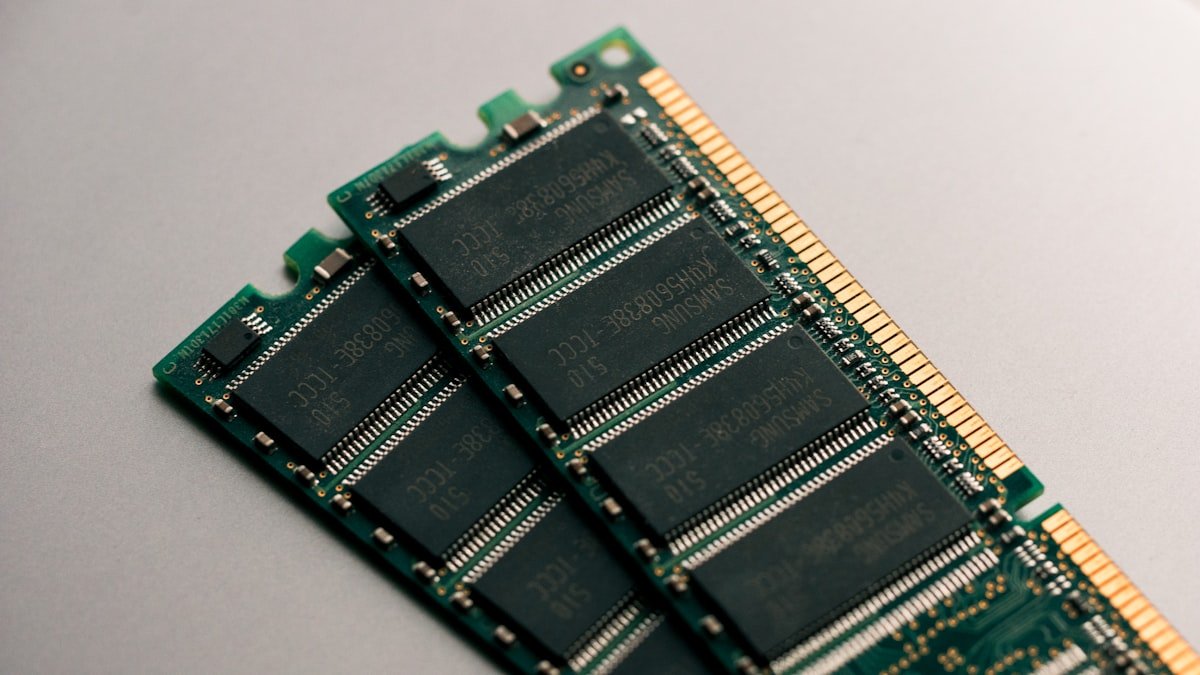
The Dell Latitude 5411 features 2 SO-DIMM slots for DDR4 RAM, allowing upgrades up to 32GB. Both slots are user-accessible, and the upgrade process is straightforward.
Recommended DDR4 RAM Upgrades:
- Corsair Vengeance DDR4 SO-DIMM — Reliable DDR4 laptop memory with wide compatibility.
- Kingston Fury Impact DDR4 SO-DIMM — Compact high-performance DDR4 for laptops.
- Crucial DDR4 SO-DIMM — Affordable DDR4 with solid performance.
Storage Expansion
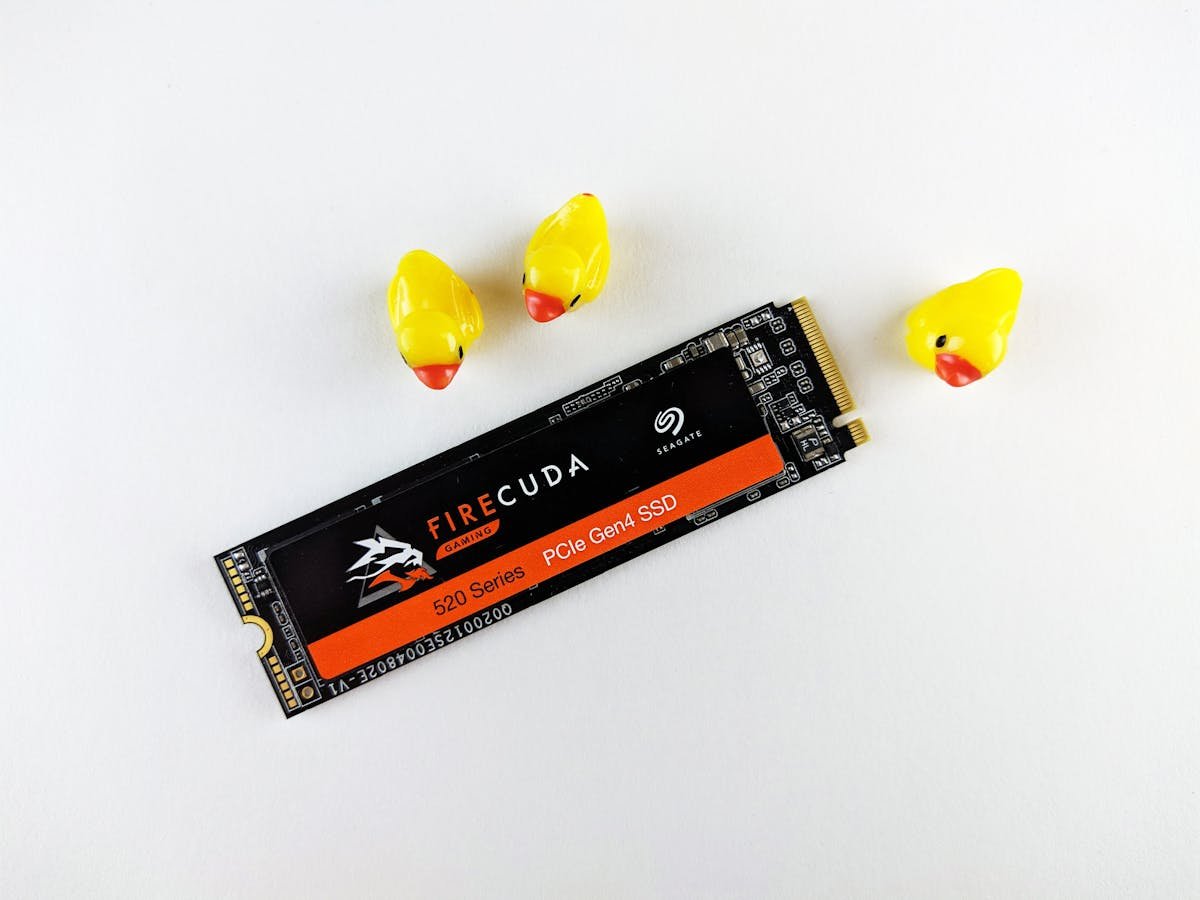
The Dell Latitude 5411 uses a standard M.2 2280 NVMe SSD with a NVMe PCIe Gen3 interface. The single M.2 slot takes 2230 or 2280 drives up to 2TB, and there is also a 2.5-inch SATA drive option.
Recommended M.2 2280 SSDs:
- Samsung 990 Pro NVMe 2280 — Flagship NVMe SSD with exceptional speeds.
- WD Black SN850X 2280 — High-performance NVMe with excellent sustained writes.
- Crucial P5 Plus NVMe 2280 — Excellent value NVMe with strong real-world performance.
Power Delivery & Charging
The Latitude 5411 is a 35W H-series machine and Dell never offered a 65W adapter for it. The options are a 90W 7.4mm barrel, a 90W USB-C or a 130W USB-C unit.
A 65W USB-C charger will run the machine at idle but cannot keep up under sustained CPU load — the battery will discharge while plugged in. Match the adapter your machine shipped with.
Port & Docking Capabilities
Connectivity: 1x USB-C 3.1, 2x USB 3.1, 1x HDMI 2.0
A USB-C docking station like the Anker 577 USB-C Hub provides additional ports including HDMI, Ethernet, and USB-A.
Upgrade Difficulty & Tools Required
The Dell Latitude 5411 has a difficulty rating of 3/5 for upgrades (5 = easiest). The upgrade process is moderate — requires careful handling of bottom panel clips.
Tools needed:
- Phillips screwdriver (M2.5 or similar)
- Plastic spudger or pry tool (for bottom panel clips)
- ESD wrist strap (optional but recommended)
We recommend backing up your data and consulting the official service manual before opening the chassis.
Frequently Asked Questions
Can I upgrade the RAM in the Dell Latitude 5411?
Yes, the Dell Latitude 5411 has 2 SO-DIMM slots for user-upgradeable DDR4 memory, supporting up to 32GB.
What is the maximum RAM for the Dell Latitude 5411?
The Dell Latitude 5411 supports up to 32GB of DDR4 memory.
Can I add a second SSD to the Dell Latitude 5411?
The Dell Latitude 5411 has 1 M.2 slot (2230 or 2280) plus a 2.5-inch SATA drive option. You can replace the existing SSD with a larger drive.
Can I use any USB-C charger with the Dell Latitude 5411?
Only a 90W or 130W USB-C adapter. The Latitude 5411 is an H-series machine with no 65W option; a lower-wattage charger will not sustain it under load.
Is the Dell Latitude 5411 easy to upgrade?
The Dell Latitude 5411 has a difficulty rating of 3/5. Some care needed with bottom panel clips.
Recommended Products
These are the products we recommend based on this guide. All links go to Amazon where you can check current prices and availability.
| Product | Why We Recommend It | Amazon |
|---|---|---|
| Corsair Vengeance DDR4 SO-DIMM | Reliable DDR4 laptop memory with wide compatibility. | View on Amazon |
| Kingston Fury Impact DDR4 SO-DIMM | Compact high-performance DDR4 for laptops. | View on Amazon |
| Crucial DDR4 SO-DIMM | Affordable DDR4 with solid performance. | View on Amazon |
| Samsung 990 Pro NVMe 2280 | Flagship NVMe SSD with exceptional speeds. | View on Amazon |
| WD Black SN850X 2280 | High-performance NVMe with excellent sustained writes. | View on Amazon |
| Crucial P5 Plus NVMe 2280 | Excellent value NVMe with strong real-world performance. | View on Amazon |
Prices and availability may vary. As an Amazon Associate, we earn from qualifying purchases.
Related Dell Upgrade Guides
- Dell Battery Replacement: Latitude, XPS & Inspiron Step-by-Step
- Best RAM for Dell Laptops in 2026
- Dell Precision T7920 RAM & SSD Upgrade Guide (2018)
- Dell Precision T7875 RAM & SSD Upgrade Guide (2024)
- Dell Precision T5860 RAM & SSD Upgrade Guide (2024)
- Dell Upgrade Guide
Not sure what fits? Use our free Compatibility Checker covering 3,195+ models.
Helpful Guides
Upgrades that fit the Dell Latitude 5411
What fits: Memory: DDR4-2933 SO-DIMM, 2 user slots, up to 64GB · Storage: M.2 2230 or 2280 NVMe PCIe 3.0; 2.5in SATA drive supported · Charger: barrel 7.4mm or USB-C PD 90/130W
Spec source: dl.dell.com (checked 26 Sep 2026).
As an Amazon Associate we earn from qualifying purchases. Prices & availability shown on Amazon.

