
Affiliate disclosure: this page contains affiliate links — if you buy through them we may earn a commission at no extra cost to you. As an Amazon Associate we earn from qualifying purchases.
Looking to upgrade your Dell XPS 13 9360? This comprehensive compatibility guide covers RAM, SSD, and charger compatibility for the Dell XPS 13 9360. Whether you need better multitasking, more storage, or a replacement charger, we have verified compatibility data and recommended components.
Dell XPS 13 9360 Key Specifications
| Component | Specification |
|---|---|
| Memory Type | LPDDR3 1866/2133MHz |
| Memory Slots | None (soldered onboard) |
| Maximum RAM | 16GB |
| Storage Interface | M.2 2280 SATA or PCIe NVMe |
| Charging | 45W 4.7mm barrel adapter |
Memory Upgrade Path
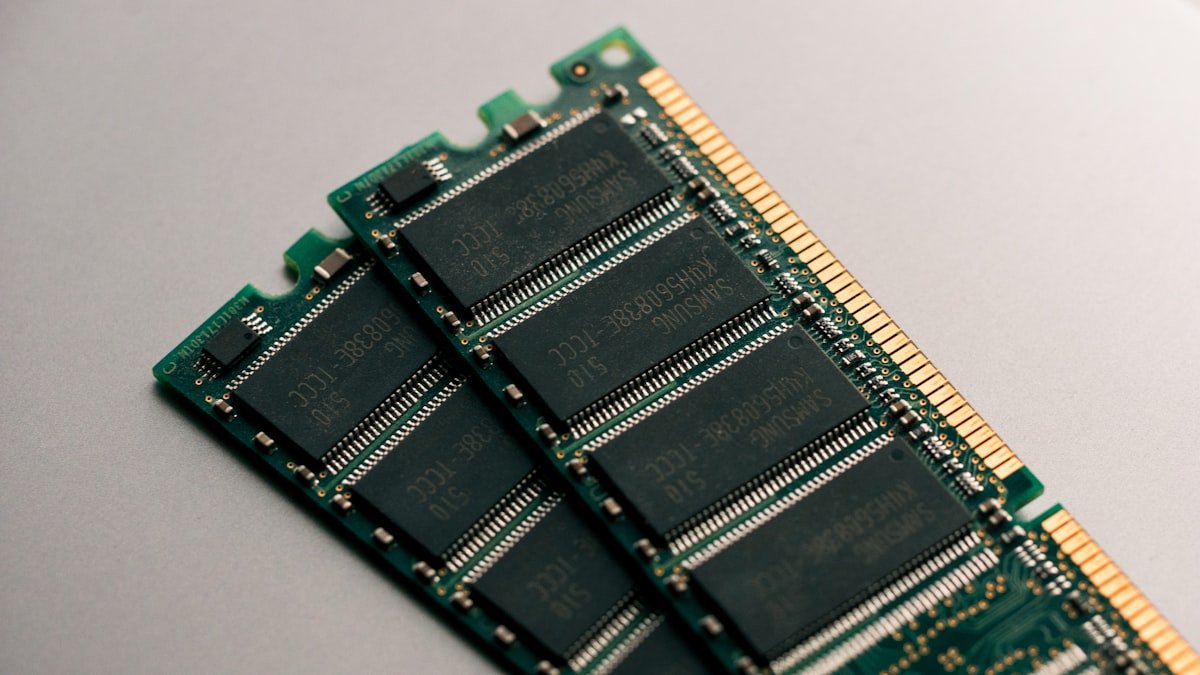
The Dell XPS 13 9360 uses LPDDR3 memory at 1866 or 2133MHz, soldered to the motherboard with no slots. The RAM cannot be upgraded; the maximum configuration is 16GB.
There are no memory modules to buy for this model.
Compatible RAM Modules
| Configuration | Capacity | Speed | Use Case |
|---|
Storage Expansion
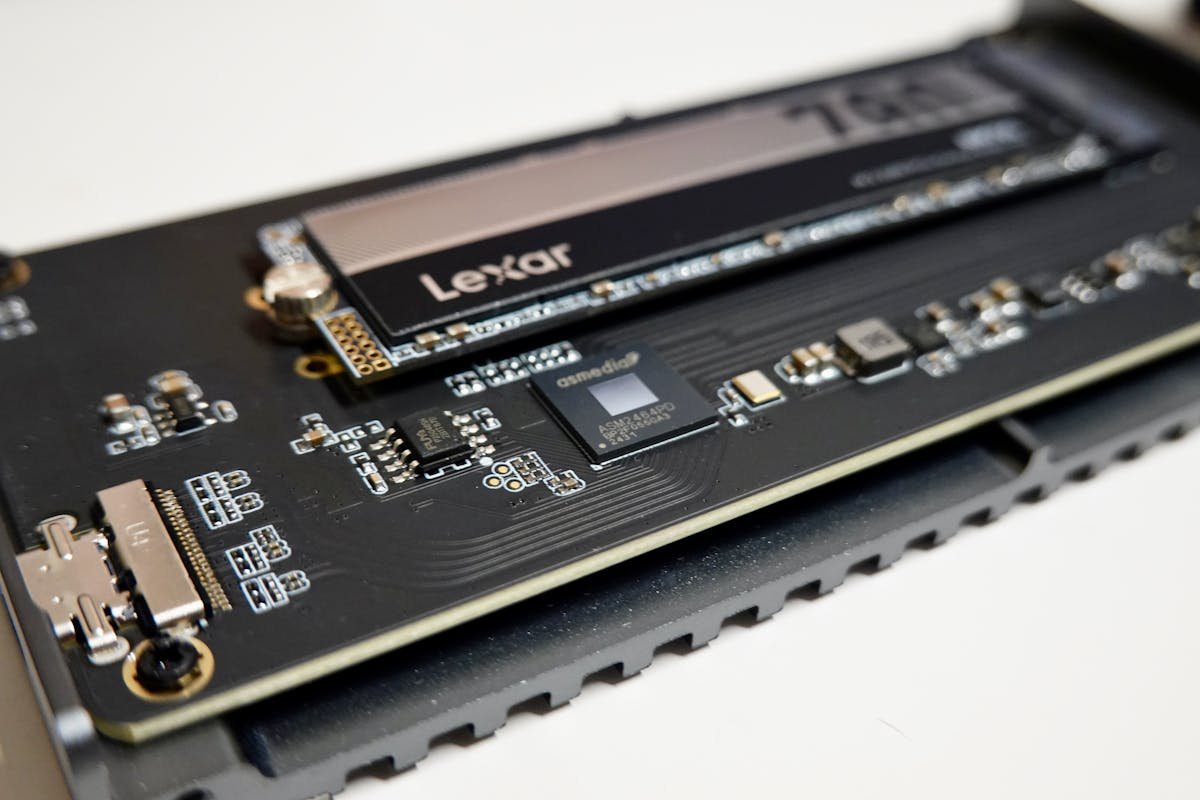
The Dell XPS 13 9360 supports M.2 2280 SATA or PCIe NVMe solid-state drives. Upgrading the SSD is one of the most impactful improvements you can make, offering faster boot times, quicker application loading, and more storage capacity.
Compatible SSD Options
Dell lists one M.2 SSD with SATA or PCIe/NVMe configurations. The setup guide lists factory NVMe options up to 1TB, not a universal certification of larger replacements.
| Capacity | Interface | Best For |
|---|---|---|
| 500GB | M.2 2280 NVMe or SATA | Budget upgrade |
| 1TB | M.2 2280 NVMe or SATA | Recommended for most users |
| 2TB | M.2 2280 NVMe or SATA | Large media libraries & games |
Top pick: The Samsung 990 EVO 1TB offers excellent performance and reliability at a competitive price point. It fits, but as a newer PCIe drive it runs at this laptop’s slower interface speed (Dell quotes up to 8 Gbps).
Power Delivery & Charging
The Dell XPS 13 9360 charges from a 45W 4.7mm barrel adapter. Before buying a USB-C PD charger as a spare, verify exact-model compatibility, power delivery and cable requirements. Dell lists the XPS 9360 with powered WD19/WD19TB docks in its docking compatibility guide; USB-C charging is therefore not categorically unsupported. The supplied barrel-adapter specification is 45W, 19.5V and 4.7mm.
Compatible Charger Specifications
| Wattage | Connector | Notes |
|---|---|---|
| 45W | 4.7mm barrel (19.5V) | Dell’s supplied adapter |
Upgrade Difficulty & Tools Required
Upgrading the Dell XPS 13 9360 is a straightforward process that most users can complete in 15-30 minutes. You will need a Phillips #0 or #1 screwdriver and a plastic spudger or prying tool to remove the bottom panel. We recommend a laptop upgrade toolkit if you don’t already have the right tools.
Difficulty rating: Easy to Moderate (3/5). Always disconnect the battery before working on internal components, and ground yourself to prevent static damage.
Frequently Asked Questions
Can I upgrade the RAM in the Dell XPS 13 9360?
No. The Dell XPS 13 9360 uses LPDDR3 memory soldered to the motherboard, so the RAM cannot be upgraded. It was sold with 4GB, 8GB or 16GB.
What is the maximum RAM supported by the Dell XPS 13 9360?
The Dell XPS 13 9360 supports a maximum of 16GB of LPDDR3 RAM, soldered onboard.
What type of SSD does the Dell XPS 13 9360 use?
The Dell XPS 13 9360 uses an M.2 2280 SSD, either SATA or PCIe NVMe. Dell’s published factory NVMe offerings reach 1TB; that is not a proven hardware ceiling. Larger replacements require exact-drive compatibility and physical-fit checks.
Can I use a third-party USB-C charger with the Dell XPS 13 9360?
USB-C power delivery is supported with compatible powered Dell docks such as WD19/WD19TB. This does not validate every third-party USB-C charger or cable; check exact-model compatibility. The supplied barrel adapter is 45W, 19.5V with a 4.7mm plug.
Is the Dell XPS 13 9360 easy to upgrade?
Yes, upgrading the Dell XPS 13 9360 is relatively straightforward. You need a Phillips screwdriver to remove the bottom panel, then the SSD slot is accessible (the RAM is soldered). The process takes about 15-30 minutes.
Recommended Products
- NVMe SSD for Dell XPS 13 9360 — Top-rated storage upgrades
- Charger for Dell XPS 13 9360 — Compatible power adapters
- Laptop Upgrade Toolkit — Essential tools for the job
Related Guides
Related Dell Upgrade Guides
- Dell Battery Replacement: Latitude, XPS & Inspiron Step-by-Step
- Best RAM for Dell Laptops in 2026
- Dell Precision T7920 RAM & SSD Upgrade Guide (2018)
- Dell Precision T7875 RAM & SSD Upgrade Guide (2024)
- Dell Precision T5860 RAM & SSD Upgrade Guide (2024)
- Dell Upgrade Guide
Not sure what fits? Use our free Compatibility Checker covering 3,195+ models.
Helpful Guides
Upgrades that fit the Dell XPS 13 9360
What fits: Memory: LPDDR3 soldered to the board — not upgradeable · Storage: M.2 2280 NVMe or SATA · Charger: barrel 4.7mm 45W
Spec source: dl.dell.com (checked 26 Sep 2026).
As an Amazon Associate we earn from qualifying purchases. Prices & availability shown on Amazon.

