Affiliate disclosure: this page contains affiliate links — if you buy through them we may earn a commission at no extra cost to you. As an Amazon Associate we earn from qualifying purchases.
The Gigabyte B550 Gaming X V2 is a ATX motherboard based on the B550 chipset with an AM4 socket. It supports up to 128GB of DDR4 memory across 4 DIMM slots, and offers 2 M.2 slots for NVMe SSD storage. This guide covers compatible RAM and SSD upgrades with our top recommendations.
Gigabyte B550 Gaming X V2 Specifications
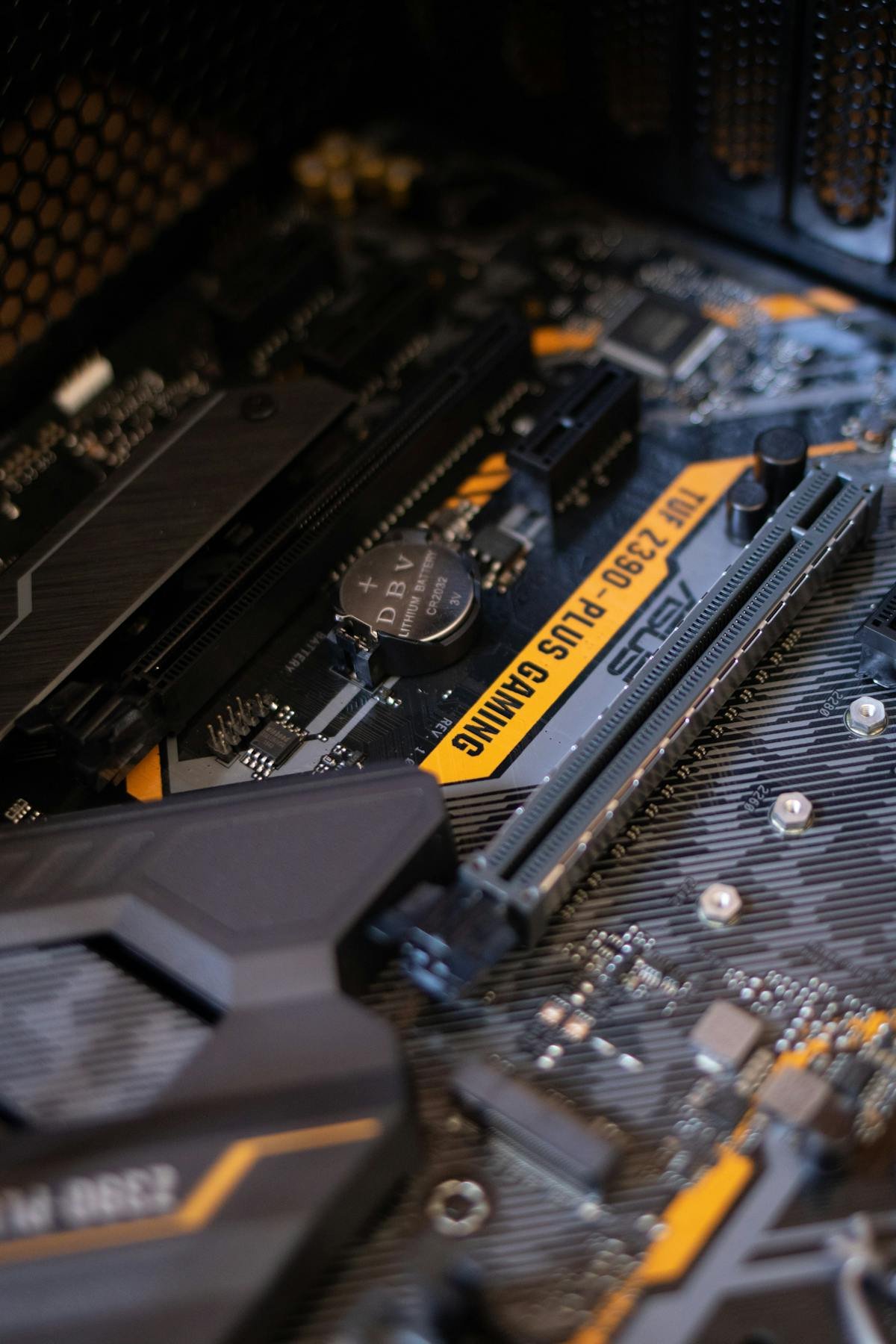
| Motherboard | Gigabyte B550 Gaming X V2 |
| Brand | Gigabyte |
| Chipset | B550 |
| Socket | AM4 |
| Form Factor | ATX |
| Memory Type | DDR4 |
| Max Memory | 128GB |
| DIMM Slots | 4 |
| M.2 Slots | 2 |
| Release Year | 2021 |
Compatible RAM for Gigabyte B550 Gaming X V2
The Gigabyte B550 Gaming X V2 supports DDR4 memory modules. With 4 DIMM slots, the maximum supported capacity is 128GB. For optimal performance, install memory in matched pairs across the same-coloured slots to enable dual-channel mode.
Recommended RAM Upgrades
| Configuration | Module | Buy |
|---|---|---|
| 16GB (2x8GB) | Corsair Vengeance LPX DDR4-3200 2x8GB | Check Price |
| 32GB (2x16GB) | Corsair Vengeance LPX DDR4-3200 2x16GB | Check Price |
| 64GB (2x32GB) | Corsair Vengeance LPX DDR4-3200 2x32GB | Check Price |
| 128GB (4x32GB) | Corsair Vengeance LPX DDR4-3200 4x32GB | Check Price |
Compatible SSD Storage for Gigabyte B550 Gaming X V2
The Gigabyte B550 Gaming X V2 features 2 M.2 slots for NVMe SSD storage. These support PCIe 3.0/4.0 x4 NVMe drives.
Recommended SSD Upgrades
| Capacity | Drive | Buy |
|---|---|---|
| 500GB NVMe | Samsung 980 Pro 500GB PCIe 4.0 | Check Price |
| 1TB NVMe | Samsung 980 Pro 1TB PCIe 4.0 | Check Price |
| 2TB NVMe | Samsung 970 EVO Plus 2TB | Check Price |
Upgrade Tips for Gigabyte B550 Gaming X V2
- Check QVL: Gigabyte publishes a Qualified Vendor List (QVL) for this motherboard — check compatible modules before purchasing.
- Enable XMP/EXPO: After installing new RAM, enter BIOS and enable XMP to run memory at its rated speed.
- Matched pairs: Always install RAM in matched pairs for dual-channel performance.
- M.2 heatsink: Use the included M.2 heatsink or an aftermarket one to prevent thermal throttling on NVMe drives.
- BIOS update: Update to the latest BIOS before installing new memory, especially for newer RAM modules.
Frequently Asked Questions
What RAM is compatible with the Gigabyte B550 Gaming X V2?
The Gigabyte B550 Gaming X V2 supports DDR4 memory, with a maximum of 128GB across 4 DIMM slots.
How many M.2 slots does the Gigabyte B550 Gaming X V2 have?
The Gigabyte B550 Gaming X V2 has 2 M.2 slots for NVMe SSD storage.
What is the maximum RAM for the Gigabyte B550 Gaming X V2?
The maximum supported memory is 128GB using 4 DIMM slots.
Does the Gigabyte B550 Gaming X V2 support DDR5?
No, the Gigabyte B550 Gaming X V2 uses DDR4 memory modules.
Related Gigabyte Upgrade Guides
- Gigabyte B460M AORUS Pro
- Gigabyte B460M Gaming HD
- Gigabyte B460M DS3H
- Gigabyte B460 HD3
- Gigabyte Z490 Vision G
- Gigabyte Upgrade Guide
Not sure what fits? Use our free Compatibility Checker covering 3,195+ models.
Helpful Guides
Related Resources
- Laptop Upgrade Compatibility Checker — Check RAM, SSD & charger compatibility for 3,195+ models
- RAM Compatibility Guide — DDR4, DDR5 & LPDDR5 explained
- SSD Compatibility Guide — NVMe, SATA & M.2 sizes
- Charger Compatibility Guide — USB-C, Power Delivery & GaN
- Docking Station Compatibility Guide — Thunderbolt, USB-C & DisplayLink
Popular Brand Upgrade Guides
- Dell Laptop Upgrades
- Lenovo Laptop Upgrades
- HP Laptop Upgrades
- ASUS Laptop Upgrades
- Acer Laptop Upgrades
- MSI Laptop Upgrades
Upgrades that fit the GIGABYTE B550 GAMING X V2
What fits: Memory: DDR4-3200 UDIMM, 4 user slots, up to 128GB · Storage: M.2 22110 NVMe PCIe 4.0; M.2 22110 NVMe PCIe 3.0; 2.5in SATA drive supported
Spec source: gigabyte.com (checked 26 Sep 2026).
As an Amazon Associate we earn from qualifying purchases. Prices & availability shown on Amazon.