Affiliate disclosure: this page contains affiliate links — if you buy through them we may earn a commission at no extra cost to you. As an Amazon Associate we earn from qualifying purchases.
Chromebooks are popular for their simplicity and affordability, but their upgrade options are extremely limited. This guide explains what you can and cannot upgrade on a Chromebook, and how to choose the right specs at purchase.
Can You Upgrade Chromebook RAM?
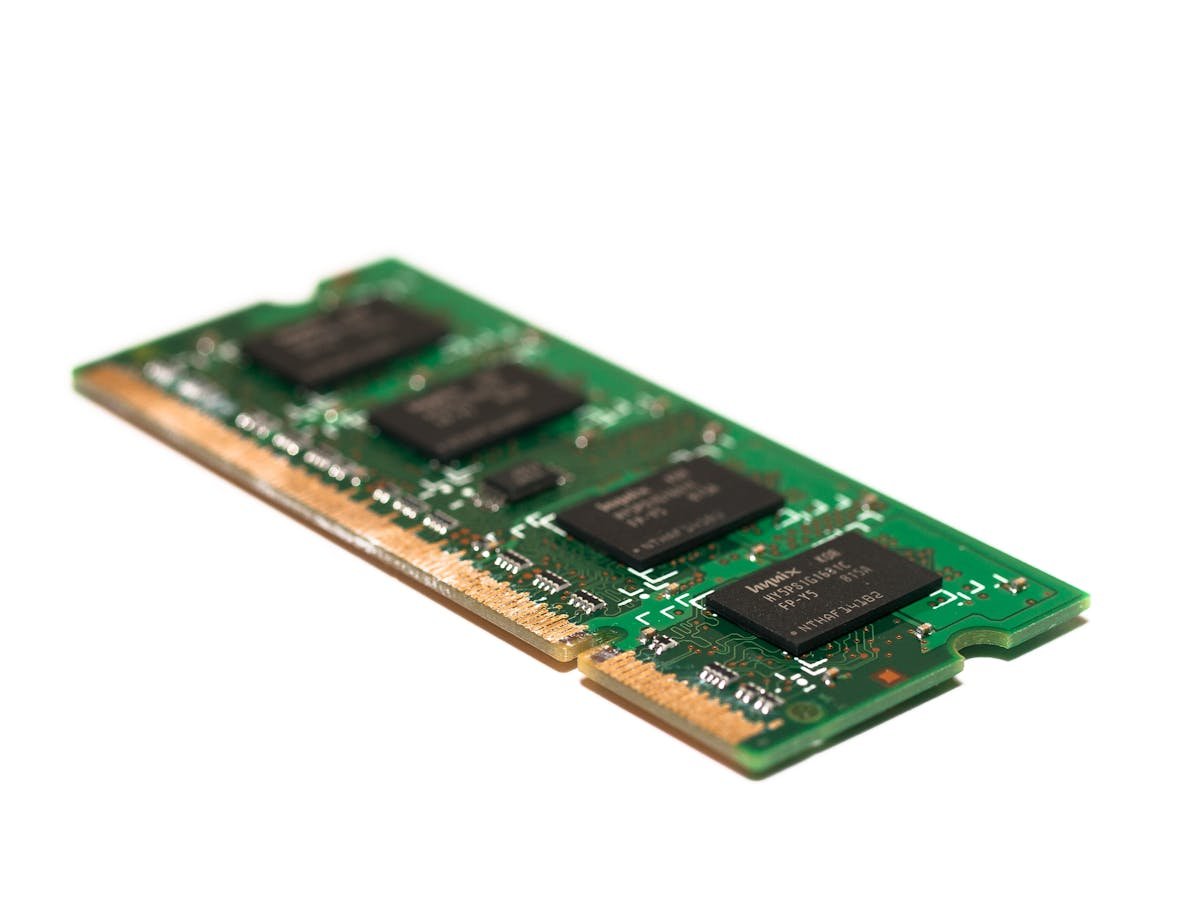
In almost all cases, no. The vast majority of Chromebooks have soldered RAM that is permanently attached to the motherboard. This includes models from Acer, ASUS, HP, Lenovo, and Samsung. Unlike traditional laptops, there are no SO-DIMM slots to access. The RAM you buy is the RAM you keep for the life of the device.
Can You Upgrade Chromebook Storage?
Most Chromebooks use eMMC flash storage that is also soldered to the motherboard. Some higher-end models use M.2 NVMe or SATA SSDs that can theoretically be replaced, but this is rare and often voids the warranty. The simplest storage expansion is via microSD card — most Chromebooks have a microSD slot for additional storage.
How Much RAM Do You Need?
For basic web browsing and Google Workspace: 4GB is the minimum but will feel sluggish with multiple tabs. 8GB is the recommended sweet spot for comfortable daily use. 16GB is ideal if you run Linux apps, Android apps, or keep many tabs open simultaneously.
How Much Storage Do You Need?
ChromeOS is cloud-first, so local storage needs are modest. 64GB is sufficient for most users who store files in Google Drive. 128GB is better if you use Android apps or Linux. 256GB is ideal for offline use or if you download media for travel.
Choosing the Right Chromebook
Since you cannot upgrade later, buy the right specs from the start. We recommend: 8GB RAM minimum, 128GB storage, and a recent processor (Intel N100 or better). Check our Chromebook compatibility guides for specific model recommendations.
Frequently Asked Questions
Why can’t I upgrade my Chromebook RAM?
Chromebooks use soldered RAM to minimise cost and size. The memory chips are permanently attached during manufacturing.
Can I add an SD card to my Chromebook?
Most Chromebooks have a microSD card slot for storage expansion. Cards up to 512GB work well for offline files and media.
Is 4GB RAM enough for a Chromebook?
4GB works for basic tasks but will struggle with multiple tabs. We recommend 8GB for a comfortable experience.
Recommended upgrades
As an Amazon Associate we earn from qualifying purchases. Prices & availability shown on Amazon.
For laptops and mini PCs that use DDR5 SO-DIMM
For laptops and mini PCs that use DDR4 SO-DIMM
M.2 2280 NVMe SSDs
How we verify this guide
We cross-reference compatibility figures against manufacturer specifications where available, official service manuals, and the standards that govern fit — memory type and speed (DDR4 / DDR5 / LPDDR5), maximum supported capacity and slot count, SSD form factor and interface (M.2 2280, NVMe PCIe vs SATA, keying), and charger wattage and connector (USB-C Power Delivery, GaN). We’re explicit about soldered or non-upgradeable parts, prioritise primary sources over retailer listings, and re-verify the data on a regular cycle. More on our method →