
Affiliate disclosure: this page contains affiliate links — if you buy through them we may earn a commission at no extra cost to you. As an Amazon Associate we earn from qualifying purchases.
Why Upgrade to 10GbE?
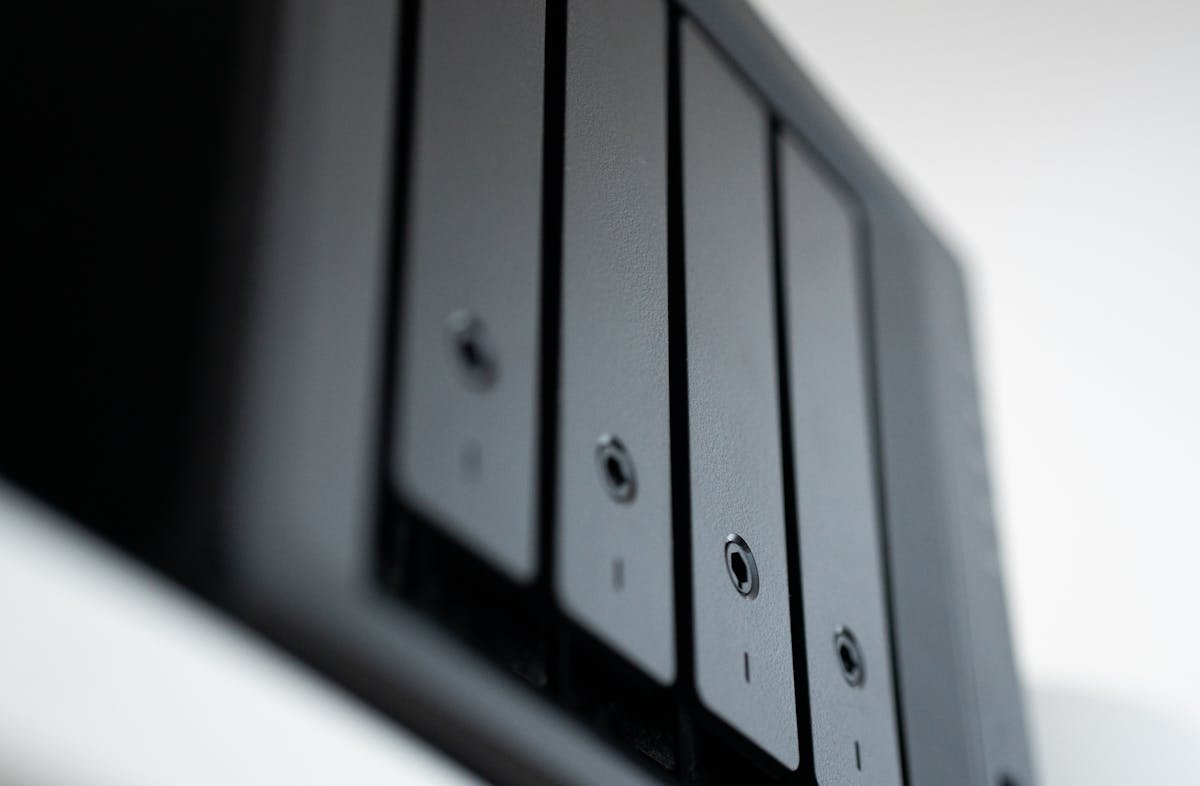
Standard Gigabit Ethernet (1GbE) maxes out at ~110 MB/s — far slower than modern NAS hard drives (200+ MB/s) and NVMe cache (3,500+ MB/s). Upgrading to 10GbE unlocks the full speed of your NAS storage, essential for 4K video editing, large file transfers, and multi-user environments.
10GbE NAS Options
Many NAS devices support 10GbE via PCIe expansion: Synology DS1621+/DS1821+ with E10G22-T1-Mini adapter. QNAP TS-h886 and TVS-h series include built-in 10GbE. Some newer models offer 2.5GbE as a middle ground.
Network Cards and Switches
PCIe 10GbE card: ASUS XG-C100C — affordable single-port 10GBase-T for your PC. Managed switch: QNAP QSW-M2108-2C — 8x 2.5GbE + 2x 10GbE combo ports for hybrid networks.
| Product | Type | Buy |
|---|---|---|
| ASUS XG-C100C | PCIe 10GbE card | Check Price |
Frequently Asked Questions
Is 10GbE worth it for home NAS?
For most home users, Gigabit or 2.5GbE is sufficient. 10GbE is worthwhile for video editors, photographers, or multi-user households with heavy NAS usage.
Recommended upgrades
As an Amazon Associate we earn from qualifying purchases. Prices & availability shown on Amazon.
NAS hard drives
How we verify this guide
We cross-reference compatibility figures against manufacturer specifications where available, official service manuals, and the standards that govern fit — memory type and speed (DDR4 / DDR5 / LPDDR5), maximum supported capacity and slot count, SSD form factor and interface (M.2 2280, NVMe PCIe vs SATA, keying), and charger wattage and connector (USB-C Power Delivery, GaN). We’re explicit about soldered or non-upgradeable parts, prioritise primary sources over retailer listings, and re-verify the data on a regular cycle. More on our method →