
Affiliate disclosure: this page contains affiliate links — if you buy through them we may earn a commission at no extra cost to you. As an Amazon Associate we earn from qualifying purchases.
A laptop from 2018-2022 with an Intel 8th-12th Gen or AMD Ryzen 3000-5000 processor still has plenty of life left. The most common bottlenecks — insufficient RAM and a slow HDD or small SSD — are cheap and easy to fix for under £50.
The £50 Transformation
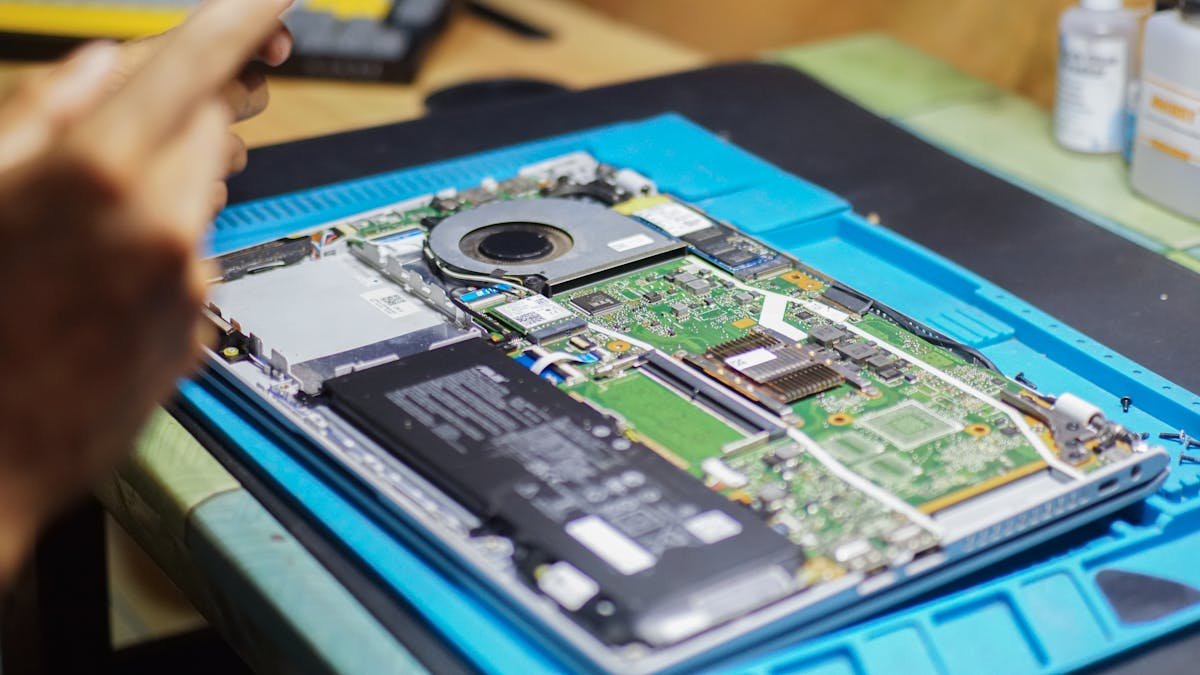
For under £50, you can add a 16GB RAM stick and a 512GB NVMe SSD that will make your laptop boot in seconds, open apps instantly, and handle multitasking without freezing. This is the single best value upgrade in computing.
Step-by-Step Revival
1. Identify your laptop model and check our RAM and SSD compatibility guides. 2. Order compatible parts — typically 16GB DDR4 SODIMM (~£18) and a 1TB NVMe SSD (~£50). 3. Back up your data. 4. Clone your existing drive to the new SSD. 5. Install new SSD and RAM (15-30 minutes). 6. Enjoy a laptop that feels new.
Software Optimisations (Free)
After the hardware upgrade, squeeze out more speed: disable unnecessary startup programs (Task Manager → Startup tab), uninstall bloatware, run Disk Cleanup. On older machines, switching to Linux (Ubuntu or Mint) can breathe even more life into limited hardware.
Frequently Asked Questions
Is it worth upgrading a 7-year-old laptop?
If it has Intel 7th Gen or newer, upgrading RAM and SSD is worthwhile. For 6th Gen or older, replacement may be more sensible.
What’s the single most impactful upgrade?
If your laptop still has a mechanical HDD, replacing it with any SSD is the single biggest speed improvement — boot times go from minutes to seconds.
Recommended Laptop Upgrades (RAM & SSD)
As an Amazon Associate we earn from qualifying purchases. Prices & availability shown on Amazon.
How we verify this guide
We cross-reference compatibility figures against manufacturer specifications where available, official service manuals, and the standards that govern fit — memory type and speed (DDR4 / DDR5 / LPDDR5), maximum supported capacity and slot count, SSD form factor and interface (M.2 2280, NVMe PCIe vs SATA, keying), and charger wattage and connector (USB-C Power Delivery, GaN). We’re explicit about soldered or non-upgradeable parts, prioritise primary sources over retailer listings, and re-verify the data on a regular cycle. More on our method →