Affiliate disclosure: this page contains affiliate links — if you buy through them we may earn a commission at no extra cost to you. As an Amazon Associate we earn from qualifying purchases.
HP Pro Mini 260 G9 — Quick Specs Summary
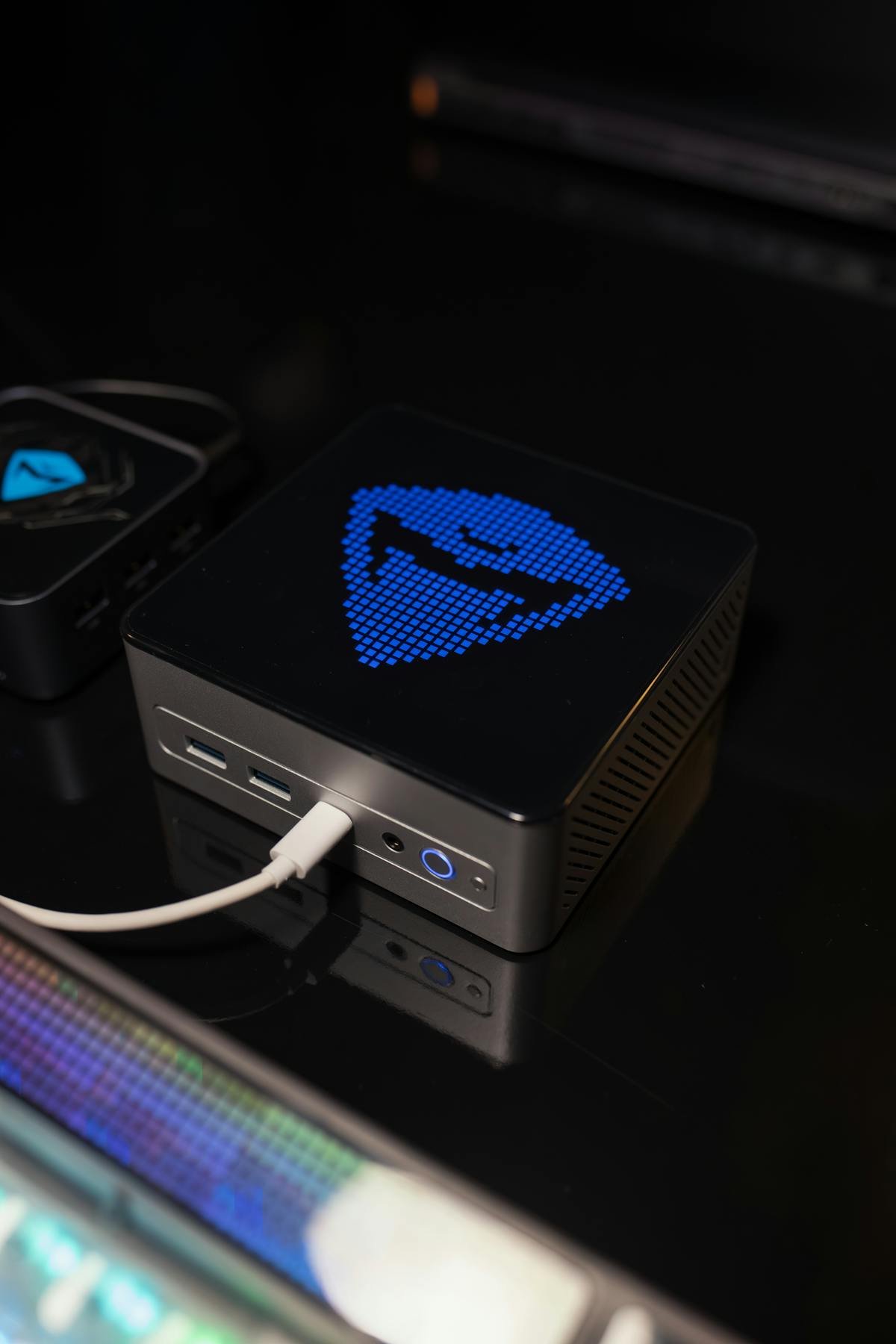
Correction (September 2026): this page previously described an “HP Mini 290 G9”. That machine does not exist — HP’s 290 G9 is sold only as a Microtower and Small Form Factor desktop, never as a mini. HP’s actual budget mini desktop of that generation is the HP Pro Mini 260 G9, which is what this page now covers. The RAM ceiling, storage layout, power supply and cooling details below have all been corrected.
| Component | Specification | Upgradeable? |
|---|---|---|
| Processor | Intel Core i3-1215U / i5-1235U (12th Gen, U-series) | No — soldered BGA |
| RAM | DDR4-3200 SO-DIMM, 2 slots, max 64GB | Yes |
| Internal storage | 1 × M.2 2280 + 1 × M.2 2230 + 1 × 2.5″ SATA bay | Yes |
| Ports | USB-C 10Gbps (data only), 4× USB-A, HDMI 1.4b, DisplayPort 1.4a, RJ-45, serial | Expandable via dock |
| Wireless | Wi-Fi 6 + Bluetooth (configuration-dependent) | M.2 card, replaceable |
| Power supply | 65W external AC adapter (barrel) — not USB-C PD | No |
| Cooling | Actively cooled (fan) — not fanless | N/A |
Pro Mini 260 G9: HP’s Budget Commercial Mini
Performance and positioning
The Pro Mini 260 G9 runs 12th Gen Intel U-series silicon — the Core i3-1215U or Core i5-1235U. These are 15W-class parts with a mix of performance and efficient cores, which makes the machine comfortable for office work, browsing, video calls and light multitasking, and unsuitable for sustained rendering or compilation. It is a commercial desktop rather than a consumer one, so it ships with a serial port, DASH manageability options and a three-year warranty in most channels.
Why it is a better buy than it looks
Two things lift it above the usual budget mini. The memory is on two proper SO-DIMM slots rather than soldered, so a machine bought with 8GB can be taken to 64GB later. And the storage is genuinely expandable — there is an M.2 2280 slot, a separate M.2 2230 slot, and a 2.5-inch SATA bay, so you are not forced to replace the boot drive just to add capacity.
RAM Compatibility and Upgrades
The HP Pro Mini 260 G9 uses DDR4-3200 non-ECC unbuffered SO-DIMM memory in two slots, with a verified maximum of 64GB (2 × 32GB). Many units ship with a single 8GB module, leaving one slot free.
Fit modules in pairs where you can. A single stick runs the memory controller in single-channel, which costs noticeable performance on integrated graphics. Two matched 16GB modules will feel quicker than one 32GB module, and cost about the same.
This is a DDR4 machine. DDR5 SO-DIMMs are physically keyed differently (262-pin versus 260-pin) and will not fit, so do not buy DDR5 for it regardless of what a marketplace listing claims.
Compatible memory
| Module | Capacity | Speed | Price* |
|---|---|---|---|
| Crucial DDR4 SO-DIMM kit | 32GB (2×16GB) | DDR4-3200 | View on Amazon |
| Kingston Fury Impact SO-DIMM kit | 64GB (2×32GB) | DDR4-3200 | View on Amazon |
| Samsung DDR4 SO-DIMM | 16GB | DDR4-3200 | View on Amazon |
| Crucial DDR4 SO-DIMM | 8GB | DDR4-3200 | View on Amazon |
SSD and Storage
Three storage positions, which is generous for the price: an M.2 2280 slot (normally the boot drive), an M.2 2230 slot, and a 2.5-inch SATA bay. You can therefore keep the factory drive and add capacity rather than migrating.
Check the length before you buy — a 2280 drive will not fit the 2230 position, and a 2230 drive fitted to the 2280 slot needs the standoff moving. PCIe generation is configuration-dependent on this platform; a Gen 4 drive will work but will negotiate down if the slot is Gen 3, so there is little point paying for the fastest drives here.
Compatible drives
| Model | Capacity | Type | Price* |
|---|---|---|---|
| WD Blue SN580 | 1TB | M.2 2280 NVMe | View on Amazon |
| Crucial P3 Plus | 1TB | M.2 2280 NVMe | View on Amazon |
| WD Black SN770M | 1TB | M.2 2230 NVMe | View on Amazon |
| Crucial MX500 | 1TB | 2.5″ SATA | View on Amazon |
Power and Cooling
It does not charge over USB-C. The Pro Mini 260 G9 is powered by a 65W external AC adapter with a barrel connector. Its USB-C port is a 10Gbps data and display port, not a power input, so a USB-C PD charger will not run it no matter how many watts it delivers. Replace the adapter with an HP unit of the same rating, or a third-party adapter matching both the wattage and the barrel size on your original.
Cooling is active — there is a fan. It is a quiet machine under an office workload, but it is not a fanless design, and it will be audible if you load all cores for any length of time.
Connectivity
Better provisioned than most budget minis: four USB-A ports, one USB-C at 10Gbps, HDMI 1.4b and DisplayPort 1.4a for dual displays, Gigabit Ethernet, and a serial port for legacy point-of-sale and lab equipment. Note the HDMI is 1.4b, which caps 4K at 30Hz — use the DisplayPort output for a 4K 60Hz monitor.
Upgradeability Score
| Category | Rating | Notes |
|---|---|---|
| RAM upgrade | Excellent | 2 SO-DIMM slots, 64GB ceiling, nothing soldered |
| Storage upgrade | Excellent | M.2 2280 + M.2 2230 + 2.5″ bay |
| Ports and connectivity | Good | 4× USB-A, USB-C 10Gbps, DP 1.4a, serial |
| Display support | Fair | HDMI limited to 1.4b; use DisplayPort for 4K60 |
| Overall | Very good | Unusually serviceable for the money |
Frequently Asked Questions
How much RAM can the HP Pro Mini 260 G9 take?
64GB, as 2 × 32GB DDR4-3200 non-ECC SO-DIMMs across its two slots. Kingston lists the same ceiling for this model.
Can I use DDR5 memory in it?
No. It is a DDR4 platform and DDR5 SO-DIMMs are keyed differently, so they will not physically seat.
How many drives does it hold?
Three: an M.2 2280, an M.2 2230, and a 2.5-inch SATA bay. You can add storage without removing the factory drive.
Can I power it from a USB-C charger?
No. It uses a 65W external AC adapter with a barrel connector; the USB-C port carries data and display only.
Is there an HP Mini 290 G9?
No. HP’s 290 G9 exists as a Microtower and a Small Form Factor desktop only. If you are looking for an HP mini of that generation, the options are the Pro Mini 260 G9 and the larger Pro Mini 400 G9.
Recommended Products
These are the products we recommend based on this guide. All links go to Amazon where you can check current prices and availability.
| Product | Why we recommend it | Amazon |
|---|---|---|
| Crucial DDR4-3200 SO-DIMM 32GB (2×16GB) kit | Best-value dual-channel upgrade for this machine | View on Amazon |
| Kingston Fury Impact DDR4-3200 SO-DIMM 64GB (2×32GB) kit | Takes it to the verified 64GB ceiling | View on Amazon |
| WD Blue SN580 1TB NVMe M.2 2280 | Sensible boot-drive replacement; no need to pay for Gen 4 here | View on Amazon |
| WD Black SN770M 1TB M.2 2230 | Fits the short second M.2 slot, which most 2280 drives will not | View on Amazon |
| Crucial MX500 1TB 2.5″ SATA | Cheap bulk capacity for the drive bay | View on Amazon |
Prices and availability may vary. As an Amazon Associate, we earn from qualifying purchases.
Related HP Upgrade Guides
- HP Battery Replacement: EliteBook, Pavilion & OMEN Step-by-Step
- Best RAM for HP Laptops in 2026
- HP Mini PC Upgrade Guide
- HP Upgrade Guide
Not sure what fits? Use our free Compatibility Checker covering 3,195+ models.
Helpful Guides
Recommended upgrades
As an Amazon Associate we earn from qualifying purchases. Prices & availability shown on Amazon.
USB-C chargers (only for laptops that charge over USB-C — match or exceed your original adapter wattage)
*Indicative UK street prices, shown for guidance only. These are not live Amazon prices and change frequently — check the current price on Amazon before buying.