Affiliate disclosure: this page contains affiliate links — if you buy through them we may earn a commission at no extra cost to you. As an Amazon Associate we earn from qualifying purchases.
The Acer Swift 5 SF514 is Acer’s premium ultrabook with a stunning 2.5K OLED touch display, weighing under 1kg. Like all ultra-premium thin laptops, the RAM is soldered — but the SSD is fully upgradeable. Here’s what you need to know about your configuration options.
RAM Compatibility & Upgrade Guide
The Swift 5 SF514 features LPDDR5x soldered RAM, available in 16GB or 32GB configurations depending on your model and region. This RAM is permanently soldered to the motherboard and cannot be upgraded under any circumstances.
RAM is NOT upgradeable — this is a firm design limitation of the ultra-premium form factor. At purchase, you must select between:
- 16GB LPDDR5x — Sufficient for most creative professionals, video editing, and multitasking
- 32GB LPDDR5x — Recommended for 4K video production, 3D rendering, and large dataset work
The Swift 5 SF514 prioritises absolute thinness (under 13mm) and weight (under 1kg), which necessitates soldering rather than using modular RAM slots. This is a permanent trade-off you accept when purchasing an ultra-premium ultrabook.
LPDDR5x vs. Standard DDR5
The Swift 5 SF514 uses LPDDR5x (low-power DDR5), not standard DDR5. LPDDR5x is optimised for ultrabook battery efficiency and thermal performance, running at lower voltages (1.05V) than standard DDR5. It’s not interchangeable with SO-DIMM modules and offers superior power efficiency — crucial for ultra-thin designs.
SSD & Storage Compatibility
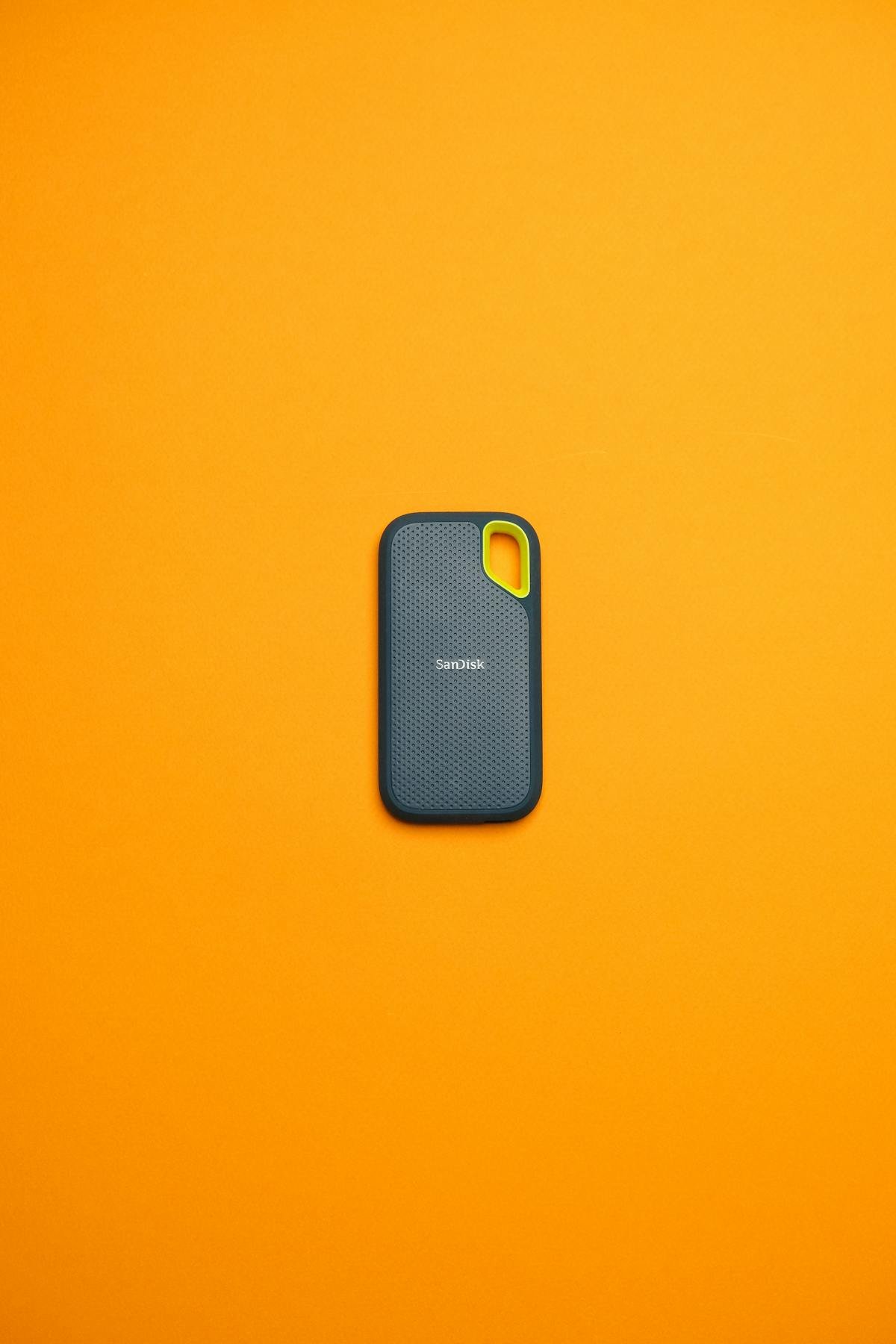
The Swift 5 SF514 includes 1 M.2 2280 NVMe slot supporting PCIe Gen 4 SSDs. Factory configurations typically come with 512GB or 1TB. Upgrading to 2TB is straightforward and highly recommended for creative work.
Best M.2 2280 PCIe Gen 4 SSDs for the Swift 5 SF514:
| Model | Capacity | Speed | Thermal Profile | Amazon Link |
|---|---|---|---|---|
| Samsung 990 EVO | 1TB / 2TB | 5,000 MB/s | Conservative — excellent for thin laptops | View on Amazon |
| SK Hynix P41 Platinum | 1TB / 2TB | 7,100 MB/s | Extremely low power consumption | View on Amazon |
| WD Black SN850X | 1TB / 2TB | 7,100 MB/s | Good thermals, proven reliability | View on Amazon |
How to replace the SSD: Power down completely, unplug the charger, and allow the laptop to cool for 5 minutes (the chassis gets warm, especially with the OLED display). Remove the bottom panel by unscrew the Phillips screws around the perimeter. The M.2 slot is typically located near the centre of the motherboard. Unscrew the single retention screw at a 45-degree angle, carefully slide out the old drive (the OLED display is directly above — avoid touching it), insert your new M.2 drive, and secure.
The entire upgrade takes 10–15 minutes. Be cautious around the OLED panel — it’s fragile and expensive to replace if damaged.
Charger & Power Compatibility
The Swift 5 SF514 uses USB-C Power Delivery (65W) for charging. This is a universal standard, meaning you’re not locked into proprietary chargers.
Charger specifications:
- Output: 65W USB-C Power Delivery (20V / 3.25A)
- Connector: USB-C, reversible
- Compatibility: Any certified USB-C PD 65W charger works
One of the major advantages of the Swift 5 SF514 is charger flexibility. You can use:
- Higher-wattage USB-C PD chargers (100W+) from Anker, Belkin, or third-party brands
- Shared chargers with other USB-C devices (phones, tablets, other laptops)
- USB-C Power Delivery from supported docking stations
This is a significant convenience factor compared to older barrel-connector Acer models.
Dock & Hub Compatibility
The Swift 5 SF514 is equipped with Thunderbolt 4 (on Intel-based variants), offering premium docking capabilities with high bandwidth for external displays and fast storage.
Recommended Thunderbolt 4 docks for the Swift 5 SF514:
- OWC Thunderbolt 4 Dock — Up to 6K external display support, 96W passthrough charging
- Lenovo ThinkPad Thunderbolt 4 Dock Gen 2 — Cross-brand compatibility, 135W power delivery
- Kensington SD4700P Thunderbolt 4 Dock — Premium build, comprehensive port selection
Thunderbolt 4 opens up the possibility of daisy-chaining high-speed external displays and SSDs, making the Swift 5 SF514 viable for professional creative workflows despite its ultra-portable form factor.
Full Specifications Table
| Component | Specification | Upgrade Potential |
|---|---|---|
| Processor | 13th Gen Intel Core i5 / i7 | Non-upgradeable (soldered) |
| RAM | LPDDR5x soldered (16GB or 32GB) | NOT upgradeable — soldered |
| Storage | 1 × M.2 2280 NVMe PCIe Gen 4 | Fully replaceable |
| Display | 14″ 2.5K (2560 × 1600) OLED touch, 100% DCI-P3 | Non-upgradeable |
| Graphics | Intel Iris Xe (integrated) | Non-upgradeable |
| Charger | 65W USB-C Power Delivery | Replaceable (USB-C PD standard) |
| Ports | Thunderbolt 4, 2 × USB-C 3.2, 1 × 3.5mm audio jack | Expansion via Thunderbolt docking |
| Battery | 63Wh Li-Polymer (non-removable) | Replaceable (requires full disassembly) |
| Weight | ~0.98 kg (under 1kg) | — |
Frequently Asked Questions
Can I upgrade the RAM on the Swift 5 SF514?
No. The RAM is LPDDR5x soldered to the motherboard and cannot be upgraded. Your configuration (16GB or 32GB) is permanent. At purchase, select the RAM capacity you’ll need for the next 3–5 years.
Is 16GB or 32GB better for the Swift 5 SF514?
For typical creative work (Adobe Creative Suite, Figma, web development), 16GB is sufficient. If you work with 4K video, 3D models, or large photo libraries, invest in 32GB at purchase time. The cost difference (~£200–300) is far cheaper than replacing the machine.
What M.2 SSD should I buy for the Swift 5 SF514?
The Samsung 990 EVO is the safest choice with proven thermals in thin chassis. For maximum speed and power efficiency, the SK Hynix P41 Platinum offers 7,100 MB/s reads with exceptionally low power consumption — crucial for ultrabook battery life.
Can I use the same charger for my Swift 5 SF514 and other devices?
Yes. The Swift 5 SF514 uses standard USB-C Power Delivery (65W). You can charge it using any certified USB-C PD charger, including phone chargers (if 65W+), iPad chargers, or shared chargers with other USB-C laptops.
What’s the advantage of Thunderbolt 4 on the Swift 5 SF514?
Thunderbolt 4 enables high-bandwidth docking, daisy-chaining of external displays, and fast external SSD connectivity. If you work with 4K video or multiple external monitors, Thunderbolt 4 is a significant productivity boost despite the ultra-portable form factor.
Recommended Products
These are the products we recommend based on this guide. All links go to Amazon where you can check current prices and availability.
| Product | Why We Recommend It | Amazon |
|---|---|---|
| Corsair Vengeance DDR5 SO-DIMM 32GB (2×16GB) 5600MHz | Top-rated DDR5 kit for gaming & productivity | View on Amazon |
| Kingston Fury Impact DDR5 SO-DIMM 32GB (2×16GB) 5600MHz | Excellent DDR5 alternative with XMP support | View on Amazon |
| Crucial DDR5 SO-DIMM 16GB 5600MHz | Affordable single-stick DDR5 | View on Amazon |
| G.Skill Ripjaws DDR5 SO-DIMM 32GB 5600MHz | High performance DDR5 for enthusiasts | View on Amazon |
| Samsung 990 Pro 2TB NVMe M.2 2280 | Fastest consumer NVMe — ideal for gaming & editing | View on Amazon |
| WD Black SN850X 2TB NVMe | Excellent Gen4 speed with heatsink option | View on Amazon |
| Crucial P5 Plus 1TB NVMe | Great value Gen4 SSD | View on Amazon |
| Kingston NV2 1TB NVMe | Budget-friendly with solid reliability | View on Amazon |
Prices and availability may vary. As an Amazon Associate, we earn from qualifying purchases.
Related Acer Upgrade Guides
- Best RAM for Acer Laptops 2026
- Acer TravelMate Spin P4 TMP414RN-53 (2023) RAM & SSD Upgrade Guide (2023)
- Acer TravelMate P6 TMP614-53 (2023) RAM & SSD Upgrade Guide (2023)
- Acer TravelMate P4 TMP416-52 (2024) RAM & SSD Upgrade Guide (2024)
- Acer TravelMate P4 TMP414-52 (2023) RAM & SSD Upgrade Guide (2023)
- Acer Upgrade Guide
Not sure what fits? Use our free Compatibility Checker covering 3,195+ models.
Helpful Guides
Recommended upgrades
As an Amazon Associate we earn from qualifying purchases. Prices & availability shown on Amazon.