
Affiliate disclosure: this page contains affiliate links — if you buy through them we may earn a commission at no extra cost to you. As an Amazon Associate we earn from qualifying purchases.
Razer Blade 16 (2024) Specifications
The Razer Blade 16 (2024) is a gaming laptop designed for enthusiasts seeking strong performance. This guide covers RAM, SSD, charger compatibility, and upgrade paths for this model. For a comprehensive overview of all Razer upgradeable models, visit the Razer Laptop Upgrades hub.
| Component | Specification |
|---|---|
| Processor | i9-14900HX + RTX 4070 / RTX 4080 / RTX 4090 |
| RAM | DDR5, 2 slots (upgradeable) |
| Max RAM | 96GB |
| Storage | M.2 2280 NVMe PCIe Gen4, 2 slots |
| Charger | 330W Barrel |
| Ports | 2x Thunderbolt 4, 2x USB 3.2, 1x HDMI 2.1, 1x SD |
| Display | 16.0″ QHD+ 240Hz Mini-LED |
| Weight | 2.4 kg (5.29 lbs) |
Memory Upgrade Path
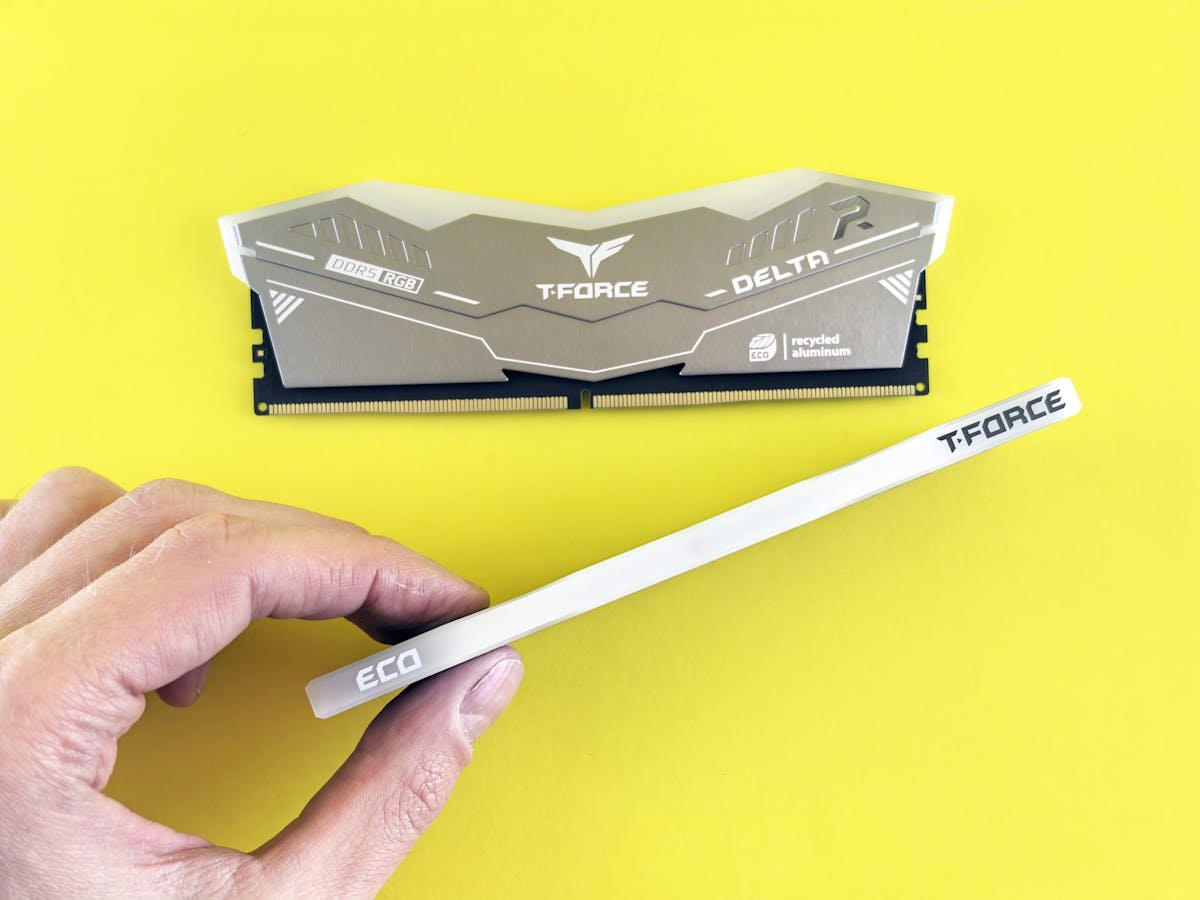
The Razer Blade 16 features 2 SO-DIMM slots for DDR5 RAM, allowing upgrades up to 96GB. Both slots are user-accessible, and the upgrade process is straightforward.
Recommended DDR5 RAM Upgrades:
- Corsair Vengeance DDR5 SO-DIMM — Premium DDR5 laptop memory with excellent compatibility.
- Kingston Fury Impact DDR5 SO-DIMM — High-performance DDR5 with solid heat dissipation.
- Crucial DDR5 SO-DIMM — Budget-friendly DDR5 with proven stability.
Storage Expansion
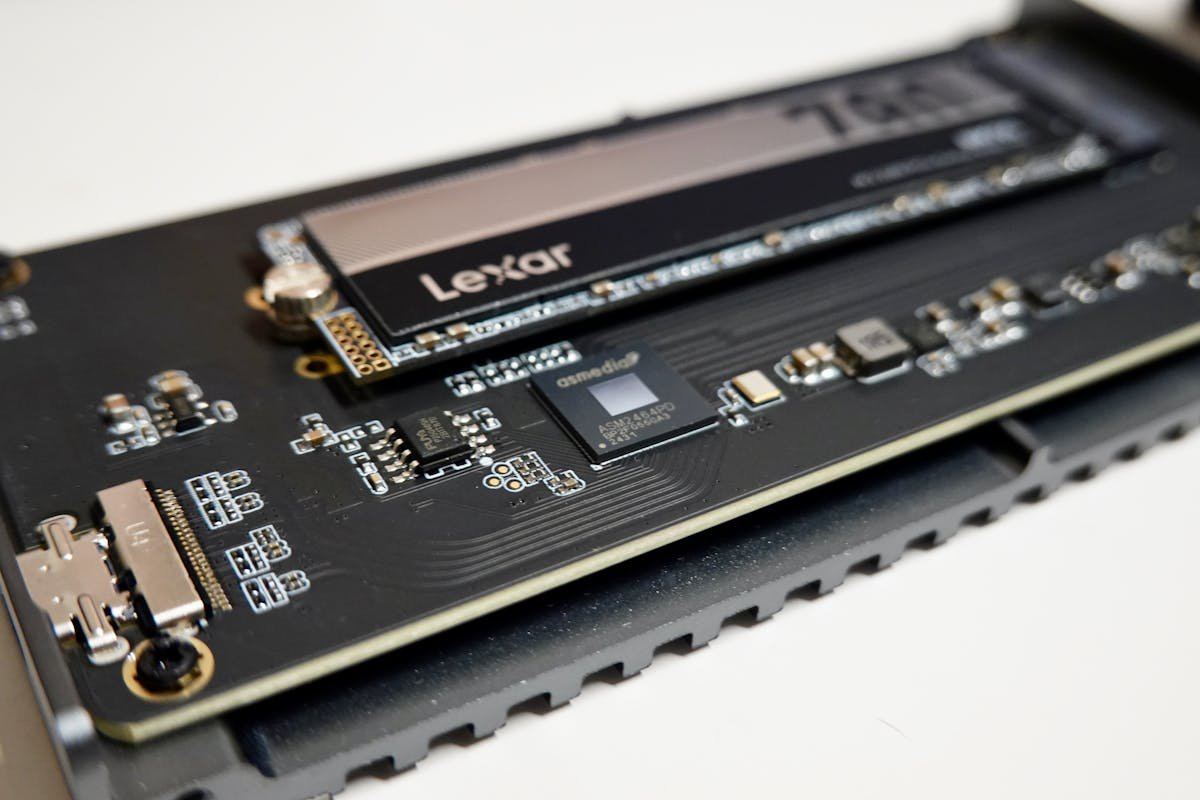
The Razer Blade 16 uses a standard M.2 2280 NVMe SSD with a NVMe PCIe Gen4 interface. With 2 M.2 slots, you can run dual NVMe drives for expanded storage.
Recommended M.2 2280 SSDs:
- Samsung 990 Pro NVMe 2280 — Flagship NVMe SSD with exceptional speeds.
- WD Black SN850X 2280 — High-performance NVMe with excellent sustained writes.
- Crucial P5 Plus NVMe 2280 — Excellent value NVMe with strong real-world performance.
Power Delivery & Charging
The Razer Blade 16 uses a 330W Barrel charger. This uses a proprietary barrel connector. Use the original charger or a compatible replacement rated for the same wattage.
Port & Docking Capabilities
Connectivity: 2x Thunderbolt 4, 2x USB 3.2, 1x HDMI 2.1, 1x SD
The Thunderbolt 4 ports provide fast external storage and high-bandwidth peripherals. Consider a Thunderbolt dock like the CalDigit TS4 or Belkin Thunderbolt 4 Dock Pro for desktop expansion.
Upgrade Difficulty & Tools Required
The Razer Blade 16 has a difficulty rating of 2/5 for upgrades (5 = easiest). The upgrade process is difficult — limited user-accessible components.
Tools needed:
- Phillips screwdriver (M2.5 or similar)
- Plastic spudger or pry tool (for bottom panel clips)
- ESD wrist strap (optional but recommended)
We recommend backing up your data and consulting the official service manual before opening the chassis.
Frequently Asked Questions
Can I upgrade the RAM in the Razer Blade 16?
Yes, the Razer Blade 16 has 2 SO-DIMM slots for user-upgradeable DDR5 memory, supporting up to 96GB.
What is the maximum RAM for the Razer Blade 16?
The Razer Blade 16 supports up to 96GB of DDR5 memory.
Can I add a second SSD to the Razer Blade 16?
The Razer Blade 16 has 2 M.2 slots. You can add a second NVMe SSD.
What charger does the Razer Blade 16 need?
The Razer Blade 16 uses a 330W Barrel charger.
Is the Razer Blade 16 easy to upgrade?
The Razer Blade 16 has a difficulty rating of 2/5. Consider professional assistance for upgrades.
Recommended Products
These are the products we recommend based on this guide. All links go to Amazon where you can check current prices and availability.
| Product | Why We Recommend It | Amazon |
|---|---|---|
| Corsair Vengeance DDR5 SO-DIMM | Premium DDR5 laptop memory with excellent compatibility. | View on Amazon |
| Kingston Fury Impact DDR5 SO-DIMM | High-performance DDR5 with solid heat dissipation. | View on Amazon |
| Crucial DDR5 SO-DIMM | Budget-friendly DDR5 with proven stability. | View on Amazon |
| Samsung 990 Pro NVMe 2280 | Flagship NVMe SSD with exceptional speeds. | View on Amazon |
| WD Black SN850X 2280 | High-performance NVMe with excellent sustained writes. | View on Amazon |
| Crucial P5 Plus NVMe 2280 | Excellent value NVMe with strong real-world performance. | View on Amazon |
Prices and availability may vary. As an Amazon Associate, we earn from qualifying purchases.
Related Razer Upgrade Guides
- Razer Blade Stealth 13 (Late 2020) RAM & SSD Upgrade Guide
- Razer Blade 14 (2021) RAM & SSD Upgrade Guide
- Razer Blade 17 (2022) RAM & SSD Upgrade Guide
- Razer Blade 16 (2023) RAM & SSD Upgrade Guide
- Samsung Galaxy Book3 Pro 360
- Razer Upgrade Guide
Not sure what fits? Use our free Compatibility Checker covering 3,195+ models.
Helpful Guides
Upgrades that fit the Razer Blade 16
What fits: Memory: DDR5-5600 SO-DIMM, 2 user slots, up to 96GB · Storage: M.2 2280
Spec source: kingston.com (checked 26 Sep 2026).
As an Amazon Associate we earn from qualifying purchases. Prices & availability shown on Amazon.