
Affiliate disclosure: this page contains affiliate links — if you buy through them we may earn a commission at no extra cost to you. As an Amazon Associate we earn from qualifying purchases.
The Acer Aspire Lite AL15 (2024) is a popular laptop that many users want to upgrade. This guide covers RAM, SSD, charger compatibility, and upgrade paths for this model. For a comprehensive overview of all Acer upgradeable models, visit the Acer Laptop Upgrades hub.
Aspire Lite AL15 Specifications
| Component | Specification |
|---|---|
| Processor | 13th Gen Intel Core i3/i5 (Raptor Lake) |
| RAM Type | DDR4-3200 |
| RAM Slots | 1 SO-DIMM slot (8GB soldered + 1 slot) |
| Max RAM | 16GB (8GB soldered + 8GB SO-DIMM) on some variants; Acer lists 8GB max for the AL15-51M-55R1 |
| Storage | M.2 2280 NVMe PCIe Gen3 |
| M.2 Slots | 1 M.2 2280 NVMe slot |
| Charger | 45W barrel plug (19V, 2.37A) |
| Ports | 1x USB-C 3.2, 2x USB-A 3.0, HDMI 1.4, microSD |
| Display | 15.6″ FHD (1920×1080) IPS |
| Weight | 1.78 kg (3.92 lbs) |
Aspire Lite AL15 RAM Upgrade Guide
The Aspire Lite AL15 features 1 SO-DIMM slot (8GB soldered + 1 slot) for DDR4-3200 memory, allowing upgrades up to a maximum of 16GB (8GB soldered + 8GB SO-DIMM) on some variants; Acer lists 8GB max for the AL15-51M-55R1. The upgrade process is straightforward and accessible through the bottom panel.
Recommended RAM Upgrades
- Corsair Vengeance DDR4 SO-DIMM — Premium DDR4 with excellent compatibility across Acer laptops.
- Kingston Fury Impact DDR4 SO-DIMM — Reliable DDR4 with proven performance and solid speeds.
- Crucial DDR4 SO-DIMM — Budget-friendly DDR4 with wide compatibility and reliable performance.
Aspire Lite AL15 SSD & Storage Upgrade Guide
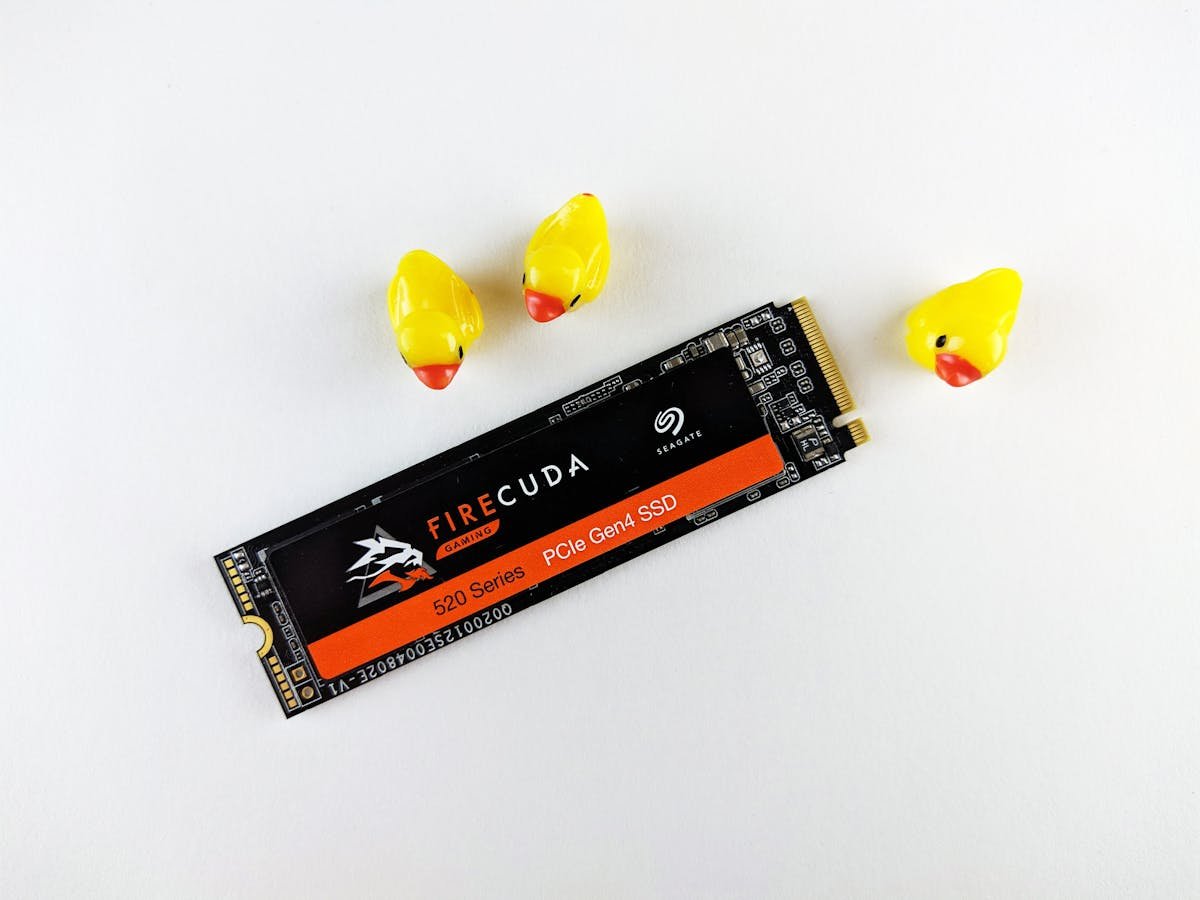
The Aspire Lite AL15 supports M.2 2280 NVMe PCIe Gen3 storage. The Aspire Lite AL15 supports a single M.2 slot. Installation requires removing the bottom panel and is straightforward for most users.
Recommended SSD Upgrades
- Samsung 980 NVMe — Reliable Gen3 NVMe with great speeds for everyday use.
- WD Blue SN580 NVMe — Solid mid-range Gen3 NVMe with excellent value.
- Kingston NV2 NVMe — Budget-friendly NVMe SSD with good everyday performance.
Aspire Lite AL15 Charger Compatibility
The Aspire Lite AL15 uses a 45W barrel plug (19V, 2.37A). When replacing, ensure the replacement matches the voltage (19V) and has equal or higher amperage. Third-party chargers from reputable brands are available on Amazon.
Recommended Chargers
- Original Acer 45W Charger Replacement — OEM-compatible replacement charger for Acer laptops.
Aspire Lite AL15 Dock & Hub Compatibility
The Aspire Lite AL15 has limited docking options. A USB-A hub can expand connectivity, and the HDMI port allows connection to an external monitor.
Upgrade Difficulty
The Aspire Lite AL15 has a difficulty rating of 4/5 (5 = easiest). The bottom panel is secured with standard Philips screws and can be removed without special tools. Both RAM and SSD upgrades are accessible once the panel is removed.
Tools needed:
- Philips screwdriver (PH1 or PH0)
- Plastic spudger or guitar pick
- ESD wrist strap (recommended)
Frequently Asked Questions
Can I upgrade the RAM in the Acer Aspire Lite AL15?
Yes, the Aspire Lite AL15 has 1 SO-DIMM slot (8GB soldered + 1 slot) supporting DDR4-3200 memory, upgradeable to 16GB on some variants (Acer lists 8GB max for the AL15-51M-55R1).
What is the maximum RAM for the Acer Aspire Lite AL15?
The Aspire Lite AL15 supports up to 16GB (8GB soldered + 8GB SO-DIMM) on some variants; Acer lists 8GB max for the AL15-51M-55R1.
What type of SSD does the Acer Aspire Lite AL15 use?
The Aspire Lite AL15 uses M.2 2280 NVMe PCIe Gen3. Check the M.2 slot size before purchasing.
Is upgrading the Acer Aspire Lite AL15 difficult?
The upgrade difficulty is rated 4/5. The bottom panel is easily removable with standard Philips screws.
Recommended Products
These are the products we recommend. All links go to Amazon.
Buy a single module, not a kit. The Aspire Lite AL15 has 8GB soldered to the board plus one free SO-DIMM slot, and the maximum is up to 16GB depending on variant (Acer lists 8GB for the AL15-51M-55R1) — so the upgrade that fits is a single 8GB DDR4 SO-DIMM. A 2 × 16GB dual-channel kit has nowhere to go in this machine.
| Product | Why We Recommend It | Amazon |
|---|---|---|
| Corsair Vengeance DDR4 SO-DIMM | Premium DDR4 with excellent compatibility. | View on Amazon |
| Kingston Fury Impact DDR4 SO-DIMM | Reliable DDR4 with proven performance. | View on Amazon |
| Crucial DDR4 SO-DIMM | Budget-friendly DDR4 with wide compatibility. | View on Amazon |
| Samsung 980 NVMe | Reliable Gen3 NVMe for everyday use. | View on Amazon |
| WD Blue SN580 NVMe | Solid mid-range Gen3 NVMe. | View on Amazon |
| Acer 45W Charger Replacement | OEM-compatible replacement charger. | View on Amazon |
Prices and availability may vary. As an Amazon Associate, we earn from qualifying purchases.
Related Acer Upgrade Guides
- Best RAM for Acer Laptops 2026
- Acer TravelMate Spin P4 TMP414RN-53 (2023) RAM & SSD Upgrade Guide (2023)
- Acer TravelMate P6 TMP614-53 (2023) RAM & SSD Upgrade Guide (2023)
- Acer TravelMate P4 TMP416-52 (2024) RAM & SSD Upgrade Guide (2024)
- Acer TravelMate P4 TMP414-52 (2023) RAM & SSD Upgrade Guide (2023)
- Acer Upgrade Guide
Not sure what fits? Use our free Compatibility Checker covering 3,195+ models.
Helpful Guides
Recommended upgrades
As an Amazon Associate we earn from qualifying purchases. Prices & availability shown on Amazon.