
Affiliate disclosure: this page contains affiliate links — if you buy through them we may earn a commission at no extra cost to you. As an Amazon Associate we earn from qualifying purchases.
Essential Tools for Laptop Upgrades
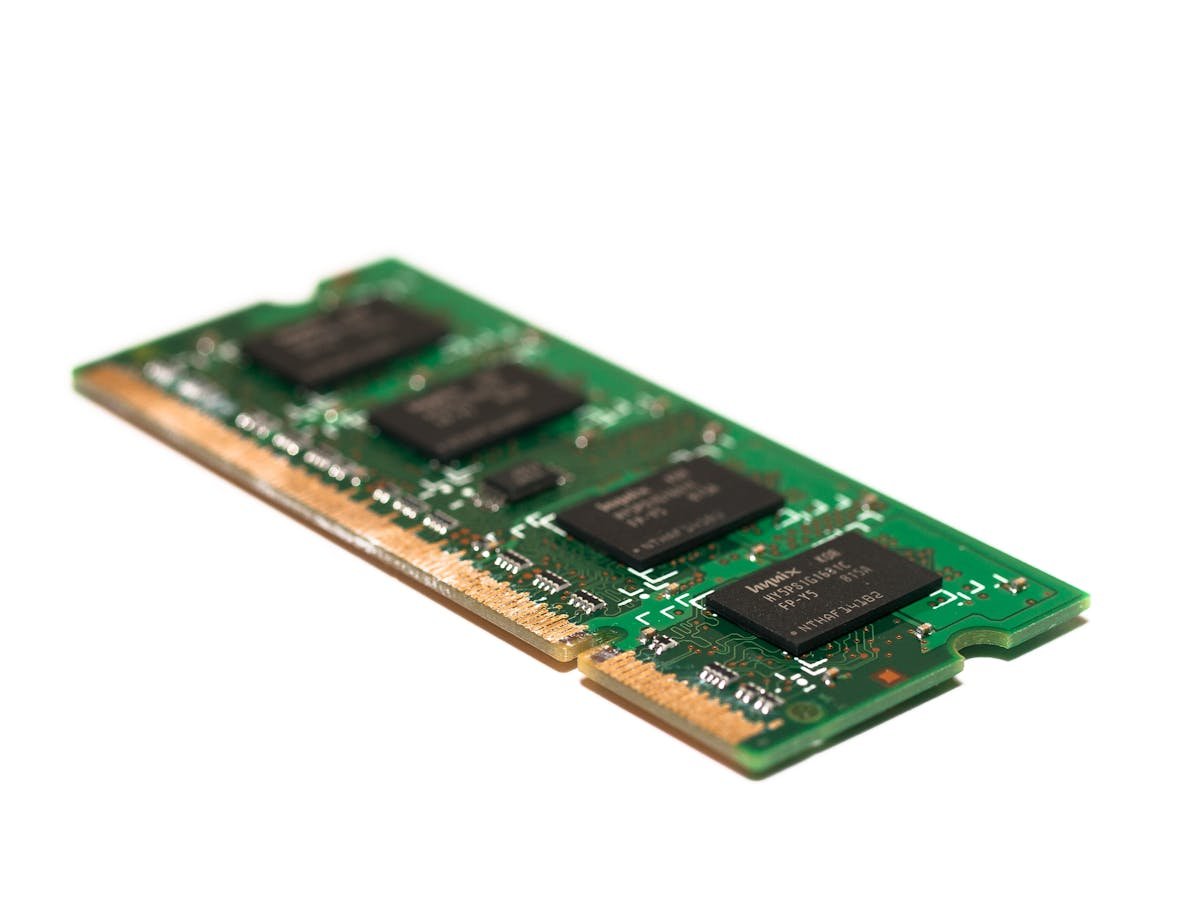
You do not need many tools to upgrade a laptop. A precision screwdriver set, anti-static wrist strap, and a plastic spudger cover 99% of laptop upgrades.
Recommended Tool Kits
iFixit Pro Tech Toolkit: The gold standard for electronics repair — includes 64 precision bits, spudgers, tweezers, and opening tools in a quality case. Budget alternative: Any precision screwdriver set with PH0 and PH1 Phillips bits plus a T5 Torx bit covers most laptops.
| Tool | Use | Buy |
|---|---|---|
| iFixit Pro Tech Toolkit | Complete repair kit | Check Price |
| Anti-Static Wrist Strap | ESD protection | Check Price |
| USB-SATA Adapter | Drive cloning | Check Price |
USB-SATA Adapters for Cloning
If cloning a laptop hard drive to an SSD, you need a USB-SATA adapter or enclosure to connect the new drive externally during the cloning process. Any USB 3.0 to 2.5-inch SATA adapter works.
Recommended upgrades
As an Amazon Associate we earn from qualifying purchases. Prices & availability shown on Amazon.
For laptops and mini PCs that use DDR5 SO-DIMM
For laptops and mini PCs that use DDR4 SO-DIMM
M.2 2280 NVMe SSDs
How we verify this guide
We cross-reference compatibility figures against manufacturer specifications where available, official service manuals, and the standards that govern fit — memory type and speed (DDR4 / DDR5 / LPDDR5), maximum supported capacity and slot count, SSD form factor and interface (M.2 2280, NVMe PCIe vs SATA, keying), and charger wattage and connector (USB-C Power Delivery, GaN). We’re explicit about soldered or non-upgradeable parts, prioritise primary sources over retailer listings, and re-verify the data on a regular cycle. More on our method →