
Affiliate disclosure: this page contains affiliate links — if you buy through them we may earn a commission at no extra cost to you. As an Amazon Associate we earn from qualifying purchases.
Why Use an NVMe Enclosure?
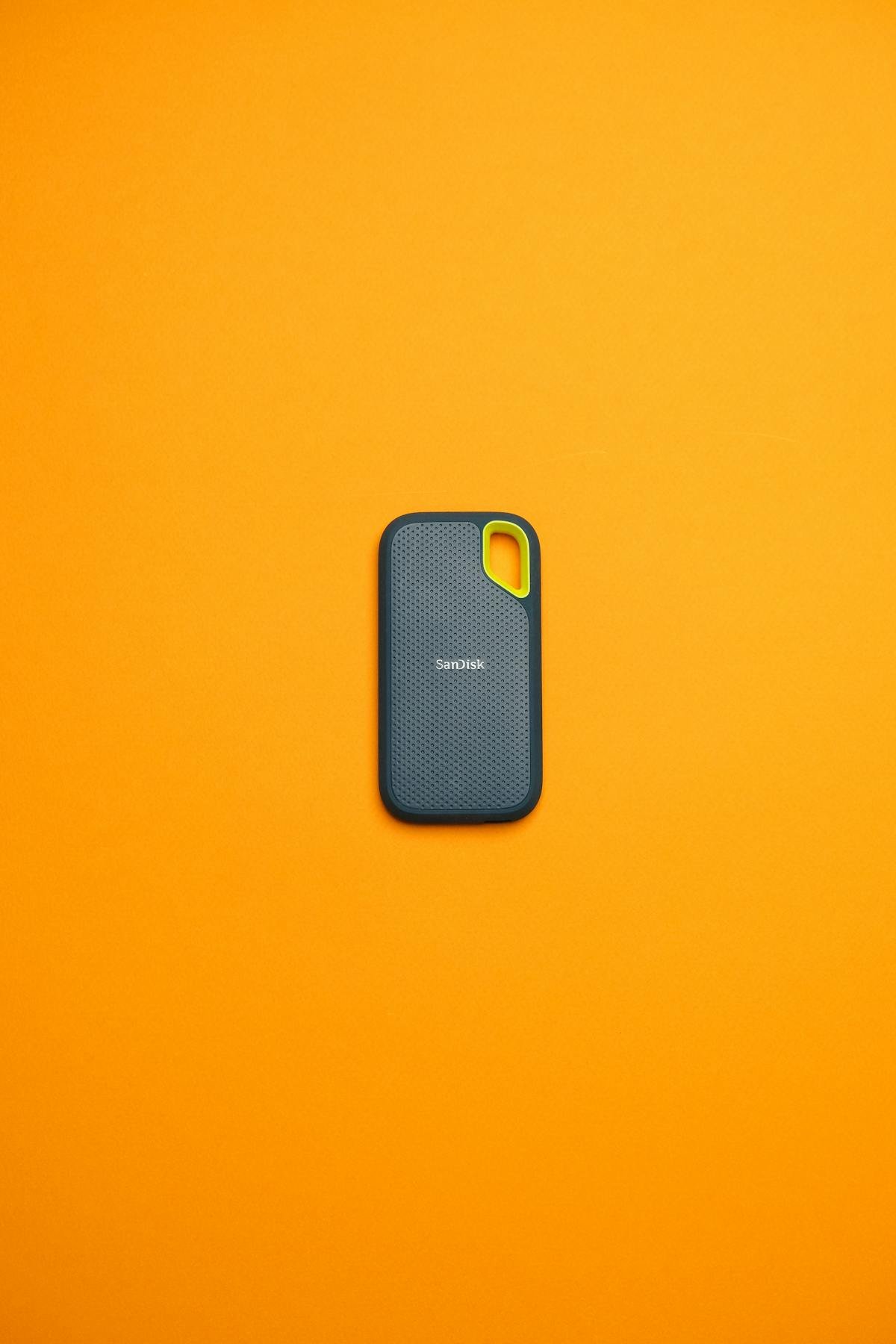
An M.2 NVMe enclosure turns any spare internal SSD into a fast portable drive. With USB 3.2 Gen 2 (10Gbps) enclosures, you get up to 1,000 MB/s — matching dedicated external SSDs at a fraction of the cost. USB4/Thunderbolt enclosures push beyond 2,800 MB/s.
Top NVMe Enclosures
Budget USB 3.2: UGREEN M.2 NVMe Enclosure — £15-20, reliable 10Gbps performance. Premium USB 3.2: Sabrent EC-SNVE — aluminium build, tool-free design. Thunderbolt 4: OWC Envoy Express — 2,800 MB/s for creative professionals.
| Enclosure | Interface | Buy |
|---|---|---|
| UGREEN M.2 NVMe Enclosure | USB 3.2 Gen 2 (10Gbps) | Check Price |
| Sabrent EC-SNVE | USB 3.2 Gen 2 (10Gbps) | Check Price |
Frequently Asked Questions
Do NVMe enclosures work with SATA M.2 SSDs?
Most NVMe enclosures only support NVMe drives. Some dual-protocol enclosures support both NVMe and SATA M.2 — check before buying.
Recommended upgrades
As an Amazon Associate we earn from qualifying purchases. Prices & availability shown on Amazon.
M.2 2280 NVMe SSDs
How we verify this guide
We cross-reference compatibility figures against manufacturer specifications where available, official service manuals, and the standards that govern fit — memory type and speed (DDR4 / DDR5 / LPDDR5), maximum supported capacity and slot count, SSD form factor and interface (M.2 2280, NVMe PCIe vs SATA, keying), and charger wattage and connector (USB-C Power Delivery, GaN). We’re explicit about soldered or non-upgradeable parts, prioritise primary sources over retailer listings, and re-verify the data on a regular cycle. More on our method →