Affiliate disclosure: this page contains affiliate links — if you buy through them we may earn a commission at no extra cost to you. As an Amazon Associate we earn from qualifying purchases.
A Network Attached Storage (NAS) device provides centralised file storage, media streaming, automatic backups, and much more for your home. In 2026, Synology and QNAP dominate the home NAS market, each with distinct strengths. This guide compares the top options to help you choose.
Why You Need a Home NAS
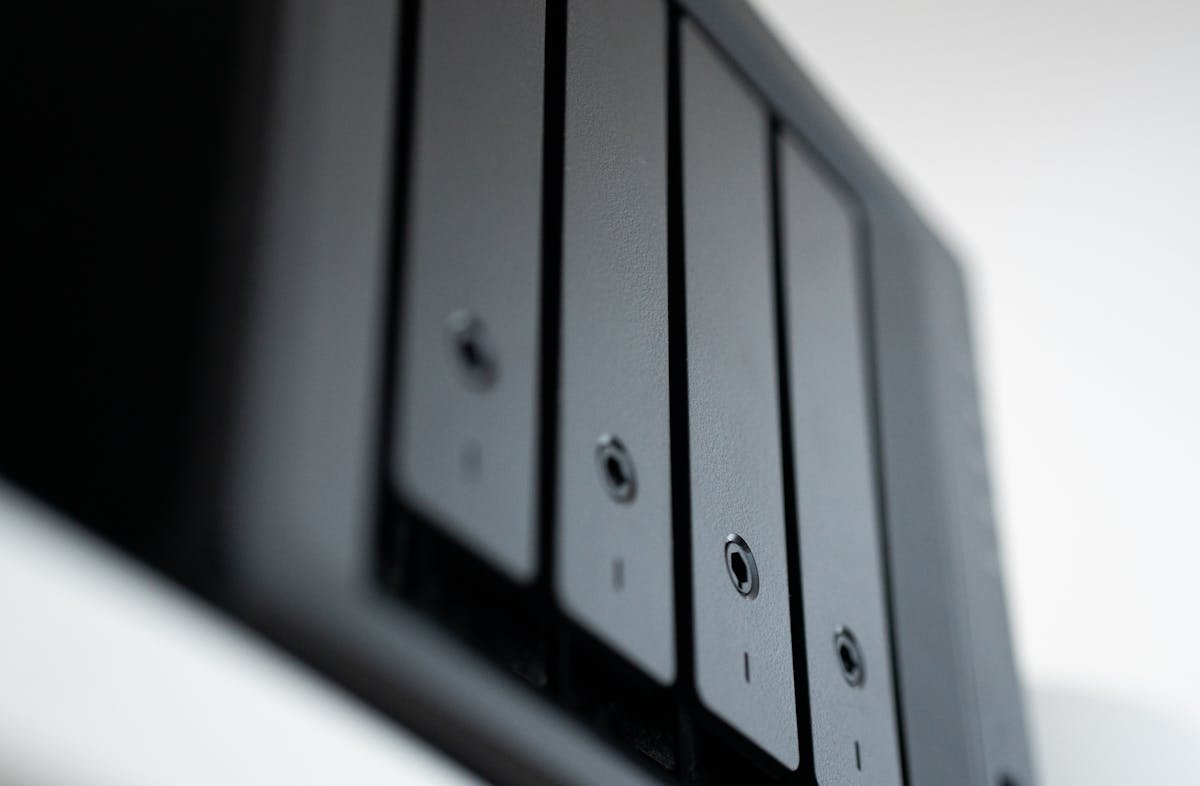
A NAS serves as your personal cloud — accessible from anywhere without monthly subscription fees. Use it for automated phone and PC backups, Plex media streaming, photo libraries, surveillance camera storage, and file sharing across all your devices. Unlike cloud storage, a NAS gives you complete control over your data.
Synology vs QNAP — Key Differences
Synology excels in software simplicity and reliability. DiskStation Manager (DSM) is the most polished NAS operating system, with a gentle learning curve and excellent mobile apps. QNAP offers more powerful hardware at each price point and greater flexibility for advanced users, with features like HDMI output, PCIe expansion, and faster processors.
Best 2-Bay NAS for Beginners
The Synology DS224+ is the easiest NAS to set up and manage, perfect for first-time users. The QNAP TS-264 offers more processing power and 2.5GbE networking for a similar price. Both support RAID 1 mirroring for data protection.
| NAS | Best For | Buy |
|---|---|---|
| Synology DS224+ | Beginners, simplicity | Check Price |
| QNAP TS-264 | Performance, 2.5GbE | Check Price |
Best 4-Bay NAS for Plex and Media
The Synology DS923+ handles 4K Plex transcoding smoothly and supports SSD caching via M.2 slots. The QNAP TS-464 offers similar performance plus HDMI output for direct media playback. Both support up to 72TB raw storage with 4x 18TB drives.
NAS Drives — What to Buy
Always use NAS-rated drives designed for 24/7 operation. The Seagate IronWolf and WD Red Plus series are purpose-built for NAS use with vibration resistance and optimised firmware. Never use desktop drives in a NAS — they lack the reliability features needed for always-on storage.
Frequently Asked Questions
How much does a home NAS cost?
A 2-bay NAS starts around £250-350 for the unit, plus £100-200 for drives. A 4-bay setup typically costs £500-700 all-in including drives.
Is a NAS better than cloud storage?
A NAS offers no monthly fees, complete privacy, faster local access, and unlimited storage capacity. Cloud storage is simpler and provides off-site backup. Ideally, use both.
Can I access my NAS remotely?
Yes, both Synology and QNAP offer free remote access via QuickConnect and myQNAPcloud respectively. You can access your files from anywhere.
Recommended upgrades
As an Amazon Associate we earn from qualifying purchases. Prices & availability shown on Amazon.
NAS hard drives
How we verify this guide
We cross-reference compatibility figures against manufacturer specifications where available, official service manuals, and the standards that govern fit — memory type and speed (DDR4 / DDR5 / LPDDR5), maximum supported capacity and slot count, SSD form factor and interface (M.2 2280, NVMe PCIe vs SATA, keying), and charger wattage and connector (USB-C Power Delivery, GaN). We’re explicit about soldered or non-upgradeable parts, prioritise primary sources over retailer listings, and re-verify the data on a regular cycle. More on our method →