
Affiliate disclosure: this page contains affiliate links — if you buy through them we may earn a commission at no extra cost to you. As an Amazon Associate we earn from qualifying purchases.
Why Add WiFi to a Desktop?
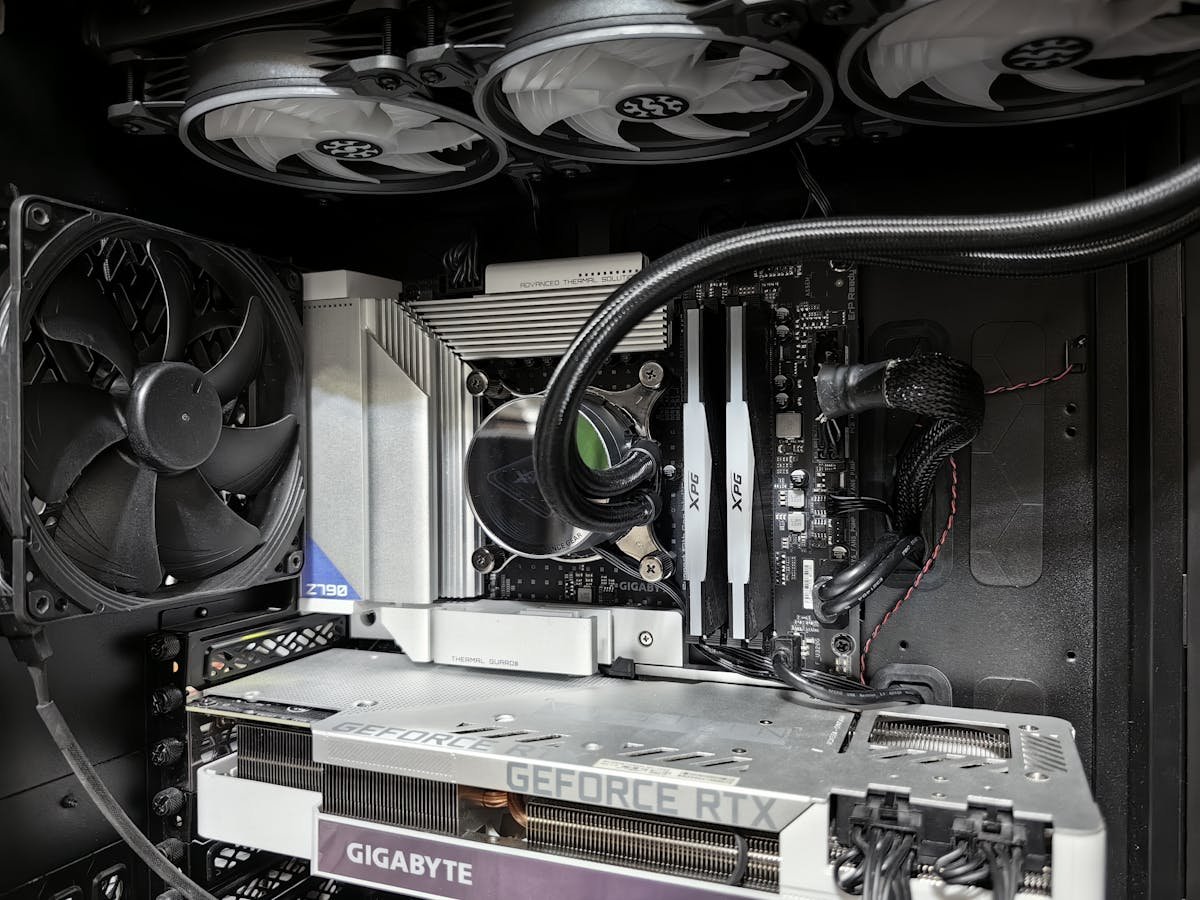
Many desktop motherboards lack built-in WiFi, and running Ethernet cable is not always practical. A PCIe WiFi card adds wireless connectivity with better range and speeds than USB WiFi adapters.
Top WiFi Card Picks
Best Wi-Fi 7: Intel BE200 (via TP-Link/ASUS adapter card) — latest standard, future-proof. Best Wi-Fi 6E: Intel AX210-based cards (TP-Link Archer TX55E, ASUS PCE-AXE59BT) — excellent value, mature drivers. Budget Wi-Fi 6: TP-Link Archer TX3000E — affordable with Bluetooth 5.0.
| Card | Standard | Buy |
|---|---|---|
| TP-Link Archer TX55E | Wi-Fi 6E, BT 5.2 | Check Price |
| TP-Link Archer TX3000E | Wi-Fi 6, BT 5.0 | Check Price |
Frequently Asked Questions
Is PCIe WiFi better than USB WiFi?
Yes, significantly. PCIe cards offer faster speeds, better range, lower latency, and include external antennas.
Recommended upgrades
As an Amazon Associate we earn from qualifying purchases. Prices & availability shown on Amazon.
For desktops that use DDR5 DIMMs
For desktops that use DDR4 DIMMs
M.2 2280 NVMe SSDs
How we verify this guide
We cross-reference compatibility figures against manufacturer specifications where available, official service manuals, and the standards that govern fit — memory type and speed (DDR4 / DDR5 / LPDDR5), maximum supported capacity and slot count, SSD form factor and interface (M.2 2280, NVMe PCIe vs SATA, keying), and charger wattage and connector (USB-C Power Delivery, GaN). We’re explicit about soldered or non-upgradeable parts, prioritise primary sources over retailer listings, and re-verify the data on a regular cycle. More on our method →