
Affiliate disclosure: this page contains affiliate links — if you buy through them we may earn a commission at no extra cost to you. As an Amazon Associate we earn from qualifying purchases.
Mac RAM Reality
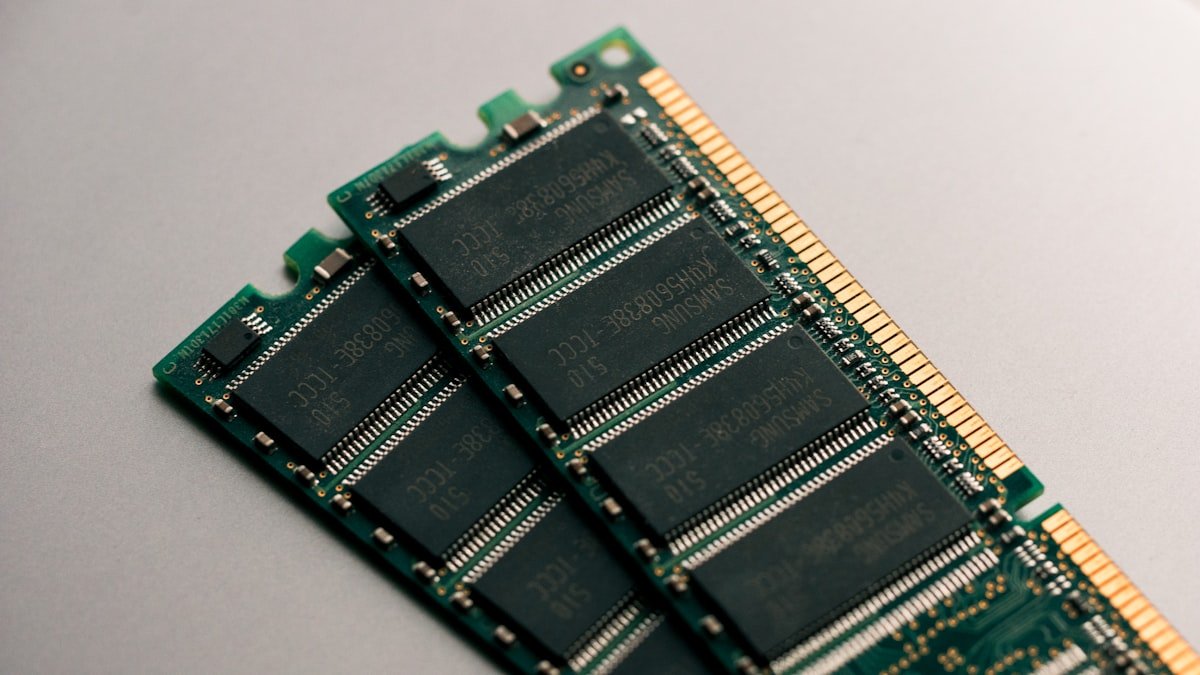
All Apple Silicon Macs (M1, M2, M3, M4) have unified memory that is permanently soldered to the system-on-chip. It cannot be upgraded after purchase. You must choose the right amount when buying.
How Much Unified Memory?
8GB: Sufficient for basic tasks — web, email, documents. Tight for multitasking. 16GB: Recommended minimum for most users, comfortable for photo editing and moderate multitasking. 24-32GB: Ideal for video editing, music production, and running multiple professional apps. 36-48GB: For professional content creators working with 4K+ video.
Intel Mac Upgrades
Older Intel Mac Minis (2018, 2020) use SO-DIMM DDR4-2666 and can be upgraded to 64GB. Pre-2018 MacBooks with removable RAM are now quite old. For Intel Macs that support upgrades, use Crucial or OWC branded Mac-compatible modules.
| Module | For | Buy |
|---|---|---|
| OWC DDR4-2666 32GB Kit (2x16GB) | Intel Mac Mini 2018/2020 | Check Price |
Frequently Asked Questions
Can I upgrade RAM in an M1/M2/M3 Mac?
No. Apple Silicon Macs have unified memory soldered to the chip. RAM must be chosen at purchase.
How we verify this guide
We cross-reference compatibility figures against manufacturer specifications where available, official service manuals, and the standards that govern fit — memory type and speed (DDR4 / DDR5 / LPDDR5), maximum supported capacity and slot count, SSD form factor and interface (M.2 2280, NVMe PCIe vs SATA, keying), and charger wattage and connector (USB-C Power Delivery, GaN). We’re explicit about soldered or non-upgradeable parts, prioritise primary sources over retailer listings, and re-verify the data on a regular cycle. More on our method →