
Affiliate disclosure: this page contains affiliate links — if you buy through them we may earn a commission at no extra cost to you. As an Amazon Associate we earn from qualifying purchases.
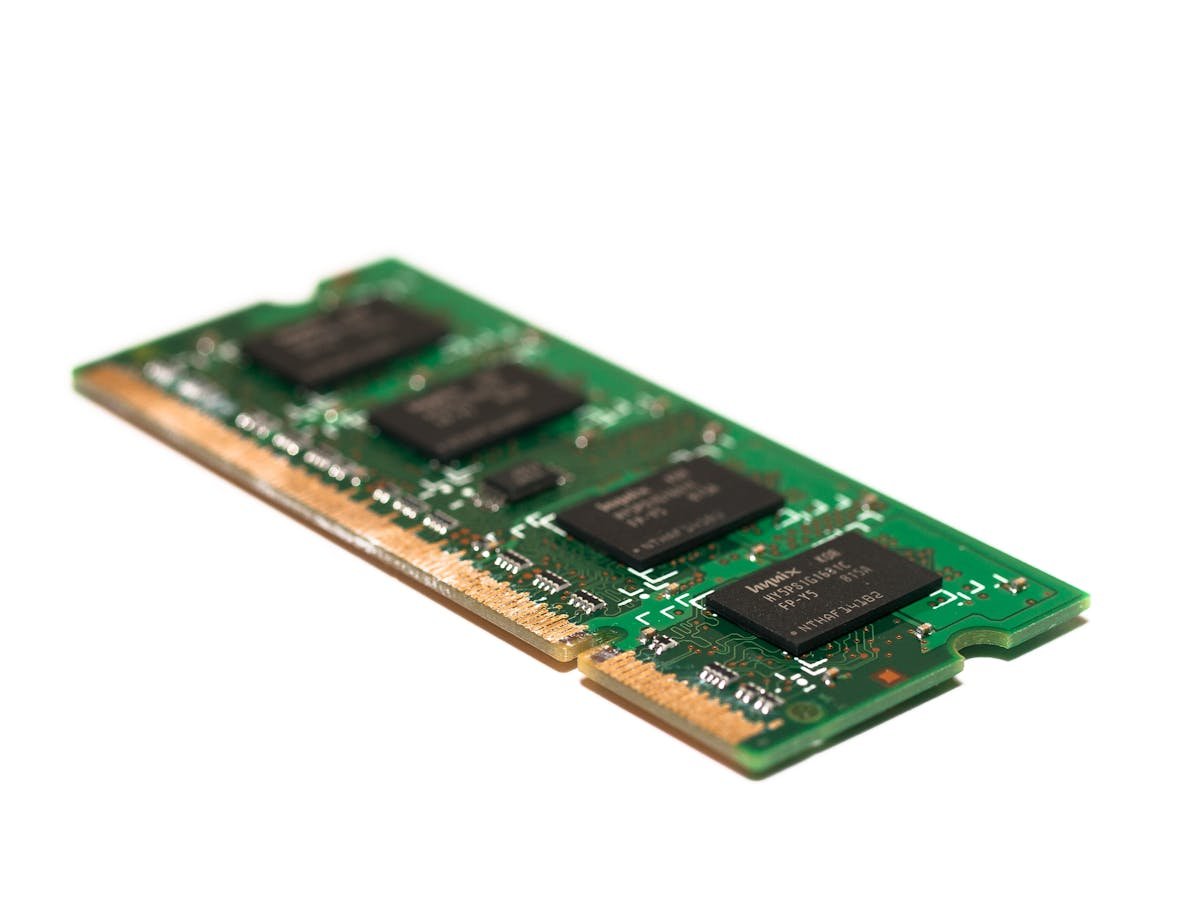
Most home office frustrations — slow startups, browser tab crashes, video call stuttering — come from insufficient RAM and slow storage. A quick upgrade transforms your work experience without buying a new computer.
Top 3 Home Office Upgrades
| Upgrade | Problem Solved | Cost* |
|---|---|---|
| RAM: 8GB → 16GB | No more tab crashes, smooth Teams calls | ~£18 |
| SSD: 256GB → 1TB NVMe | Fast boot, instant app loading | ~£50 |
| USB-C Docking Station | Dual screens, single-cable setup | ~£100 |
Teams and Microsoft 365
Microsoft Teams alone recommends 4GB RAM. Add Outlook, Excel, a browser with 15+ tabs, and OneDrive syncing — 8GB is exhausted quickly. 16GB eliminates the constant memory pressure causing slowdowns during video calls.
Frequently Asked Questions
Will RAM fix Teams lag?
In many cases yes — Teams suffers most when RAM is near capacity, forcing slow disk swapping. 16GB provides comfortable headroom.
Is the cheapest SSD fine for office work?
Yes — even a budget NVMe like Kingston NV2 provides massive improvements over a hard drive for office productivity.
Recommended upgrades
As an Amazon Associate we earn from qualifying purchases. Prices & availability shown on Amazon.
For laptops and mini PCs that use DDR5 SO-DIMM
For laptops and mini PCs that use DDR4 SO-DIMM
M.2 2280 NVMe SSDs
How we verify this guide
We cross-reference compatibility figures against manufacturer specifications where available, official service manuals, and the standards that govern fit — memory type and speed (DDR4 / DDR5 / LPDDR5), maximum supported capacity and slot count, SSD form factor and interface (M.2 2280, NVMe PCIe vs SATA, keying), and charger wattage and connector (USB-C Power Delivery, GaN). We’re explicit about soldered or non-upgradeable parts, prioritise primary sources over retailer listings, and re-verify the data on a regular cycle. More on our method →
*Indicative UK street prices, shown for guidance only. These are not live Amazon prices and change frequently — check the current price on Amazon before buying.