
Affiliate disclosure: this page contains affiliate links — if you buy through them we may earn a commission at no extra cost to you. As an Amazon Associate we earn from qualifying purchases.
RAM Compatibility for Dell Inspiron 27 7720 AIO
The Dell Inspiron 27 7720 AIO is a 27-inch All-in-One desktop released in 2023. It does not use DDR5 memory; it takes DDR4-3200 SO-DIMMs, with 2 SO-DIMM slots, supporting a maximum of 32GB at 3200 MHz. All-in-One PCs combine the monitor and computer into a single unit, making RAM and SSD upgrades the most impactful performance improvements available.
Memory Specifications
| Specification | Details |
|---|---|
| Memory Type | DDR4-3200 SO-DIMM |
| Slots | 2 |
| Max Capacity | 32GB |
| Speed | 3200 MHz |
| Storage | 1x M.2 NVMe |
Recommended RAM
Not compatible: Crucial DDR5-4800 SO-DIMM 32GB (2x16GB)
This DDR5 kit will not fit the Inspiron 27 7720, which takes DDR4-3200 SO-DIMMs (up to 2x16GB). Choose a DDR4-3200 SO-DIMM kit instead.
SSD Upgrade
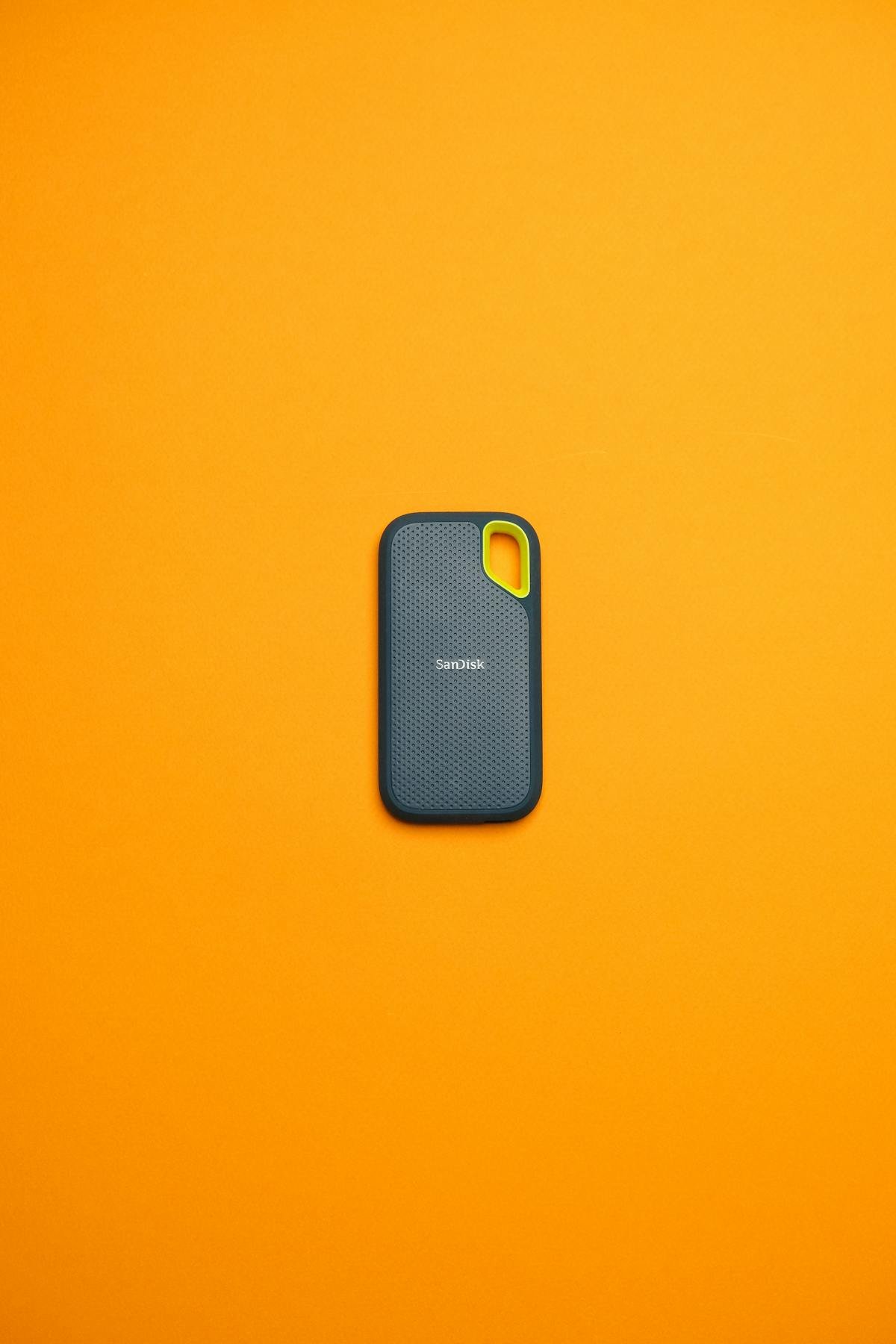
The Dell Inspiron 27 7720 AIO supports 1x M.2 NVMe. Upgrading to a faster NVMe SSD is one of the best improvements you can make to an All-in-One PC.
Best SSD: Samsung 980 Pro 1TB NVMe
Outstanding performance with up to 7,000 MB/s sequential reads. Perfect for AIO systems.
Frequently Asked Questions
Can I upgrade the RAM in the Dell Inspiron 27 7720 AIO?
Yes, the Dell Inspiron 27 7720 AIO has 2 SO-DIMM slots accessible for upgrades, supporting up to 32GB of DDR4-3200.
Is it difficult to upgrade an All-in-One PC?
Most All-in-One PCs have a rear access panel for RAM and storage upgrades. You typically need a Phillips screwdriver and anti-static precautions. Dell models generally have good serviceability.
Upgrades that fit the Dell Inspiron 27 7720 All-in-One
What fits: Memory: DDR4-3200 SO-DIMM, 2 user slots, up to 32GB · Storage: M.2 2230 or 2280 · Charger: barrel 4.5 x 2.9mm 90/130W
Spec source: dell.com (checked 26 Sep 2026).
As an Amazon Associate we earn from qualifying purchases. Prices & availability shown on Amazon.
DDR4 SO-DIMM memory that fits
Free download: The 2026 Laptop RAM Upgrade Compatibility Cheat Sheet
Find out in minutes whether your laptop’s RAM is upgradeable, exactly which DDR4/DDR5/LPCAMM2 stick fits, and how much is worth it. Enter your email and we’ll send the PDF instantly.