Before You Start
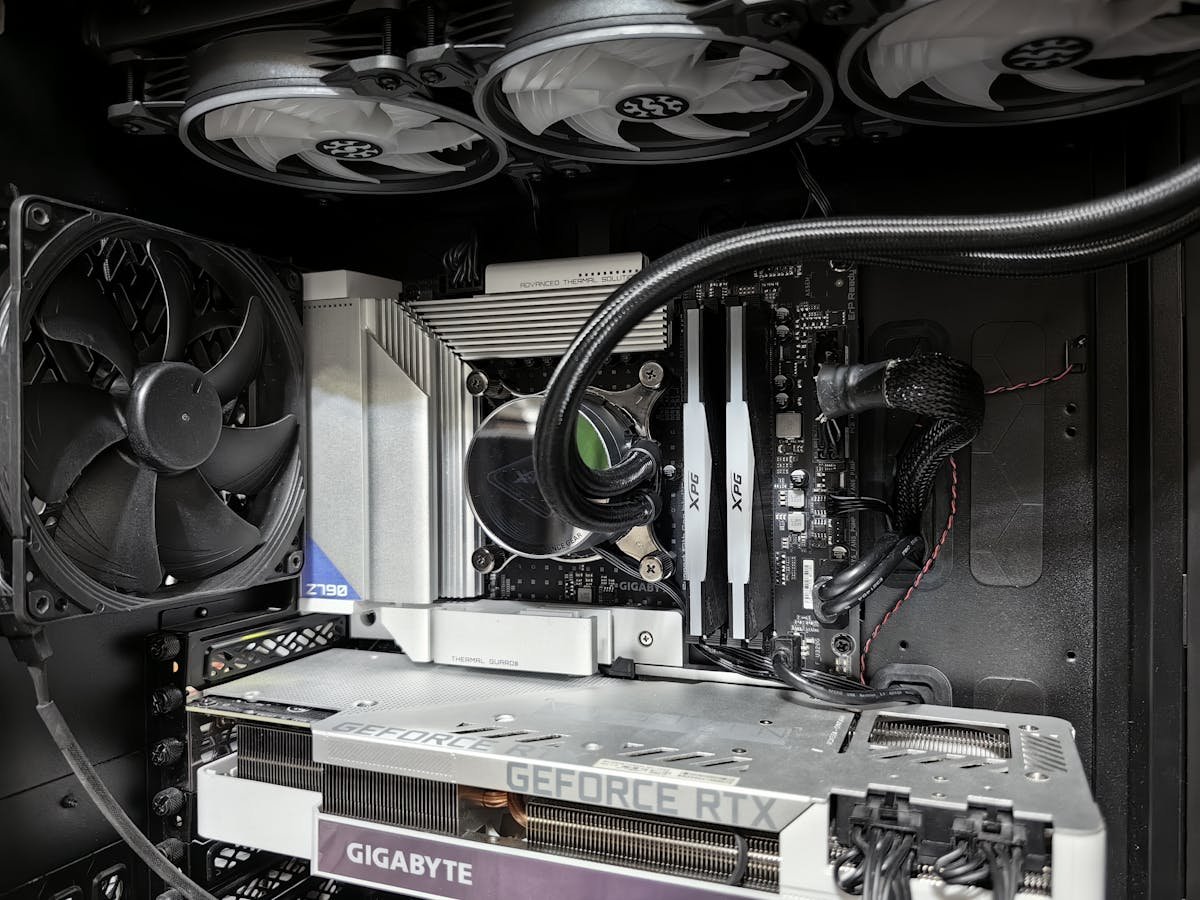
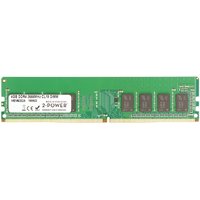
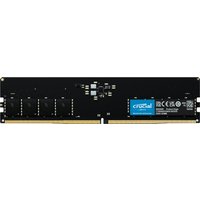
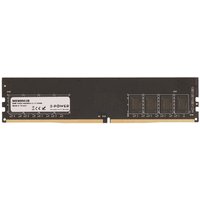
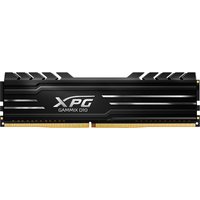
Desktop RAM uses full-size DIMM modules (larger than laptop SO-DIMMs). You need: compatible DDR4 or DDR5 DIMMs, a Phillips screwdriver to open the case, and anti-static precautions. The installation takes 5-10 minutes.
Step-by-Step Installation
1. Power off and unplug the PC. 2. Remove the side panel. 3. Locate the DIMM slots near the CPU. 4. Open the retention clips on the target slots. 5. Align the notch on the DIMM with the slot key. 6. Press firmly until both clips snap into place. 7. Close the case, power on, and verify in BIOS.
Slot Configuration
In a 4-slot motherboard, install 2 DIMMs in slots 2 and 4 (A2 and B2) for dual-channel mode. Check your motherboard manual — slot numbering and colour coding varies by manufacturer. Never install a single stick in the wrong slot, as it may prevent dual-channel operation.
Frequently Asked Questions
Which slots should I use for 2 DIMMs?
Typically slots 2 and 4 (second and fourth from CPU). Check your motherboard manual for the recommended configuration.
Do I need to configure RAM in BIOS?
After installation, enter BIOS and enable XMP (Intel) or EXPO (AMD) to run at the rated speed. Otherwise, RAM runs at default JEDEC speeds.