
Affiliate disclosure: this page contains affiliate links — if you buy through them we may earn a commission at no extra cost to you. As an Amazon Associate we earn from qualifying purchases.
The HP EliteDesk 800 G3 (2015-2016) was the first EliteDesk 800 generation to adopt DDR4 memory, marking a significant shift from older DDR3 systems. The G3 takes 6th and 7th generation Intel Core processors (Skylake and Kaby Lake) and supports up to 64GB of DDR4-2400 memory.
This guide covers complete RAM upgrade details, storage compatibility, and power supply specifications for the EliteDesk 800 G3.
HP EliteDesk 800 G3 Specifications
| Specification | Detail |
|---|---|
| Release Year | 2015-2016 |
| Processor | Intel 6th/7th Gen (Skylake/Kaby Lake) |
| Memory Type | DDR4 UDIMM |
| Memory Speed | DDR4-2400 (native) |
| Maximum RAM | 64GB (4x16GB) |
| DIMM Slots | 4 (tower and SFF) |
| Slot Voltage | 1.2V standard |
| Storage | 2.5in SATA bay + 1x M.2 2230/2280 NVMe |
| Form Factors | SFF (Small Form Factor), Tower |
| PSU (Tower) | TWR 250W or 500W; SFF 180W |
RAM Upgrade Guide for G3
Memory Type & Limitations
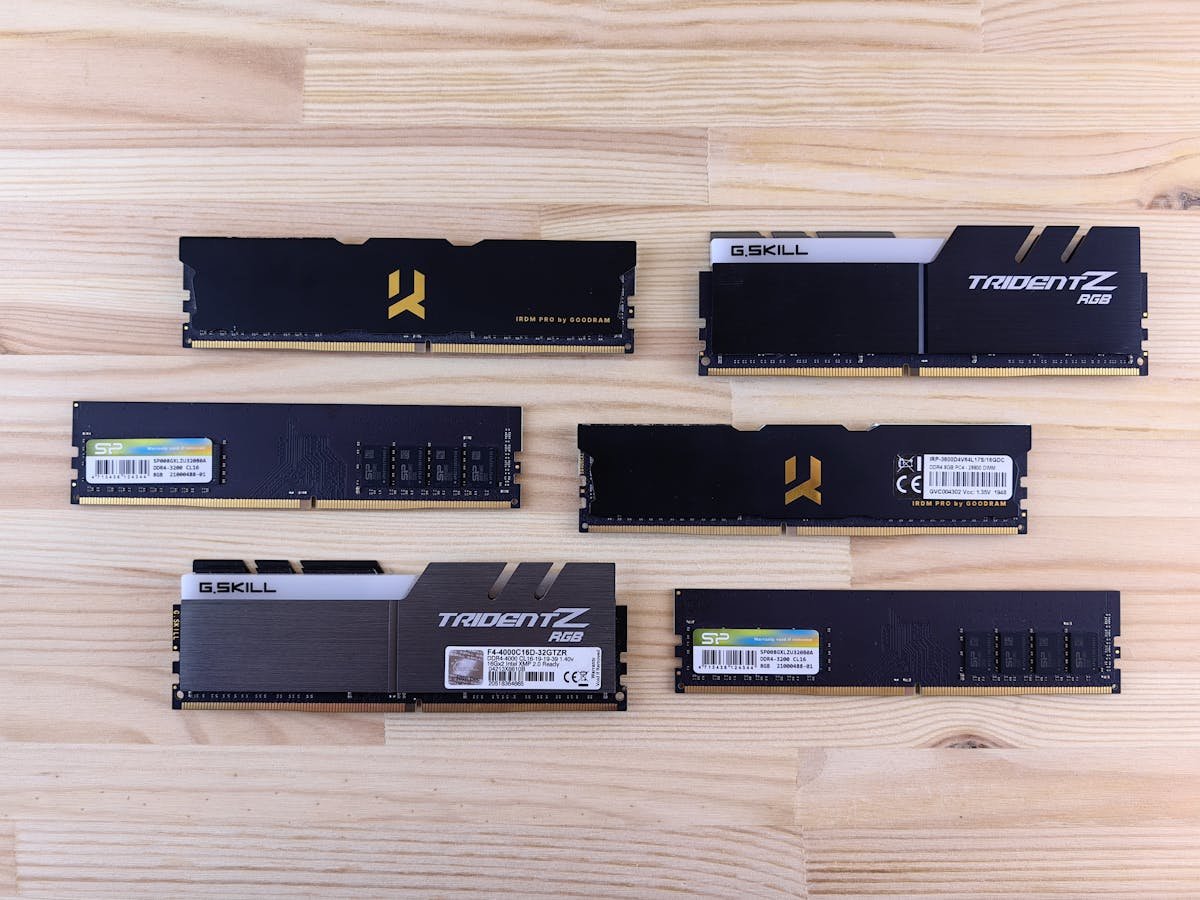
The EliteDesk 800 G3 uses DDR4-2400 UDIMM modules, the memory speed HP specifies for this machine. This was the first EliteDesk 800 to transition from DDR3 to DDR4, offering improved bandwidth and efficiency.
Important compatibility notes:
- The memory controller is rated for DDR4-2400 — it cannot support faster speeds
- Installing modules faster than DDR4-2400 will NOT increase speed; they will operate at up to 2400 MHz
- Use only standard DDR4 UDIMM modules — no ECC, no low-voltage variants
- All modules must be 1.2V standard voltage
- Install in matching pairs or sets of four for best stability
Maximum Capacity & Configurations
The G3 supports a maximum of 64GB of RAM using four 16GB DDR4-2400 modules. This provided good capacity for its generation.
| Configuration | Total Capacity | Module Type | Performance |
|---|---|---|---|
| Single 4GB | 4GB | 1× DDR4-2400 4GB | Single-channel (slow) |
| Pair (2×4GB) | 8GB | 2× DDR4-2400 4GB | Dual-channel |
| Pair (2×8GB) | 16GB | 2x DDR4-2400 8GB | Dual-channel (most common) |
| Quad (4×8GB) | 32GB | 4x DDR4-2400 8GB | Quad-channel maximum |
Recommended RAM for G3
Kingston Fury Beast DDR4-2133 8GB – Fits, but runs at DDR4-2133, below the DDR4-2400 HP specifies for the G3.
Corsair Vengeance DDR4-2133 8GB – Reliable, but DDR4-2133 is below the G3’s native DDR4-2400.
G.Skill Trident Z DDR4-2133 8GB – Good quality, but runs at DDR4-2133 rather than the native DDR4-2400.
Storage Upgrades
SATA SSD (2.5″)
The EliteDesk 800 G3 supports 2.5″ SATA SSDs (550 MB/s read speed). It is a simple swap for an old hard drive, although the G3’s M.2 NVMe socket is the faster option.
Samsung 860 EVO 500GB — Reliable SATA SSD, widely available, excellent for OS drives.
Crucial MX500 500GB — Budget-friendly SATA option.
M.2 SATA
HP’s service guide lists NVMe drives for the G3’s M.2 socket and does not confirm M.2 SATA drives, so an NVMe SSD is the safer choice for this slot.
M.2 NVMe Support
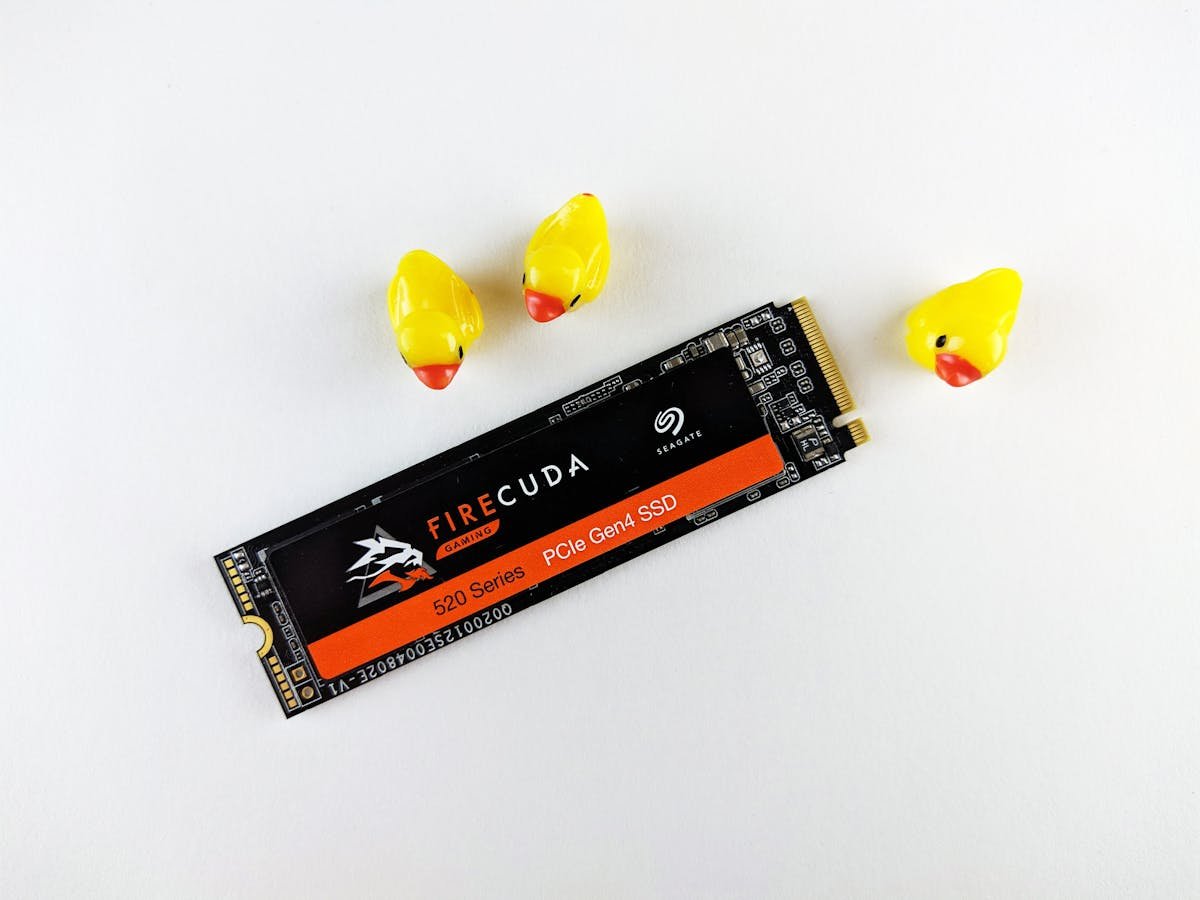
The EliteDesk 800 G3 tower and SFF have one M.2 SSD socket that takes 2230 or 2280 NVMe drives, according to HP’s maintenance and service guide. HP does not state the PCIe generation.
Power Supply Specifications
Tower Model PSU
EliteDesk 800 G3 tower models typically include:
- 250W PSU — Standard for i3/i5 configurations
- 500W PSU — Higher-power option for i7 systems
Both use standard ATX 24-pin connectors and can be replaced with any compatible desktop power supply. Upgrading to a higher-wattage PSU (400-550W) provides better efficiency and stability.
SFF Model PSU
Small Form Factor G3 models use specialized power supplies that are NOT interchangeable with tower units. Verify your specific model before ordering a replacement.
Recommended Replacement PSUs (Tower)
Seasonic Focus GX-550W — Excellent 80+ Gold efficiency, 12-year warranty.
EVGA SuperNOVA G2 650W — Reliable, modular design, proven in business systems.
G1 vs. G2 vs. G3 Comparison
| Feature | G1-G2 (DDR3 Era) | G3 (DDR4 Era) |
|---|---|---|
| Memory Type | DDR3-1600 | DDR4-2400 |
| Processor Generation | 3rd/4th Gen Intel | 6th/7th Gen Intel |
| Storage Support | SATA only | SATA + M.2 NVMe |
| Modernization | Outdated (2012-2014) | Acceptable for 2026 |
G3 Upgrade Path
If you own an EliteDesk 800 G3 and want to improve performance in 2026, here’s the practical upgrade path:
- Add RAM to 16-32GB — Best bang for buck, improves multitasking and application responsiveness
- Replace HDD with SATA SSD — Dramatically faster boot times and application loading
- Consider a newer generation — If more than 10 years old, G5 or G6 offers better processor performance and power efficiency
Frequently Asked Questions
Q: Can I use faster DDR4 (DDR4-2400 or higher) in my G3?
A: Technically yes, it will fit physically, but it’s a waste of money. The G3 motherboard will run RAM at up to DDR4-2400, so faster modules will not benefit you. Buy DDR4-2400 modules.
Q: How do I know if my G3’s M.2 slot is SATA or NVMe?
A: Check your motherboard manual or HP’s service documentation. If you have the model number, search “HP EliteDesk 800 G3 [model] motherboard specs.” SATA M.2 slots have a single notch; NVMe slots have a different key position. HP’s service guide lists the G3’s M.2 socket for NVMe SSDs in 2230 or 2280 length.
Q: Is it worth upgrading a G3 in 2026 or should I buy new?
A: If the G3 is functional, RAM and SSD upgrades will extend its life cheaply. However, if it’s over 10 years old or the motherboard is failing, investing in a G5 or G6 is more cost-effective long-term due to better power efficiency and processor performance.
Q: Can I mix 4GB and 8GB modules in the same system?
A: Technically yes, but it’s not recommended. Mixing different capacities can cause BIOS detection issues or force asymmetric memory configurations. For best stability, install matching sets (all 4GB or all 8GB in groups of two or four).
Q: What’s the difference between my G3 and a newer laptop?
A: The G3 is a business desktop with better upgrade paths, better thermal management, and a full-size keyboard/mouse. Laptops are portable but harder to upgrade. For office work, the G3 is still solid; for mobility, a modern laptop is necessary.
Q: My G3 has a 250W PSU. Can I safely replace it with a 450W PSU?
A: Yes, absolutely. Higher wattage is never a problem for compatibility. A 450W PSU will provide much better efficiency at normal loads and more headroom if you ever add more components. Just ensure it uses standard ATX connectors (24-pin, 8-pin CPU power).
Recommended Products
| Product | Type | Capacity | Link |
|---|---|---|---|
| Kingston Fury Beast DDR4-2133 | RAM | 8GB | Shop |
| Corsair Vengeance DDR4-2133 | RAM | 8GB | Shop |
| G.Skill Trident Z DDR4-2133 | RAM | 8GB | Shop |
| Samsung 860 EVO | SATA SSD | 500GB | Shop |
| Crucial MX500 | SATA SSD | 500GB | Shop |
| Seasonic Focus GX-550W | PSU | 550W | Shop |
| EVGA SuperNOVA G2 650W | PSU | 650W | Shop |
Prices and availability may vary. As an Amazon Associate, we earn from qualifying purchases.
Related HP Upgrade Guides
- HP Z2 G9 SFF RAM & SSD Upgrade Guide (2023)
- HP EliteDesk 800 G9 Mini RAM & SSD Upgrade Guide (2023)
- HP EliteDesk 800 G9 SFF RAM & SSD Upgrade Guide (2023)
- HP EliteDesk 800 G9 Tower RAM & SSD Upgrade Guide (2023)
- HP Pro Tower 400 G9 RAM & SSD Upgrade Guide (2023)
- HP Upgrade Guide
Not sure what fits? Use our free Compatibility Checker covering 3,195+ models.
Helpful Guides
Recommended upgrades
As an Amazon Associate we earn from qualifying purchases. Prices & availability shown on Amazon.