Affiliate disclosure: this page contains affiliate links — if you buy through them we may earn a commission at no extra cost to you. As an Amazon Associate we earn from qualifying purchases.
/* POST TITLE: HP Pavilion 16 (2024) Specs — RAM & SSD Upgrade Guide SLUG: hp-pavilion-16-2024 CATEGORIES: Laptop Upgrades, HP Laptops, RAM Upgrades, SSD Upgrades, Large Screen FOCUS KEYWORD: HP Pavilion 16 2024 upgrade DDR5 soldered RAM META DESCRIPTION: HP Pavilion 16 (2024) DDR5 and LPDDR5X specifications, SSD upgrade guide, 65W USB-C charging, and upgrade difficulty. */HP Pavilion 16 (2024) Specifications
HP’s Pavilion 16 (2024) is a 16-inch premium mainstream laptop featuring Intel Core Ultra processors. All 2024 models use soldered LPDDR5/LPDDR5x memory rather than upgradeable DDR5, so verify your specific configuration before purchase. The larger 16:10 display makes it ideal for creators and remote workers, but memory soldering limits future upgrade paths.
| Component | Specification |
|---|---|
| Processor | Intel Core Ultra 5/7 (Meteor Lake, 2024) |
| RAM Type | LPDDR5 / LPDDR5x (soldered; no SO-DIMM variant) |
| RAM Capacity | 8GB, 16GB or 32GB on Intel af0 models, 8GB or 16GB on AMD ag0 models (soldered — no upgrades) |
| Storage | 512GB / 1TB M.2 2280 NVMe Gen4 |
| Charger | 65W USB-C (USB Power Delivery) |
| Ports | 2× USB-C 3.2 Gen2, 2× USB-A 3.2, HDMI 2.1, SD card |
| Display | 16″ WUXGA (1920×1200) or 2.5K, 16:10 aspect, IPS |
| Weight | 1.88 kg (4.15 lbs) |
Memory Upgrade — Critical Soldering Note
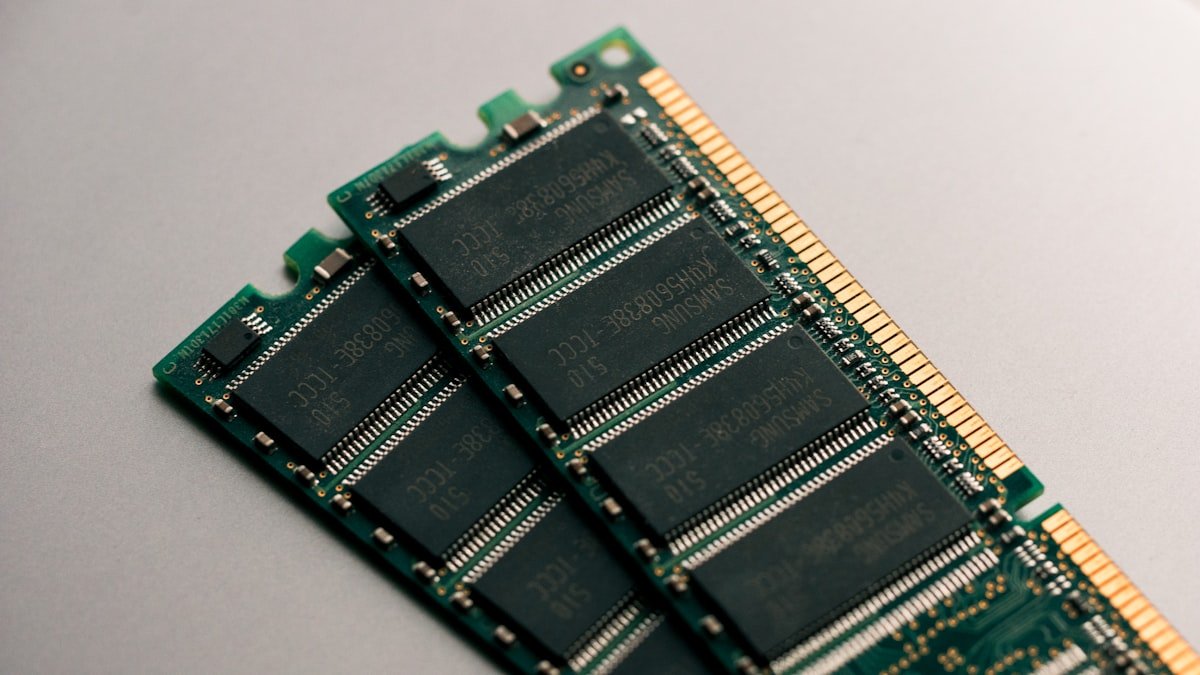
IMPORTANT: Most HP Pavilion 16 (2024) models feature LPDDR5X memory soldered directly to the motherboard. This means you cannot upgrade or replace RAM after purchase. No 2024 Pavilion 16 configuration has upgradeable SO-DIMM memory.
How to verify your configuration:
- Check your purchase receipt or product specs — search for “LPDDR5X” vs “DDR5 SO-DIMM”
- Open Windows Settings → System → About. If it shows “LPDDR5X 16GB” or “LPDDR5X 32GB,” memory is soldered
- If it shows “DDR5 SO-DIMM,” note that no Pavilion 16 (2024) configuration uses SO-DIMM memory
If your model has LPDDR5X (soldered): Choose 8GB, 16GB or 32GB (Intel) or 8GB or 16GB (AMD) at purchase. Upgrading the entire laptop later will be more cost-effective than buying underpowered now and hitting memory limits.
There is no upgradeable DDR5 variant, so SO-DIMM modules such as these will not fit:
- Kingston FURY Beast DDR5-5600 16GB — High-performance upgrade
- Corsair Vengeance DDR5-5600 32GB kit — Full capacity upgrade
Storage Expansion: M.2 NVMe SSD
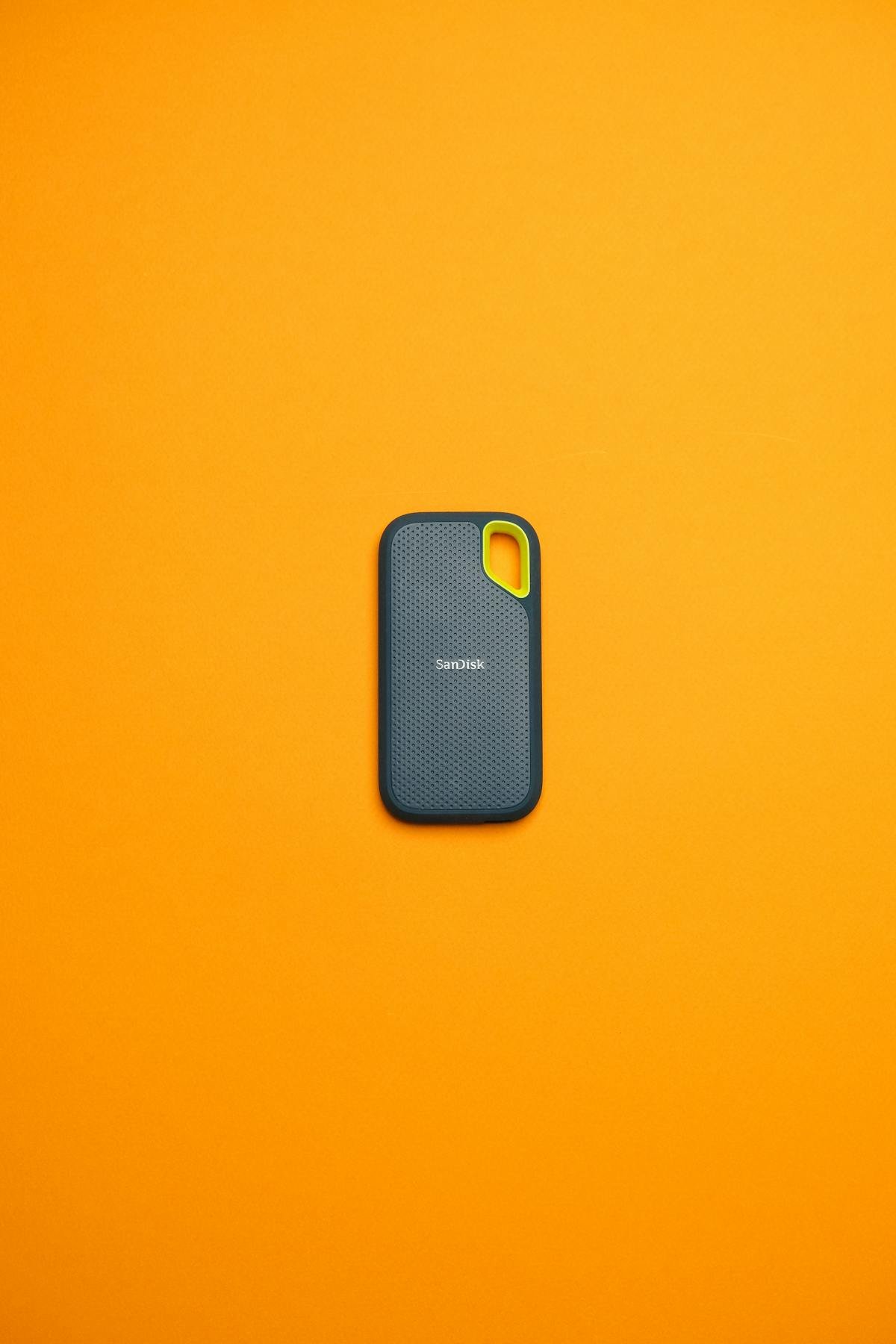
The Pavilion 16 (2024) includes one M.2 2280 NVMe Gen4 slot, making it fully upgradeable. Unlike memory, the SSD is not soldered and can be replaced or expanded.
Upgrade specifications:
- Form factor: M.2 2280 (standard 42mm length)
- Speed: PCIe Gen4 (up to 7,400 MB/s), Gen5 compatible
- Capacity: Up to 4TB (practical limit)
- Installation: 15–20 minutes with Philips screwdriver
Recommended SSDs:
- Samsung 990 EVO 2TB — Balanced performance and cost
- WD Black SN850X 2TB — Premium build, enterprise endurance
- Kingston NV2 1TB — Budget-friendly, reliable performer
Tip: If you purchased with 512GB, upgrading to 2TB doubles capacity for similar cost per GB and future-proofs file storage.
Power Delivery & Charging
The Pavilion 16 (2024) uses a 65W USB-C Power Delivery charger. This is standard USB PD, compatible with any equivalent or higher-wattage third-party charger.
OEM charger: HP 65W USB-C PD (varies by region)
Compatible third-party alternatives:
- Anker 65W Atom PD Charger — Compact, lightweight, affordable
- Lenovo 65W USB-C Charger — Enterprise reliability, globally available
- ASUS 100W Dual-Port Charger — Extra wattage for future proofing
Note: A 100W charger is forward-compatible with future higher-power laptops, making it a worthwhile investment.
Ports & Docking Options
The Pavilion 16 (2024) includes:
- 2× USB-C 3.2 Gen2 (10 Gbps, power delivery on main port)
- 2× USB-A 3.2 (5 Gbps, legacy peripherals)
- HDMI 2.1 (4K@60Hz native)
- SD card reader (full-size, UHS-II speeds)
Note: USB-C ports are not Thunderbolt — they support USB 3.2 only. Use USB-C hubs, not Thunderbolt 4 docks.
Recommended USB-C hubs:
- ASUS USB-C Docking Station — Dual HDMI, gigabit ethernet, compact
- Hama USB-C Multiport Hub — Budget-friendly, lightweight
Upgrade Difficulty & Tools
RAM upgrade: Impossible. Every configuration uses soldered LPDDR5/LPDDR5x memory with no SO-DIMM slot.
SSD upgrade: Easy (2/5 difficulty). Bottom panel removal reveals the M.2 slot. One screw holds the module; clear spacing makes installation straightforward.
Tools needed:
- Philips screwdriver (magnetic tip helpful)
- Anti-static wrist strap (recommended, ~£2)
Service manual: HP PSREF sheets are available online. Bottom panel removal is routine maintenance.
Recommended Upgrades
- SSD expansion: Samsung 990 EVO 2TB — Double storage affordably
- Premium SSD: WD Black SN850X 2TB — Top-tier speed and endurance
- Travel charger: Anker 65W Atom PD — Backup or travel power
- USB-C dock: ASUS USB-C Docking Station — Multi-monitor desk setup
Frequently Asked Questions
Recommended Products
These are the products we recommend based on this guide. All links go to Amazon where you can check current prices and availability.
| Product | Why We Recommend It | Amazon |
|---|---|---|
| Samsung 990 Pro 2TB NVMe M.2 2280 | Fastest consumer NVMe — ideal for gaming & editing | View on Amazon |
| WD Black SN850X 2TB NVMe | Excellent Gen4 speed with heatsink option | View on Amazon |
| Crucial P5 Plus 1TB NVMe | Great value Gen4 SSD | View on Amazon |
| Kingston NV2 1TB NVMe | Budget-friendly with solid reliability | View on Amazon |
Prices and availability may vary. As an Amazon Associate, we earn from qualifying purchases.
Related HP Upgrade Guides
- HP Battery Replacement: EliteBook, Pavilion & OMEN Step-by-Step
- Best RAM for HP Laptops in 2026
- HP ProLiant DL365 Gen11 RAM & SSD Upgrade Guide (2023)
- HP ProLiant ML30 Gen11 RAM & SSD Upgrade Guide (2023)
- HP ProLiant DL385 Gen10 Plus RAM & SSD Upgrade Guide (2020)
- HP Upgrade Guide
Not sure what fits? Use our free Compatibility Checker covering 3,195+ models.
Helpful Guides
Upgrades that fit the HP Pavilion 16: 16-af0xxx and 16-ag0xxx
What fits: Memory: LPDDR5 / LPDDR5x soldered to the board — not upgradeable · Storage: M.2 2280 NVMe PCIe 4.0 · Charger: USB-C
Spec source: content.etilize.com (checked 26 Sep 2026).
As an Amazon Associate we earn from qualifying purchases. Prices & availability shown on Amazon.
M.2 2280 NVMe SSDs that fit
Correction note: an earlier version of this page suggested a DDR5-5600 SO-DIMM variant of the Pavilion 16 (2024) existed alongside the soldered one. It does not — every configuration uses soldered LPDDR5x with no memory slot, capped at 32GB. There is no RAM upgrade path on this machine.