
Affiliate disclosure: this page contains affiliate links — if you buy through them we may earn a commission at no extra cost to you. As an Amazon Associate we earn from qualifying purchases.
The HP ProDesk 600 G6 (2020-2021) is a business-class desktop available in SFF (Small Form Factor) and Tower configurations, featuring 10th generation Intel processors and DDR4-2666/2933 memory support. The G6 brings modern NVMe storage capabilities and improved upgrade paths compared to earlier generations.
This guide covers complete RAM, SSD, and power supply specifications for both ProDesk 600 G6 form factors.
HP ProDesk 600 G6 Specifications
| Specification | SFF Model | Tower Model |
|---|---|---|
| Release Year | 2020-2021 | |
| Processor | Intel 10th Gen (Comet Lake) | |
| RAM Type | DDR4 UDIMM | |
| RAM Speed | DDR4-2666 (i5 and below) / DDR4-2933 (i7/i9) | |
| DIMM Slots | 4 | 4 |
| Maximum RAM | 128GB (4x32GB) | 128GB (4x32GB) |
| Storage Slots | 2x M.2 2280 NVMe + SATA bays | 2x M.2 2280 NVMe + SATA bays |
| PSU | 180W or 210W (HP internal) | 180W, 260W or 550W (HP internal) |
RAM Upgrade Guide
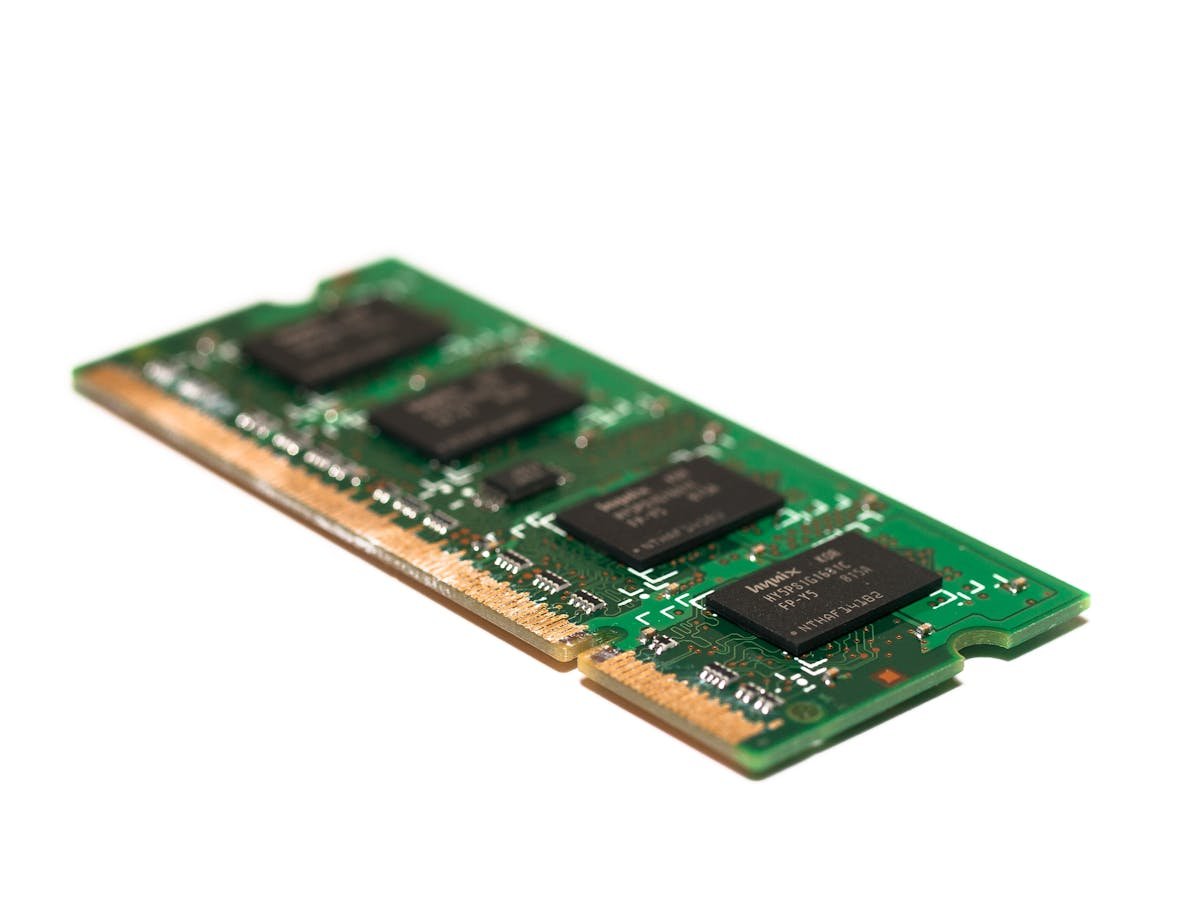
Memory Specifications
The ProDesk 600 G6 supports DDR4-2666/2933 UDIMM memory across both form factors. Both the SFF and the Microtower have four DIMM slots and support up to 128GB.
Compatibility requirements:
- Standard DDR4 UDIMM modules only (no ECC or registered RAM)
- 1.2V voltage standard (no low-voltage variants)
- Faster RAM (DDR4-3000, DDR4-3200) will run at DDR4-2666 or DDR4-2933 (CPU-dependent) automatically
- Install in matching pairs for optimal dual-channel performance
SFF Model — Maximum 128GB
SFF ProDesk 600 G6 units have 4 DIMM slots supporting up to 128GB maximum using four 32GB modules.
| Configuration | Total Capacity | Module Type | Performance |
|---|---|---|---|
| Single 16GB | 16GB | 1× DDR4-2666 16GB | Single-channel (limited) |
| Pair (2×16GB) | 32GB | 2× DDR4-2666 16GB | Dual-channel (optimal for SFF) |
Tower Model — Maximum 128GB
Tower ProDesk 600 G6 units feature 4 DIMM slots supporting up to 128GB maximum using four 32GB modules.
| Configuration | Total Capacity | Module Type | Performance |
|---|---|---|---|
| Pair (2×16GB) | 32GB | 2× DDR4-2666 16GB | Dual-channel |
| Quad (4×16GB) | 64GB | 4× DDR4-2666 16GB | Quad-channel (maximum) |
Recommended RAM Modules
Kingston Fury Beast DDR4-2666 16GB — Native G6 speed, excellent value, proven reliability.
Corsair Vengeance LPX DDR4-3000 16GB — Slightly faster, backward compatible, premium performance.
G.Skill Trident Z DDR4-2666 16GB — High-performance, professional-grade, native speed match.
Storage Upgrades — SSD Compatibility
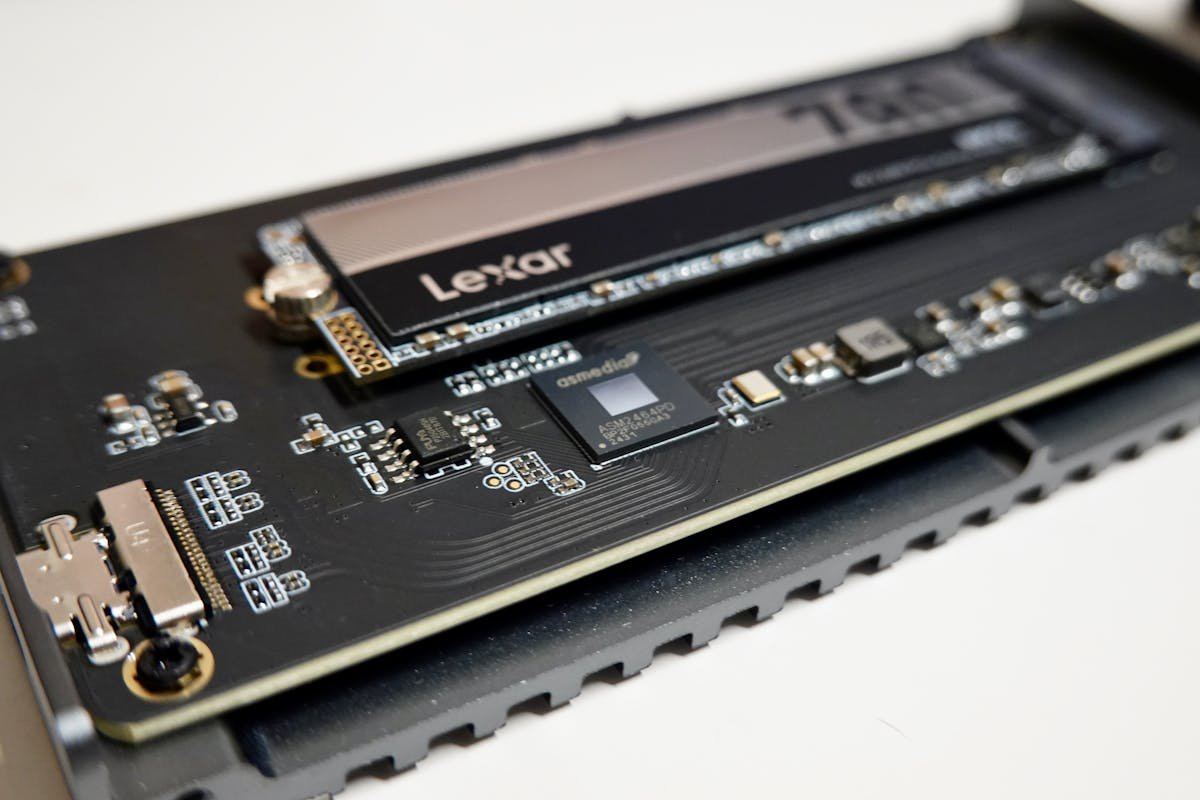
M.2 NVMe Support
Both SFF and Tower ProDesk 600 G6 models support M.2 NVMe SSDs (PCIe 3.0), offering read/write speeds of 3,500+ MB/s. This is a major upgrade from earlier generations that supported only SATA.
Recommended NVMe drives:
Samsung 970 EVO Plus 1TB — Excellent performance, widely compatible, reliable.
WD Blue SN570 1TB — Cost-effective, proven in enterprises, solid warranty.
Crucial P5 1TB — Balanced performance, good value.
SATA Secondary Storage
Tower models can accommodate a secondary 2.5″ SATA SSD or 3.5″ HDD alongside the NVMe drive, allowing dual-drive configurations. Use NVMe for the OS and applications, SATA for bulk data storage.
Power Supply Details
SFF Power Supply
ProDesk 600 G6 SFF units use proprietary or non-standard power supplies:
- 180W or 210W typical specifications
- NOT compatible with tower PSUs
- Replacement requires HP proprietary units or specialist third-party suppliers
Tower Power Supply
Tower ProDesk 600 G6 units use standard ATX power supplies:
- 320W — Standard mid-range configuration
- 400W — Higher-performance i7 systems
Both are standard ATX 24-pin compatible and can be upgraded to any desktop PSU (400W+) without modification.
Recommended PSU Replacements (Tower)
Seasonic Focus GX-550W 80+ Gold — Excellent efficiency, modular, 12-year warranty.
EVGA SuperNOVA G6 650W — Reliable, 80+ Gold, compact form factor.
SFF vs. Tower Comparison
| Feature | SFF Model | Tower Model |
|---|---|---|
| Physical Size | Compact, space-saving | Full-size, standard ATX |
| Maximum RAM | 128GB (4 DIMM slots) | 128GB (4 DIMM slots) |
| Storage Options | Limited (NVMe + optional SATA) | Flexible (NVMe + 2.5″ SATA + 3.5″ HDD) |
| PSU Type | Proprietary/Non-standard | Standard ATX |
| Upgrade Ease | Moderate (compact) | Easy (standard components) |
| Best For | Compact offices, limited desk space | Maximum performance, upgrade flexibility |
Installation Steps
- Power off and unplug the ProDesk 600 G6 completely
- Wait 30-60 seconds for power discharge
- Open the case side panel or remove the front bezel (varies by model)
- Locate the DIMM slots (horizontal slots near CPU, usually gold-colored)
- Push retention clips outward to release existing modules (if upgrading)
- Align new module with the slot key and press down firmly until clips snap
- For NVMe: locate M.2 slot (often covered with heatspreader), insert drive at 30-degree angle, and press down to secure
- Close the case and reconnect power
- Boot system — BIOS will auto-detect new RAM and storage
Frequently Asked Questions
Q: Can I add a second NVMe drive to my ProDesk 600 G6?
A: Yes. HP lists two M.2 2280 sockets for storage on the SFF and Microtower (plus a separate M.2 2230 socket for Wi-Fi), so a second NVMe SSD can be added. Both also have internal SATA drive bays. Check your specific motherboard documentation or HP service manual.
Q: Will DDR4-3200 RAM work in my ProDesk 600 G6?
A: Yes, it’s backward compatible. The G6 motherboard will automatically detect and run the DDR4-3200 modules at DDR4-2666 or DDR4-2933 speed (CPU-dependent). No performance penalty, and your RAM remains forward-compatible.
Q: My SFF ProDesk 600 G6 has a 180W or 210W PSU. Can I upgrade it?
A: SFF PSUs are proprietary and cannot be swapped with tower units. You’ll need to source an HP-compatible replacement or specialist supplier. Tower models have much easier upgrade paths with standard ATX PSUs.
Q: Is NVMe much faster than SATA for business use?
A: For typical office work (email, web browsing, documents), SATA SSD is fast enough. NVMe shines with large file transfers, video editing, or data analysis. The performance difference is noticeable but not critical for everyday productivity.
Q: Should I buy a ProDesk 600 G6 Tower or SFF?
A: If you have desk space and want maximum upgrade potential (128GB RAM, multiple drives, easy PSU replacement), choose Tower. If space is limited and you don’t need heavy upgrades, SFF is more compact and sufficient for standard business use.
Q: How do I know if my ProDesk 600 G6 is SFF or Tower?
A: Look at the physical size and shape. SFF models are compact and boxy (roughly 8-10 inches wide). Tower models are taller and wider, resembling traditional desktop tower cases.
Recommended Products
| Product | Type | Capacity | Link |
|---|---|---|---|
| Kingston Fury Beast DDR4-2666 16GB | RAM | 16GB per module | Shop |
| Corsair Vengeance LPX DDR4-3000 | RAM | 16GB per module | Shop |
| G.Skill Trident Z DDR4-2666 | RAM | 16GB per module | Shop |
| Samsung 970 EVO Plus 1TB | NVMe SSD | 1TB | Shop |
| WD Blue SN570 1TB | NVMe SSD | 1TB | Shop |
| Crucial P5 1TB | NVMe SSD | 1TB | Shop |
| Seasonic Focus GX-550W | PSU (Tower only) | 550W | Shop |
| EVGA SuperNOVA G6 650W | PSU (Tower only) | 650W | Shop |
Prices and availability may vary. As an Amazon Associate, we earn from qualifying purchases.
Related HP Upgrade Guides
- HP Z2 G9 SFF RAM & SSD Upgrade Guide (2023)
- HP EliteDesk 800 G9 Mini RAM & SSD Upgrade Guide (2023)
- HP EliteDesk 800 G9 SFF RAM & SSD Upgrade Guide (2023)
- HP EliteDesk 800 G9 Tower RAM & SSD Upgrade Guide (2023)
- HP Pro Tower 400 G9 RAM & SSD Upgrade Guide (2023)
- HP Upgrade Guide
Not sure what fits? Use our free Compatibility Checker covering 3,195+ models.
Helpful Guides
Upgrades that fit the HP ProDesk 600 G6
What fits: Memory: DDR4-2933 UDIMM, 4 user slots, up to 128GB · Storage: 2x M.2 2280; 2.5in SATA drive supported
Spec source: h30434.www3.hp.com (checked 26 Sep 2026).
As an Amazon Associate we earn from qualifying purchases. Prices & availability shown on Amazon.