Affiliate disclosure: this page contains affiliate links — if you buy through them we may earn a commission at no extra cost to you. As an Amazon Associate we earn from qualifying purchases.
The Intel vs AMD debate in laptops is closer than ever. Both offer excellent processors across ultrabook, productivity, and gaming segments. This comparison covers the current generation landscape.
Current Generation Overview
Intel: Core Ultra (Meteor Lake/Arrow Lake) for ultrabooks, 14th/15th Gen Core for mainstream/gaming. Intel leads in single-thread performance and integrated GPU with the new Arc graphics. AMD: Ryzen 7040/8040/9040 (Hawk Point/Strix Point) for ultrabooks, Ryzen 7045/9055 for gaming. AMD leads in multi-thread performance and battery efficiency.
Battery Life
AMD Ryzen 7040/8040 laptops consistently deliver 15-20% longer battery life than equivalent Intel Core Ultra models. AMD’s TSMC 4nm/5nm manufacturing process is more power-efficient than Intel’s process nodes. For ultrabook users who prioritise battery life, AMD has a meaningful advantage.
Gaming Performance
Intel and AMD are neck-and-neck in gaming laptop performance. Intel’s higher single-thread speeds benefit some games, while AMD’s efficiency keeps thermal throttling at bay during extended sessions. The GPU (NVIDIA or AMD) matters far more than the CPU brand for gaming.
RAM and Platform Considerations
Both Intel Core Ultra and AMD Ryzen 7040+ support DDR5 and LPDDR5. AMD platforms tend to offer slightly better memory controller performance, benefiting from DDR5-5600 particularly well. Both platforms support PCIe 4.0/5.0 NVMe storage.
Our Verdict
For battery life and efficiency: AMD Ryzen. For maximum single-thread performance: Intel Core Ultra. For gaming: either — choose based on the overall laptop package. Both platforms are excellent in 2026.
Frequently Asked Questions
Is Intel or AMD better for laptops?
AMD offers better battery life. Intel offers marginally better single-thread performance. Both are excellent — choose based on the overall laptop package.
Do Intel and AMD laptops use the same RAM?
Both use DDR5 or LPDDR5 in current-gen laptops. The specific modules are determined by the laptop model, not the CPU brand.
Recommended upgrades
As an Amazon Associate we earn from qualifying purchases. Prices & availability shown on Amazon.
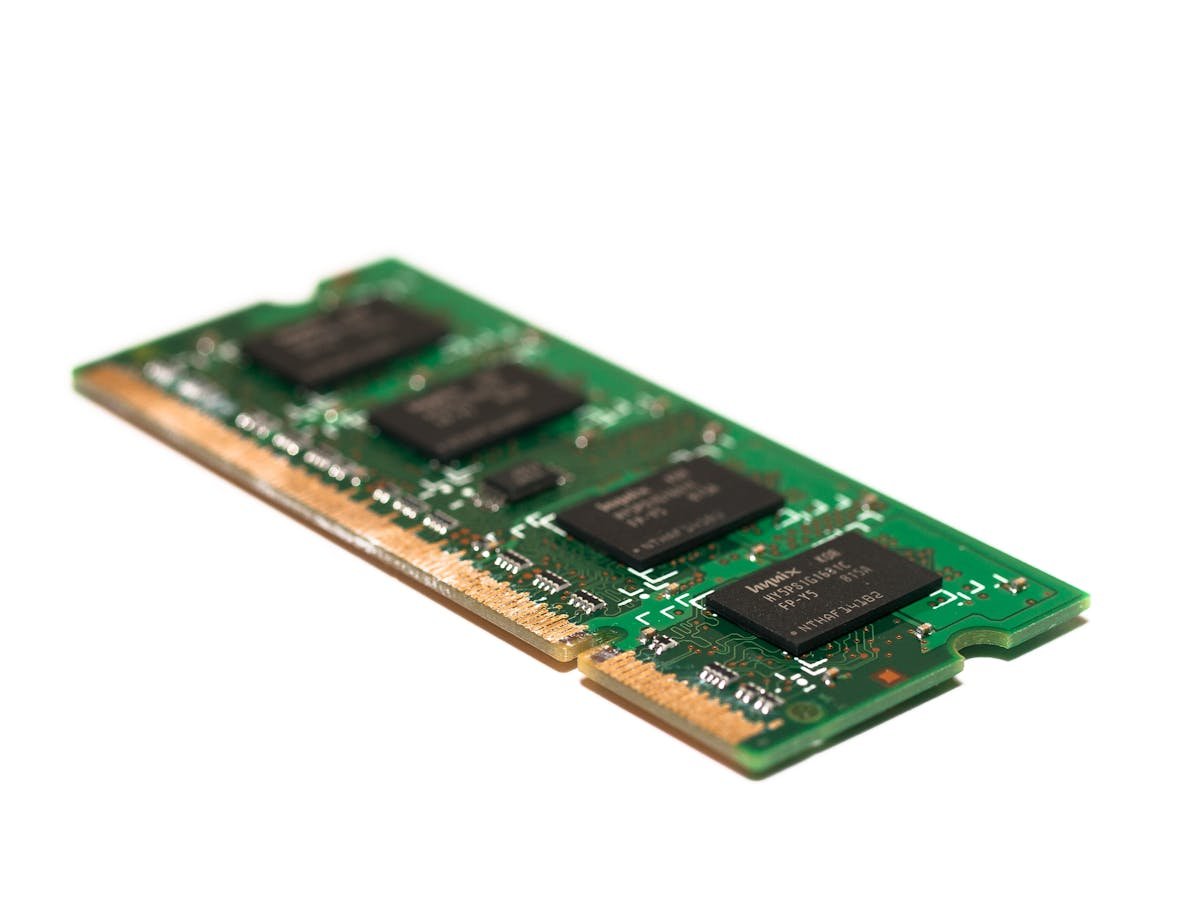
For laptops and mini PCs that use DDR5 SO-DIMM
For laptops and mini PCs that use DDR4 SO-DIMM
M.2 2280 NVMe SSDs
Whichever you choose, the decision is permanent: neither can be changed after purchase on almost any modern laptop.
How we verify this guide
We cross-reference compatibility figures against manufacturer specifications where available, official service manuals, and the standards that govern fit — memory type and speed (DDR4 / DDR5 / LPDDR5), maximum supported capacity and slot count, SSD form factor and interface (M.2 2280, NVMe PCIe vs SATA, keying), and charger wattage and connector (USB-C Power Delivery, GaN). We’re explicit about soldered or non-upgradeable parts, prioritise primary sources over retailer listings, and re-verify the data on a regular cycle. More on our method →