Affiliate disclosure: this page contains affiliate links — if you buy through them we may earn a commission at no extra cost to you. As an Amazon Associate we earn from qualifying purchases.
The MacBook Air M2 15-inch (2023) features Apple M2 (8-core CPU, 10-core GPU), 15.3″ Liquid Retina (2880×1864) display, and soldered LPDDR5 memory (24GB maximum). While RAM cannot be upgraded after purchase, storage is also non-upgradeable. This guide covers complete MacBook Air M2 15-inch (2023) compatibility for upgrades.
RAM Compatibility for MacBook Air M2 15-inch (2023)
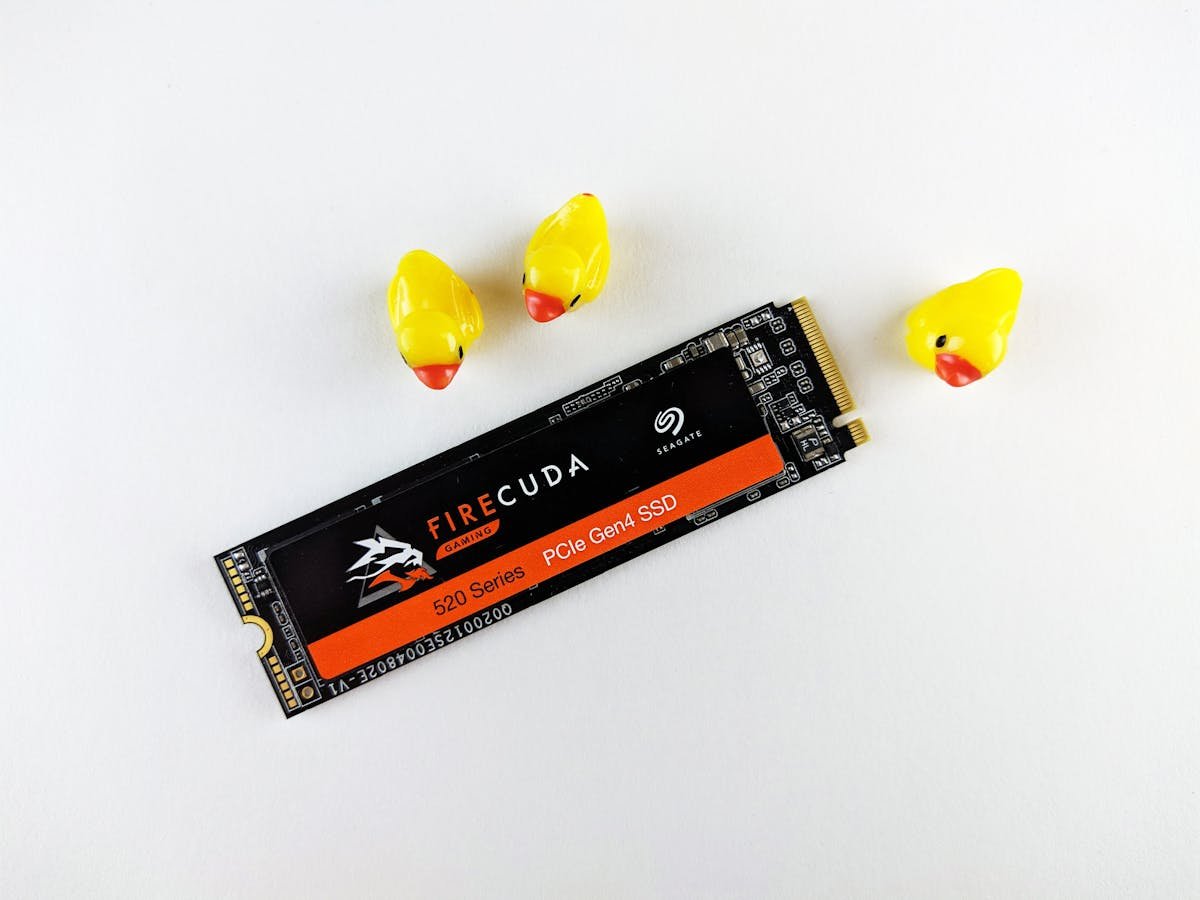
The MacBook Air M2 15-inch (2023) uses soldered LPDDR5 memory that cannot be upgraded after purchase. You must choose your RAM configuration at the time of ordering.
Memory Type: LPDDR5 (soldered to motherboard)
Stock Configuration: 8GB or 16GB unified memory
Maximum Capacity: 24GB
Upgradeable: No — RAM is permanently soldered
| Configuration | Memory | Total | Best For |
|---|---|---|---|
| Base config | 8GB LPDDR5 | 8GB | Basic tasks, web browsing |
| Upgraded config | 16GB LPDDR5 | 16GB | Productivity, moderate multitasking |
| Maximum config (BTO) | 24GB LPDDR5 | 24GB | Maximum performance, future-proofing |
Since RAM is soldered, choosing the right amount at purchase is critical. For general productivity and web browsing, 8GB is adequate. For professional use, video editing, or running virtual machines, configure with the maximum available. There is no way to upgrade later, so err on the side of more RAM if your budget allows.
SSD & Storage
The MacBook Air M2 15-inch (2023) uses proprietary storage that is soldered to the motherboard and cannot be upgraded or replaced by the user.
Stock Configuration: 256GB, 512GB, or 1TB
Storage Type: Apple proprietary NVMe
Upgradeable: No — storage is permanently soldered
Since storage cannot be upgraded, choose the largest option available at purchase. External USB-C SSDs offer additional storage expansion if needed after purchase.
Buy External USB-C SSD on Amazon
Charger & Power Compatibility
The MacBook Air M2 15-inch (2023) ships with a 35W Dual USB-C Compact or 70W USB-C adapter (MagSafe 3). USB-C Power Delivery is supported, allowing use of third-party USB-C chargers.
Stock Charger: 35W Dual USB-C Compact or 70W USB-C adapter (MagSafe 3)
USB-C Power Delivery: Yes
| Charger Option | Wattage/Type | Charging Speed | Notes |
|---|---|---|---|
| Stock charger | 35W Dual USB-C Compact or 70W USB-C adapter (MagSafe 3) | Full speed charging | Included with laptop |
| Third-party USB-C PD | 70W+ USB-C PD GaN | Full speed (match wattage) | Compact travel alternative |
| Lower wattage USB-C | 45-65W USB-C PD | Slow charge, may not sustain under load | Emergency/travel only |
For the best portable charging experience, a GaN USB-C PD charger matching or exceeding the stock wattage is recommended. This lets you leave the original charger at your desk and carry a compact GaN adapter for travel.
Buy Compatible Charger on Amazon
Dock & Hub Compatibility
The MacBook Air M2 15-inch (2023) uses USB-C connectivity (no Thunderbolt), limiting dock bandwidth.
Thunderbolt Support: No
USB-C Power Delivery: Yes
Recommended Dock Type: USB-C dock or DisplayLink dock
| Dock Type | Connection | Use Case | Notes |
|---|---|---|---|
| USB-C dock | USB-C 3.2 | Desktop expansion | Single display, peripherals, charging |
| USB-C hub | USB-C multiport | Portable expansion | HDMI + USB-A + card reader for travel |
| DisplayLink dock | USB-A/USB-C | Multi-display (via software) | Multiple monitors without Thunderbolt |
Without Thunderbolt, a USB-C dock provides basic single-display desktop connectivity. For multi-monitor setups, consider a DisplayLink dock which uses software-based display output.
MacBook Air M2 15-inch (2023) Full Specifications
| Component | Specification |
|---|---|
| Processor | Apple M2 (8-core CPU, 10-core GPU) |
| Display | 15.3″ Liquid Retina (2880×1864) |
| RAM | LPDDR5 (max 24GB) — soldered |
| Storage | Apple proprietary NVMe |
| Thunderbolt | No |
| USB-C PD Charging | Yes |
| Charger | 35W Dual USB-C Compact or 70W USB-C adapter (MagSafe 3) |
| Weight | 1.51kg |
Frequently Asked Questions
Can I upgrade the RAM in the MacBook Air M2 15-inch (2023)?
No. The MacBook Air M2 15-inch (2023) uses soldered memory that cannot be upgraded after purchase. You must choose your RAM configuration at the time of ordering. We recommend selecting the highest amount your budget allows.
Can I upgrade the SSD in the MacBook Air M2 15-inch (2023)?
No. The storage is soldered and cannot be replaced. Consider an external USB-C SSD for additional storage.
Does the MacBook Air M2 15-inch (2023) support USB-C charging?
Yes. You can charge via any USB-C Power Delivery charger. Match or exceed the stock wattage for full-speed charging.
Is the MacBook Air M2 15-inch (2023) still worth buying in 2026?
For its price point, the MacBook Air M2 15-inch (2023) remains competitive. With no upgradeable components, consider whether the stock configuration meets your long-term needs.
What accessories are compatible with the MacBook Air M2 15-inch (2023)?
USB-C hubs, USB-C docks, external monitors via USB-C/HDMI, and USB-C PD chargers.
Recommended Products
These are the products we recommend based on this guide. All links go to Amazon where you can check current prices and availability.
| Product | Why We Recommend It | Amazon |
|---|---|---|
| Anker 737 GaN 120W USB-C Charger | Compact high-power GaN charger | View on Amazon |
Prices and availability may vary. As an Amazon Associate, we earn from qualifying purchases.
Related Apple Upgrade Guides
- Which MacBooks Have Soldered SSD & RAM? Complete List (2012-2026)
- Can You Upgrade a MacBook? RAM, SSD & Storage Options by Model
- MacBook External Monitor Compatibility
- Apple MacBook Pro 15″ (2013)
- Apple Mac mini (2014)
- Apple Upgrade Guide
Not sure what fits? Use our free Compatibility Checker covering 3,195+ models.
Helpful Guides
Upgrades that fit the Apple MacBook Air
What fits: Memory: unified soldered to the board — not upgradeable · Storage: proprietary/soldered — no retail SSD fits · Charger: MagSafe 35/70W (USB-C charging supported)
Spec source: support.apple.com (checked 26 Sep 2026).
As an Amazon Associate we earn from qualifying purchases. Prices & availability shown on Amazon.