Affiliate disclosure: this page contains affiliate links — if you buy through them we may earn a commission at no extra cost to you. As an Amazon Associate we earn from qualifying purchases.
Microsoft Surface Pro 6 (2018) Specifications
The Microsoft Surface Pro 6 (2018) is an ultraportable laptop designed for productivity and portability. This guide covers RAM, SSD, charger compatibility, and upgrade paths for this model. For a comprehensive overview of all Microsoft upgradeable models, visit the Microsoft Laptop Upgrades hub.
| Component | Specification |
|---|---|
| Processor | i5-8250U / i7-8650U |
| RAM | LPDDR3, 0 slots (soldered) |
| Max RAM | 16GB (soldered) |
| Storage | BGA PCIe NVMe (soldered), no M.2 slot |
| Charger | 44W Surface Connect — this device has no USB-C port |
| Ports | 1× USB-A 3.0, Mini DisplayPort, microSDXC, 3.5mm, Surface Connect, Cover port |
| Display | 12.3″ PixelSense (2736×1824) |
| Weight | 0.77 kg (1.70 lbs) |
Memory Upgrade Path
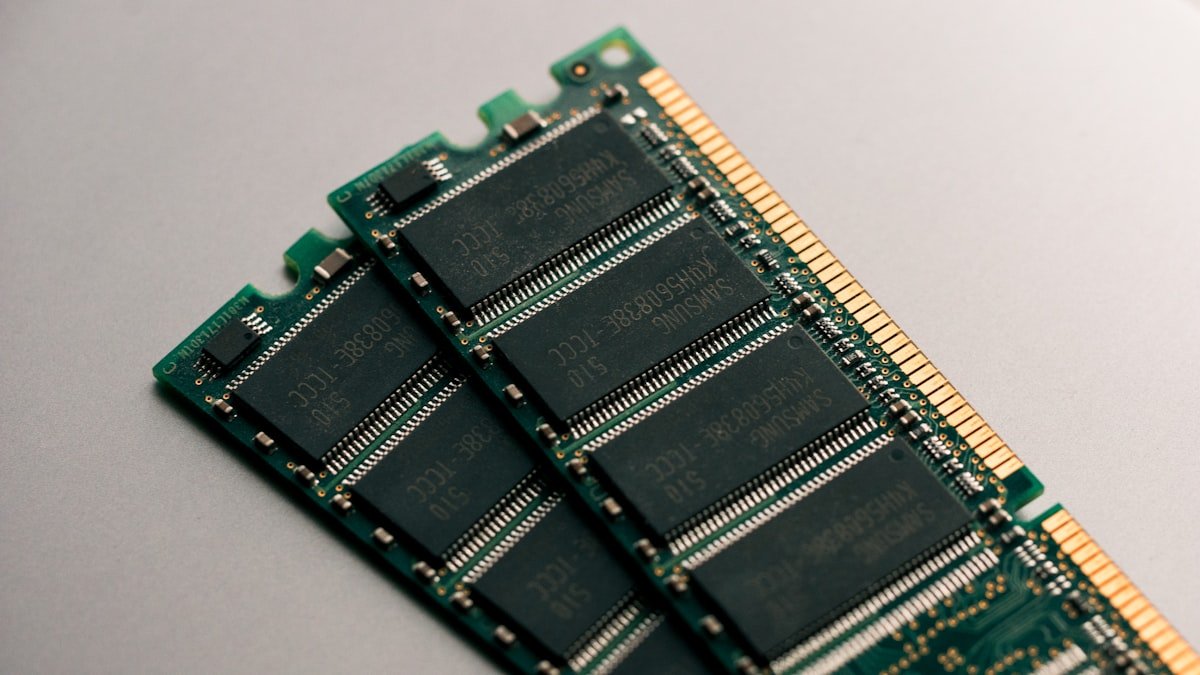
The Microsoft Surface Pro 6 has soldered LPDDR3 RAM (8GB or 16GB, fixed at purchase), which cannot be upgraded. Choose the capacity you need when buying.
Important: Since the RAM is not user-replaceable, we recommend opting for at least 16GB at purchase to ensure adequate performance for years to come.
Storage Expansion
The Microsoft Surface Pro 6 uses a BGA PCIe NVMe SSD (soldered) with a PCIe NVMe interface. There is no M.2 slot, so the SSD cannot be upgraded.
No replacement SSD fits: the Surface Pro 6 has no M.2 slot.
Note: the Surface Pro 6 SSD is soldered to the board and cannot be replaced.
Power Delivery & Charging
The Microsoft Surface Pro 6 uses a 44W Surface Connect charger. It has no USB-C port and charges only through Surface Connect, so USB-C PD chargers will not connect.
USB-C PD chargers: not compatible (no USB-C port).
Port & Docking Capabilities
Connectivity: 1x USB-A 3.0, Mini DisplayPort, microSDXC, 3.5mm, Surface Connect, Cover port
A USB-C hub such as the Anker 577 USB-C Hub will not connect, because the Surface Pro 6 has no USB-C port.
Upgrade Difficulty & Tools Required
The Microsoft Surface Pro 6 has a difficulty rating of 2/5 for upgrades (5 = easiest). The upgrade process is difficult — limited user-accessible components.
Tools needed:
- Phillips screwdriver (M2.5 or similar)
- Plastic spudger or pry tool (for bottom panel clips)
- ESD wrist strap (optional but recommended)
We recommend backing up your data and consulting the official service manual before opening the chassis.
Frequently Asked Questions
Can I upgrade the RAM in the Microsoft Surface Pro 6?
No. The Microsoft Surface Pro 6 has 8GB or 16GB of soldered LPDDR3-1866 memory, which cannot be upgraded after purchase.
What is the maximum RAM for the Microsoft Surface Pro 6?
The Microsoft Surface Pro 6 has a maximum of 16GB of LPDDR3-1866 memory, soldered and fixed at purchase.
What size SSD does the Microsoft Surface Pro 6 use?
The Microsoft Surface Pro 6 uses a BGA PCIe NVMe SSD (soldered). It cannot be replaced or upgraded.
Can I use any USB-C charger with the Microsoft Surface Pro 6?
No. The Surface Pro 6 has no USB-C port; it charges only through Surface Connect using a 44W Surface power supply.
Is the Microsoft Surface Pro 6 easy to upgrade?
The Microsoft Surface Pro 6 has a difficulty rating of 2/5. Consider professional assistance for upgrades.
Recommended Products
These are the products we recommend based on this guide. All links go to Amazon where you can check current prices and availability.
| Product | Why We Recommend It | Amazon |
|---|
Prices and availability may vary. As an Amazon Associate, we earn from qualifying purchases.
Related Guides
Upgrades that fit the Microsoft Surface Pro 6
What fits: Memory: LPDDR3 soldered to the board — not upgradeable · Storage: proprietary/soldered — no retail SSD fits · Charger: Surface Connect 44W
Spec source: msftstories.thesourcemediaassets.com (checked 26 Sep 2026).
As an Amazon Associate we earn from qualifying purchases. Prices & availability shown on Amazon.
Correction note: this page previously listed a 65W USB-C charger and a USB-C port. The Surface Pro 6 has no USB-C port at all — it charges only through Surface Connect with a 44W supply, and its single full-size port is USB-A 3.0. There is also no HDMI output; video runs over Mini DisplayPort.