Affiliate disclosure: this page contains affiliate links — if you buy through them we may earn a commission at no extra cost to you. As an Amazon Associate we earn from qualifying purchases.
Microsoft Surface Pro 7 (2019) Specifications
The Microsoft Surface Pro 7 (2019) is an ultraportable laptop designed for productivity and portability. This guide covers RAM, SSD, charger compatibility, and upgrade paths for this model. For a comprehensive overview of all Microsoft upgradeable models, visit the Microsoft Laptop Upgrades hub.
| Component | Specification |
|---|---|
| Processor | i3-1005G1 / i5-1035G4 / i7-1065G7 |
| RAM | LPDDR4x, 0 slots (soldered) |
| Max RAM | 16GB (soldered) |
| Storage | Soldered SSD (not removable, per iFixit) |
| Charger | 65W Surface Connect |
| Ports | 1x USB-C, 1x USB-A, 1x Surface Connect, Type Cover port, microSDXC, 3.5mm jack |
| Display | 12.3″ PixelSense (2736×1824) |
| Weight | 0.78 kg (1.72 lbs) |
Memory Upgrade Path
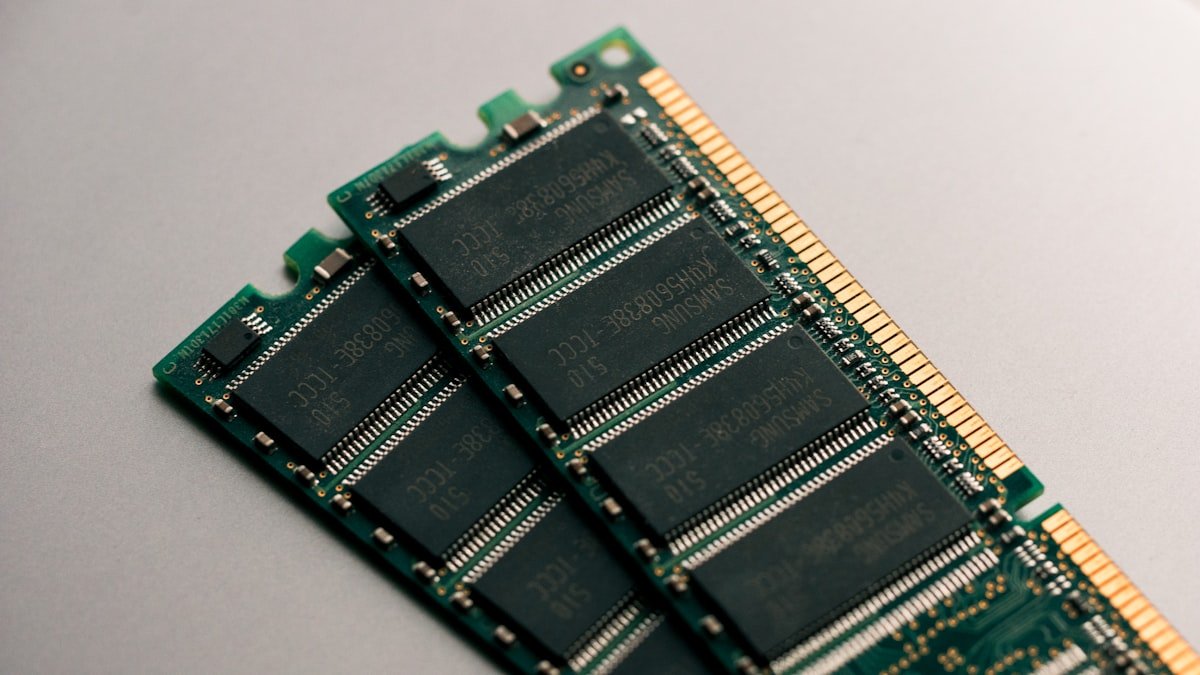
The Microsoft Surface Pro 7 has soldered LPDDR4x RAM (16GB (soldered)) which cannot be upgraded after purchase. Select the maximum RAM configuration when buying.
Important: Since the RAM is not user-replaceable, we recommend opting for at least 16GB at purchase to ensure adequate performance for years to come.
Storage Expansion
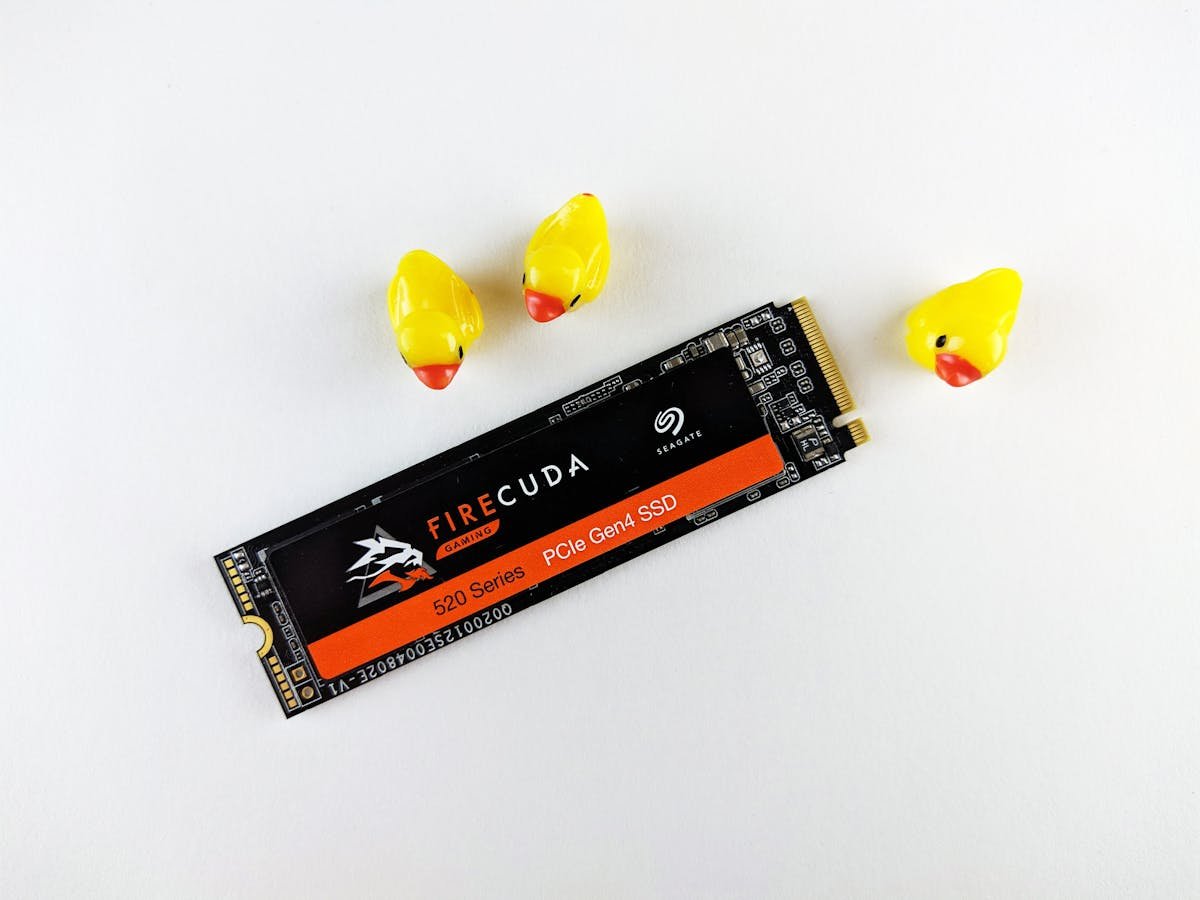
The Microsoft Surface Pro 7 uses an M.2 2230 NVMe SSD – however, iFixit reports the Surface Pro 7 SSD is soldered to the motherboard and not removable, so confirm before buying a replacement drive.
Recommended M.2 2230 SSDs:
- WD SN740 2230 NVMe — Reliable compact SSD for the 2230 form factor.
- Samsung PM991a 2230 — High-performance OEM SSD in compact 2230 size.
- Kioxia BG5 2230 — Compact 2230 NVMe with good availability.
Note: iFixit reports the Surface Pro 7 SSD is soldered (unlike the Surface Pro 7+), so these drives are not a confirmed upgrade for this model.
Power Delivery & Charging
The Microsoft Surface Pro 7 uses a 65W Surface Connect charger. The Surface Connect charger is proprietary. USB-C PD charging is also supported on most recent Surface devices.
Port & Docking Capabilities
Connectivity: 1x USB-C, 1x USB-A, 1x Surface Connect, Type Cover port, microSDXC, 3.5mm jack
A USB-C docking station like the Anker 577 USB-C Hub provides additional ports including HDMI, Ethernet, and USB-A.
Upgrade Difficulty & Tools Required
The Microsoft Surface Pro 7 has a difficulty rating of 2/5 for upgrades (5 = easiest). The upgrade process is difficult — limited user-accessible components.
Tools needed:
- Phillips screwdriver (M2.5 or similar)
- Plastic spudger or pry tool (for bottom panel clips)
- ESD wrist strap (optional but recommended)
We recommend backing up your data and consulting the official service manual before opening the chassis.
Frequently Asked Questions
Can I upgrade the RAM in the Microsoft Surface Pro 7?
The Microsoft Surface Pro 7 has soldered RAM (16GB (soldered)) which cannot be upgraded after purchase. Choose the maximum RAM when buying.
What is the maximum RAM for the Microsoft Surface Pro 7?
The Microsoft Surface Pro 7 supports up to 16GB (soldered) of LPDDR4x memory.
What size SSD does the Microsoft Surface Pro 7 use?
The Microsoft Surface Pro 7 uses an SSD that iFixit reports is soldered to the motherboard, so it is not user-replaceable.
What charger does the Microsoft Surface Pro 7 need?
The Microsoft Surface Pro 7 uses a 65W Surface Connect charger.
Is the Microsoft Surface Pro 7 easy to upgrade?
The Microsoft Surface Pro 7 has a difficulty rating of 2/5. Consider professional assistance for upgrades.
Related Dynabook Upgrade Guides
- Microsoft Surface Laptop 6 for Business RAM & SSD Upgrade Guide
- Microsoft Surface Go 3 RAM & SSD Upgrade Guide
- Microsoft Surface Laptop Studio RAM & SSD Upgrade Guide
- Microsoft Surface Pro 8 RAM & SSD Upgrade Guide
- Microsoft Surface Laptop Go 3 RAM & SSD Upgrade Guide
- Dynabook Upgrade Guide
Not sure what fits? Use our free Compatibility Checker covering 3,195+ models.
Helpful Guides
Upgrades that fit the Microsoft Surface Pro 7
What fits: Memory: LPDDR4X soldered to the board — not upgradeable · Storage: proprietary/soldered — no retail SSD fits · Charger: Surface Connect (USB-C charging supported)
Spec source: ifixit.com (checked 26 Sep 2026).
As an Amazon Associate we earn from qualifying purchases. Prices & availability shown on Amazon.