
Affiliate disclosure: this page contains affiliate links — if you buy through them we may earn a commission at no extra cost to you. As an Amazon Associate we earn from qualifying purchases.
RAM Compatibility for Panasonic Toughbook CF-54 Mk3
The Panasonic Toughbook CF-54 Mk3 is a 14″ laptop released in 2018. It uses DDR4 memory with 2 SO-DIMM slots, making RAM upgrades straightforward. The maximum supported RAM is 32GB.
Memory Specifications
| Specification | Details |
|---|---|
| Memory Type | DDR4 |
| RAM Slots | 2 SO-DIMM |
| Max Capacity | 32GB |
| Speed | DDR4-2133 |
| Upgradeable | Yes |
| Form Factor | 14″ |
Recommended RAM Upgrades
Here are our top RAM picks for the Panasonic Toughbook CF-54 Mk3:
Best Overall: Crucial DDR4-3200 SODIMM 32GB (2x16GB)
Reliable and backed by Crucial’s lifetime warranty. The CF-54 Mk3 runs memory at DDR4-2133, so this DDR4-3200 kit will run at 2133. Not independently tested by us; confirm against your exact model.
Best Value: Kingston FURY Impact DDR4-3200 16GB (1x16GB)
Like any DDR4-3200 module, it will run at the CF-54 Mk3’s DDR4-2133 speed.
Storage Compatibility
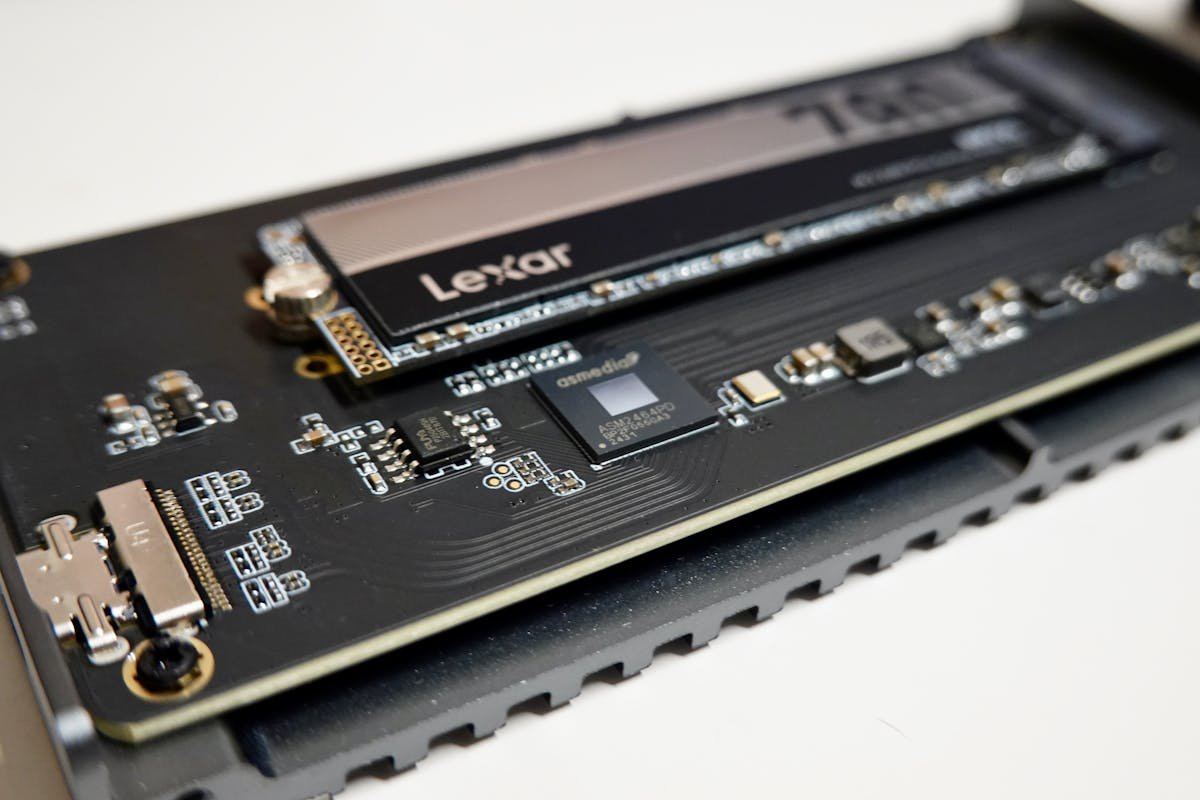
The Panasonic Toughbook CF-54 Mk3 supports a quick-release storage drive plus an optional 2nd drive for storage. SATA SSDs offer speeds up to 560 MB/s, a significant improvement over traditional hard drives.
| Storage Type | Details |
|---|---|
| Storage Interface | a quick-release storage drive plus an optional 2nd drive |
| SSD Form Factor | Not stated by Panasonic |
Recommended SSDs
Will not fit: OWC Aura Pro X2 1TB (Mac only)
OWC sells this drive for MacBook Pro and MacBook Air, and it will not fit the CF-54 Mk3. Panasonic does not state the drive format for its quick-release storage bay, so confirm the correct drive with Panasonic before buying.
Frequently Asked Questions
Can I upgrade the RAM in the Panasonic Toughbook CF-54 Mk3?
Yes, the Panasonic Toughbook CF-54 Mk3 has 2 accessible SO-DIMM slots supporting up to 32GB of DDR4 memory.
What is the maximum RAM for the Panasonic Toughbook CF-54 Mk3?
The maximum supported RAM is 32GB of DDR4.
What type of SSD does the Panasonic Toughbook CF-54 Mk3 use?
The Panasonic Toughbook CF-54 Mk3 uses a quick-release storage drive plus an optional 2nd drive. A SATA SSD upgrade provides a significant speed improvement.
Related Panasonic Upgrade Guides
- Panasonic Toughbook CF-33 Mk3
- Panasonic Toughbook FZ-40 Mk1
- Panasonic Toughbook CF-31 Mk6
- Panasonic Toughbook FZ-G2
- Panasonic Upgrade Guide
Not sure what fits? Use our free Compatibility Checker covering 3,195+ models.
Helpful Guides
Upgrades that fit the Panasonic Toughbook 54 mk3
What fits: Memory: DDR4-2133 SO-DIMM, 2 user slots, up to 32GB
Spec source: na.panasonic.com (checked 26 Sep 2026).
As an Amazon Associate we earn from qualifying purchases. Prices & availability shown on Amazon.
Free download: The 2026 Laptop RAM Upgrade Compatibility Cheat Sheet
Find out in minutes whether your laptop’s RAM is upgradeable, exactly which DDR4/DDR5/LPCAMM2 stick fits, and how much is worth it. Enter your email and we’ll send the PDF instantly.