Affiliate disclosure: this page contains affiliate links — if you buy through them we may earn a commission at no extra cost to you. As an Amazon Associate we earn from qualifying purchases.
The Synology DiskStation DS224+ is a 2-bay NAS designed for home use. It comes with 2GB DDR4 of RAM and can be upgraded to 6GB DDR4. Powered by the Intel Celeron J4125 processor, it offers reliable network-attached storage for file sharing, backups, and media streaming.
This guide covers complete RAM and storage compatibility for the Synology DiskStation DS224+, including upgrade options, maximum supported configurations, and recommended drives.
Specifications Overview
| Specification | Details |
|---|---|
| NAS Model | Synology DiskStation DS224+ |
| Brand | Synology |
| Drive Bays | 2 bays |
| Processor | Intel Celeron J4125 |
| Default RAM | 2GB DDR4 |
| Maximum RAM | 6GB DDR4 |
| RAM Type | DDR4 |
| RAM Slots | 2 |
| RAM Upgradeable | Yes |
| M.2 Slots | None |
| Ethernet | 2x 1GbE |
| USB Ports | 2x USB 3.0 |
| Use Case | Home |
| Price Tier | Budget |
Memory (RAM) Compatibility
The Synology DiskStation DS224+ ships with 2GB DDR4 and supports a maximum of 6GB DDR4 via 2GB onboard plus 1 slot (2GB + 4GB). Upgrading your NAS RAM can significantly improve performance for virtual machines, Docker containers, and simultaneous user access.
Recommended RAM Upgrades
| Module | Capacity | Price* |
|---|---|---|
| Crucial SODIMM DDR4 | 4GB | Check Price |
| Crucial SODIMM DDR4 | 8GB | Check Price |
| Kingston ValueRAM DDR4 | 8GB | Check Price |
Storage Compatibility
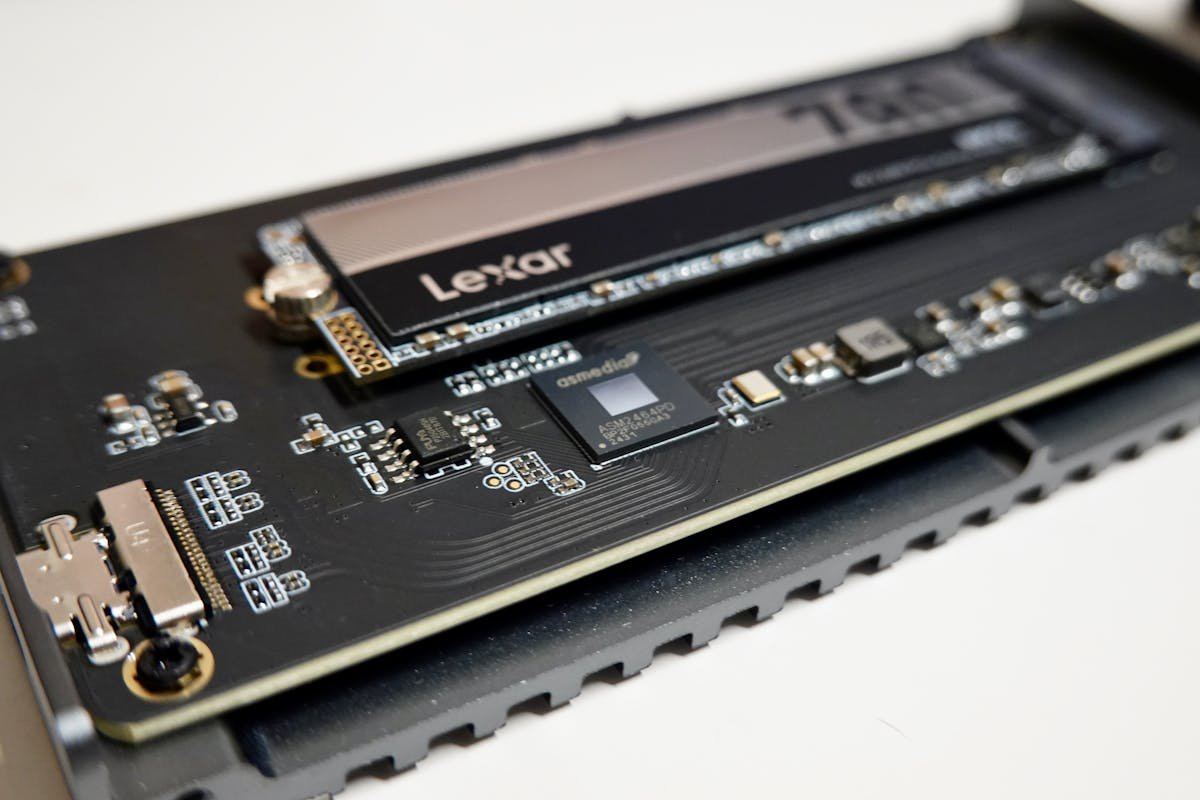
The Synology DiskStation DS224+ has 2 drive bays supporting 3.5″ SATA HDDs and 2.5″ SATA SSDs.
Recommended NAS Hard Drives
| Drive | Capacity | Price* |
|---|---|---|
| Seagate IronWolf | 4TB | Check Price |
| Seagate IronWolf | 8TB | Check Price |
| WD Red Plus | 4TB | Check Price |
| WD Red Plus | 8TB | Check Price |
Network Connectivity
The Synology DiskStation DS224+ features 2x 1GbE Ethernet and 2x USB 3.0 connectivity.
Related Guides
Frequently Asked Questions
What is the maximum RAM for the Synology DiskStation DS224+?
The Synology DiskStation DS224+ supports a maximum of 6GB DDR4. It ships with 2GB DDR4 by default.
How many drive bays does the Synology DiskStation DS224+ have?
The Synology DiskStation DS224+ has 2 drive bays supporting 3.5″ SATA HDDs and 2.5″ SATA SSDs.
Can I upgrade the RAM in the Synology DiskStation DS224+?
Yes, the RAM is user-upgradeable.
What hard drives work with the Synology DiskStation DS224+?
The Synology DiskStation DS224+ works with standard 3.5″ SATA HDDs. We recommend NAS-rated drives like the Seagate IronWolf or WD Red Plus.
Upgrades that fit the Synology DiskStation DS224+
What fits: Memory: DDR4 SO-DIMM (2GB soldered on the board), 1 user slot, up to 6GB
Spec source: synology.com (checked 26 Sep 2026).
As an Amazon Associate we earn from qualifying purchases. Prices & availability shown on Amazon.
*Indicative UK street prices, shown for guidance only. These are not live Amazon prices and change frequently — check the current price on Amazon before buying.