Affiliate disclosure: this page contains affiliate links — if you buy through them we may earn a commission at no extra cost to you. As an Amazon Associate we earn from qualifying purchases.
Looking to upgrade your ASUS VivoBook 16 M1605? This comprehensive compatibility guide covers RAM, SSD, and charger compatibility for the ASUS VivoBook 16 M1605. Whether you need better multitasking, more storage, or a replacement charger, we have verified compatibility data and recommended components.
ASUS VivoBook 16 M1605 Key Specifications
| Component | Specification |
|---|---|
| Release Year | 2023 |
| Memory Type | DDR4 |
| Memory Slots | 8GB on board + 1 x SO-DIMM |
| Maximum RAM | 16GB |
| Storage Interface | M.2 2280 NVMe PCIe 3.0 x4 (PCIe 4.0 on M1605NAQ) |
| Charging | barrel-plug (4.5mm, 45W/90W) |
Memory Upgrade Path
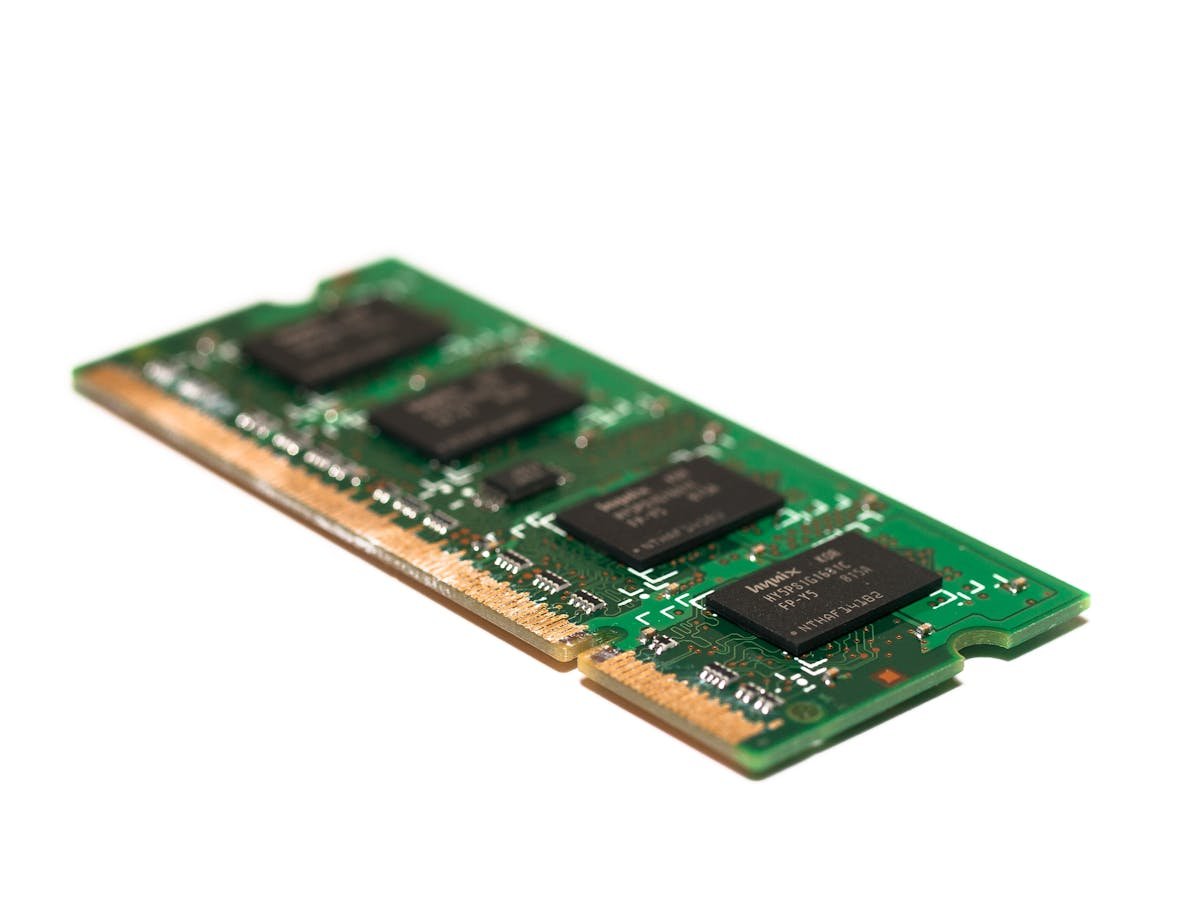
The M1605YA and M1605XA have 8GB of DDR4 soldered on board plus one DDR4 SO-DIMM slot, so the maximum is 16GB (add one 8GB DDR4 module). The M1605NAQ instead uses a single 16GB DDR5 SO-DIMM, which is already its 16GB maximum.
We recommend checking current DDR4 prices on Amazon for the best deals on compatible memory kits.
Compatible RAM Modules
| Configuration | Capacity | Speed | Use Case |
|---|---|---|---|
| 8GB on board only (M1605XA base) | 8GB | DDR4 | Basic tasks |
| 8GB on board + 1x 8GB DDR4 SO-DIMM (M1605YA/XA) | 16GB | DDR4 | General use & multitasking |
| 1x 16GB DDR5 SO-DIMM (M1605NAQ, already at max) | 16GB | DDR5 | Professional & creative work |
Storage Expansion
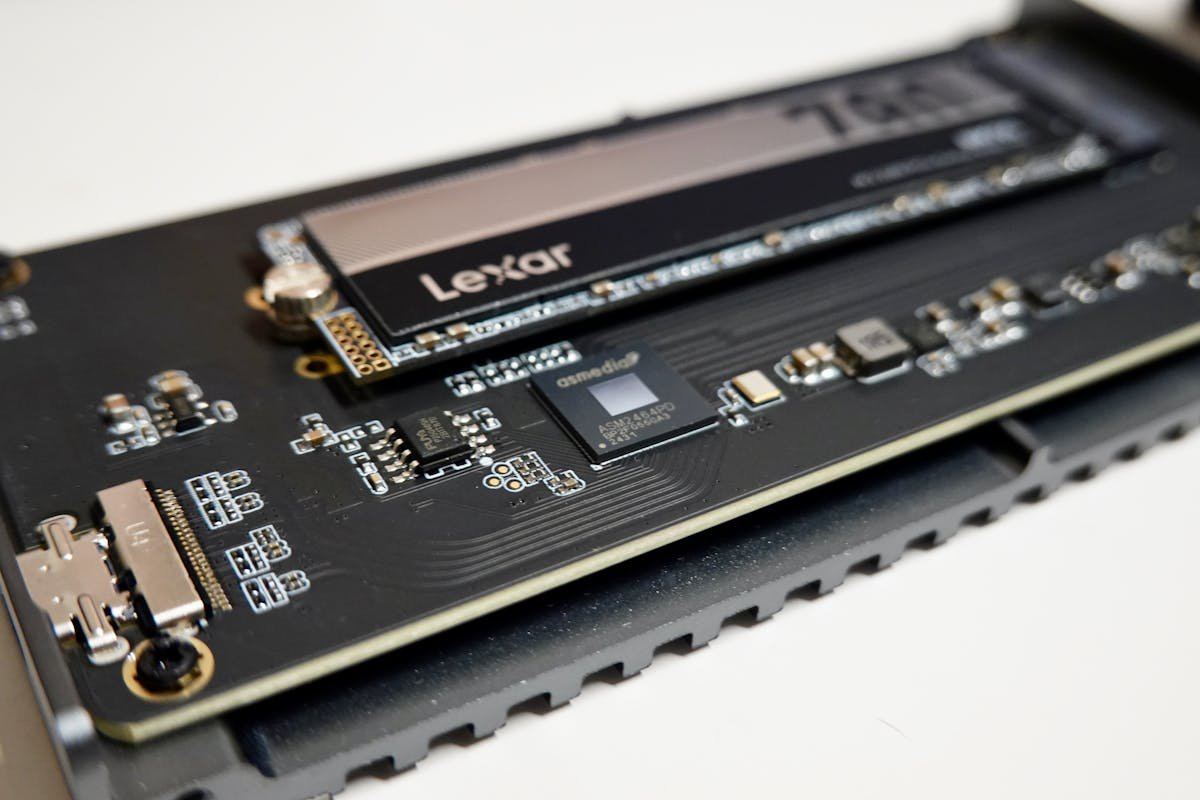
The ASUS VivoBook 16 M1605 supports M.2 2280 NVMe PCIe 3.0 x4 (PCIe 4.0 on M1605NAQ) solid-state drives. Upgrading the SSD is one of the most impactful improvements you can make, offering faster boot times, quicker application loading, and more storage capacity.
Compatible SSD Options
| Capacity | Interface | Best For |
|---|---|---|
| 500GB | NVMe Gen 4 (runs at Gen 3 on YA/XA) | Budget upgrade |
| 1TB | NVMe Gen 4 (runs at Gen 3 on YA/XA) | Recommended for most users |
| 2TB | NVMe Gen 4 (runs at Gen 3 on YA/XA) | Large media libraries & games |
Top pick: The Samsung 990 EVO 1TB offers excellent performance and reliability at a competitive price point.
Power Delivery & Charging
The M1605YA and M1605XA charge from a 4.5mm barrel adapter (45W on the YA, 90W on the XA). The M1605NAQ can use a compatible USB-C PD charger as a replacement or spare charger. ASUS ships a 45W or 90W barrel adapter with the M1605YA/XA; only the M1605NAQ lists a 68W USB-C adapter.
Compatible Charger Specifications
| Wattage | Connector | Notes |
|---|---|---|
| 65W | USB-C PD | M1605NAQ only (68W USB-C listed); YA/XA use a 45W/90W barrel adapter |
| 100W | USB-C PD | For use with docking stations |
Upgrade Difficulty & Tools Required
Upgrading the ASUS VivoBook 16 M1605 is a straightforward process that most users can complete in 15-30 minutes. You will need a Phillips #0 or #1 screwdriver and a plastic spudger or prying tool to remove the bottom panel. We recommend a laptop upgrade toolkit if you don’t already have the right tools.
Difficulty rating: Easy to Moderate (3/5). Always disconnect the battery before working on internal components, and ground yourself to prevent static damage.
Frequently Asked Questions
Can I upgrade the RAM in the ASUS VivoBook 16 M1605?
Yes, the ASUS VivoBook 16 M1605 has 8GB of DDR4 on board plus one user-upgradeable DDR4 SO-DIMM slot, and supports up to 16GB of RAM. Add one 8GB DDR4 module to reach the maximum.
What is the maximum RAM supported by the ASUS VivoBook 16 M1605?
The ASUS VivoBook 16 M1605 supports a maximum of 16GB of DDR4 RAM (8GB on board + 1 SO-DIMM slot). For most users, 16GB provides an excellent balance of performance and value.
What type of SSD does the ASUS VivoBook 16 M1605 use?
The ASUS VivoBook 16 M1605 uses an M.2 2280 NVMe PCIe solid-state drive. You can upgrade to any compatible M.2 2280 NVMe SSD, with capacities available up to 4TB.
Can I use a third-party USB-C charger with the ASUS VivoBook 16 M1605?
Only on the M1605NAQ, which ASUS ships with a 68W USB-C adapter; use a USB-C PD charger of similar wattage. The M1605YA and M1605XA use a 4.5mm barrel adapter (45W or 90W).
Is the ASUS VivoBook 16 M1605 easy to upgrade?
Yes, upgrading the ASUS VivoBook 16 M1605 is relatively straightforward. You need a Phillips screwdriver to remove the bottom panel, then the RAM and SSD slots are easily accessible. The process takes about 15-30 minutes.
Recommended Products
- DDR4 RAM for ASUS VivoBook 16 M1605 — Best-selling compatible memory
- NVMe SSD for ASUS VivoBook 16 M1605 — Top-rated storage upgrades
- Charger for ASUS VivoBook 16 M1605 — Compatible power adapters
- Laptop Upgrade Toolkit — Essential tools for the job
Related Guides
Related ASUS Upgrade Guides
- Best RAM for ASUS Laptops 2026
- ASUS ProArt StudioBook 16 OLED (2023) RAM & SSD Upgrade Guide (2023)
- ASUS ProArt StudioBook 16 OLED (2024) RAM & SSD Upgrade Guide (2024)
- ASUS ProArt StudioBook 16 OLED (2022) RAM & SSD Upgrade Guide (2022)
- ASUS ExpertBook B9 (2023) RAM & SSD Upgrade Guide (2023)
- ASUS Upgrade Guide
Not sure what fits? Use our free Compatibility Checker covering 3,195+ models.
Helpful Guides
Recommended upgrades
As an Amazon Associate we earn from qualifying purchases. Prices & availability shown on Amazon.