
Affiliate disclosure: this page contains affiliate links — if you buy through them we may earn a commission at no extra cost to you. As an Amazon Associate we earn from qualifying purchases.
ASUS Laptop RAM Guide
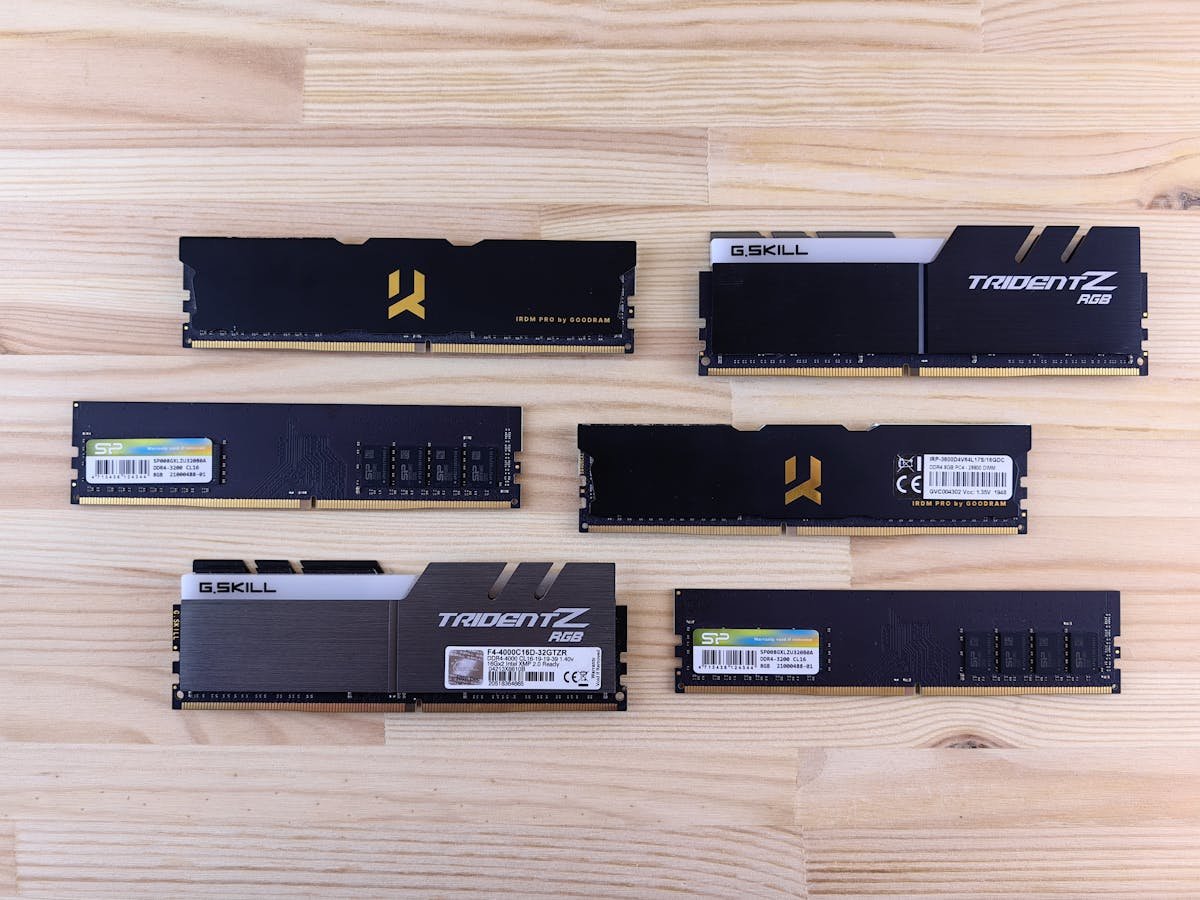
ASUS VivoBook and TUF Gaming models typically offer 1 SO-DIMM slot plus soldered RAM. ZenBook models increasingly use soldered LPDDR5. ROG gaming laptops usually provide 2 SO-DIMM slots for maximum upgradeability.
Recommended Modules
For DDR5 models: Crucial DDR5-4800 16GB SO-DIMM. For DDR4 models: Kingston Fury Impact DDR4-3200 16GB. For ROG gaming laptops: Corsair Vengeance DDR5-4800 32GB (2x16GB) kit.
| Module | For | Buy |
|---|---|---|
| Crucial DDR5-4800 16GB | VivoBook/TUF 2023+ | Check Price |
Frequently Asked Questions
Can I upgrade ASUS ZenBook RAM?
Most recent ZenBook models use soldered LPDDR5 that cannot be upgraded. Check your specific model.
Related ASUS Upgrade Guides
- ASUS ProArt StudioBook 16 OLED (2023) RAM & SSD Upgrade Guide (2023)
- ASUS ProArt StudioBook 16 OLED (2024) RAM & SSD Upgrade Guide (2024)
- ASUS ProArt StudioBook 16 OLED (2022) RAM & SSD Upgrade Guide (2022)
- ASUS ExpertBook B9 (2023) RAM & SSD Upgrade Guide (2023)
- ASUS ExpertBook B9 (2022) RAM & SSD Upgrade Guide (2022)
- ASUS Upgrade Guide
Not sure what fits? Use our free Compatibility Checker covering 3,195+ models.
Helpful Guides
Recommended upgrades
As an Amazon Associate we earn from qualifying purchases. Prices & availability shown on Amazon.
For laptops and mini PCs that use DDR5 SO-DIMM
For laptops and mini PCs that use DDR4 SO-DIMM
How we verify this guide
We cross-reference compatibility figures against manufacturer specifications where available, official service manuals, and the standards that govern fit — memory type and speed (DDR4 / DDR5 / LPDDR5), maximum supported capacity and slot count, SSD form factor and interface (M.2 2280, NVMe PCIe vs SATA, keying), and charger wattage and connector (USB-C Power Delivery, GaN). We’re explicit about soldered or non-upgradeable parts, prioritise primary sources over retailer listings, and re-verify the data on a regular cycle. More on our method →